
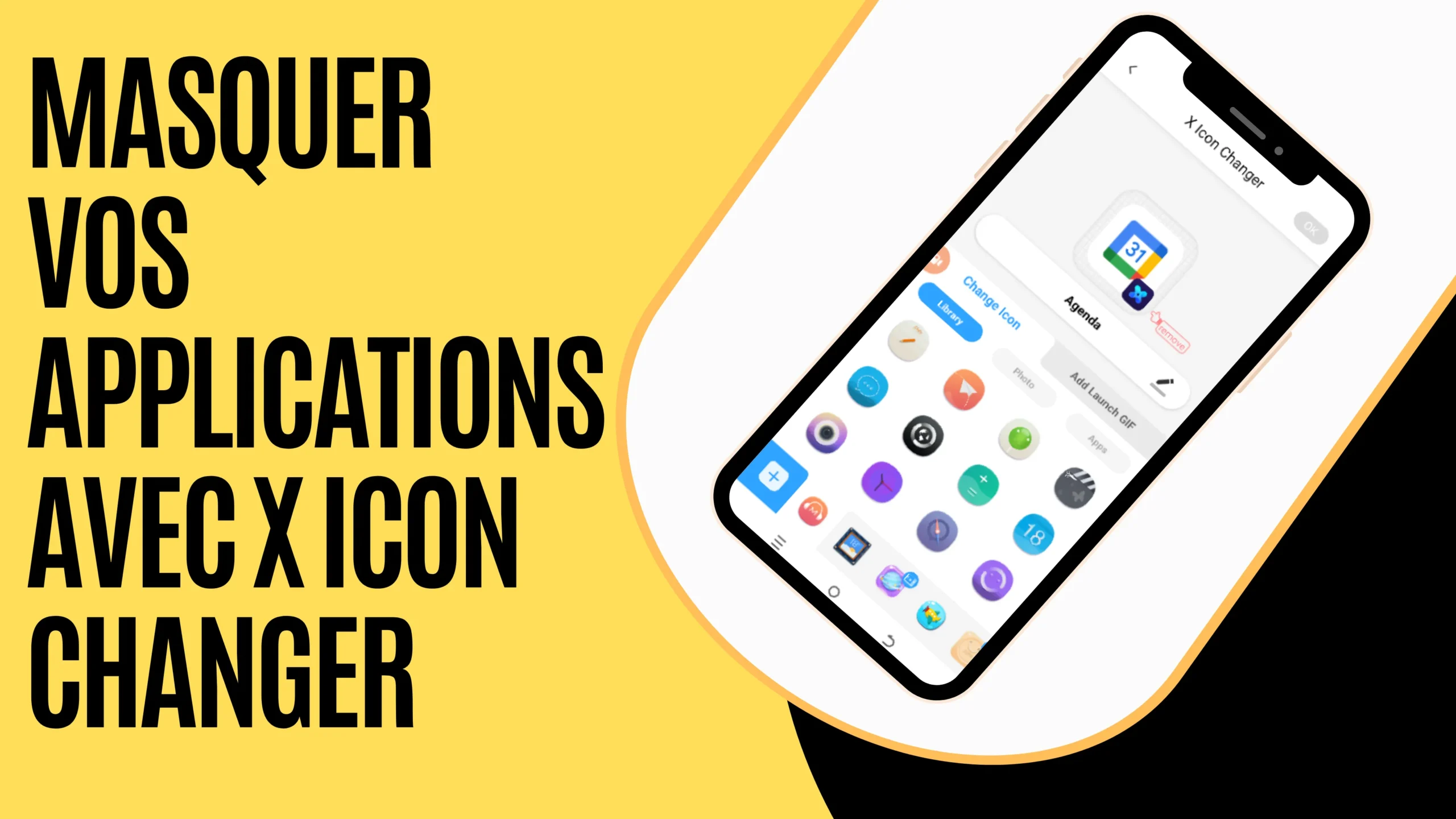
In a world where privacy is essential, hiding apps can be a necessity—whether to protect sensitive information or avoid prying eyes. However, X Icon Changer is the ideal tool to easily customize and hide your apps.
What is X Icon Changer?
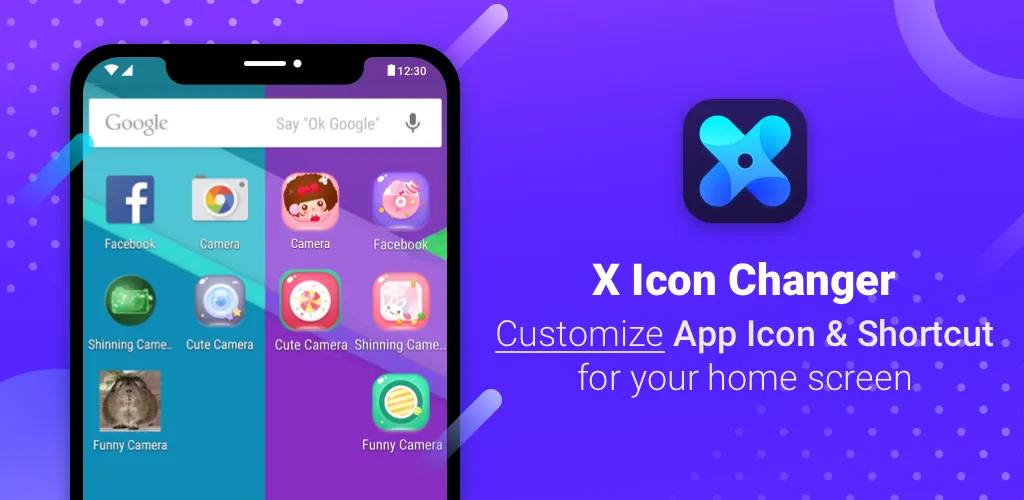
X Icon Changer is an app that allows you to modify your app icons on Android. Its main advantage, however, is the ability to replace both the icon and the name of an app with something completely different, making access less obvious to curious onlookers.
Why hide your apps?
There are several reasons why you might want to hide apps on your phone:
- First, to protect your privacy: prevent access to certain personal applications.
- Next, to avoid snoopers: hide sensitive apps such as messaging, banking, or social media apps.
- Finally, for organization and aesthetics: change icons for a cleaner and more discreet home screen.
How to use X Icon Changer to hide an app?

Follow these simple steps to disguise your apps:
- First, download X Icon Changer from the Google Play Store.
- Then, open the app and select the application you want to hide.
- Next, choose a new icon from the available options or import a custom image.
- Rename the app if needed.
- Finally, confirm the changes and enjoy a discreetly hidden app.
The advantages of X Icon Changer
- Ease of use: intuitive and fast interface.
- Advanced customization: wide selection of icons with the option to import your own images.
- Guaranteed discretion: makes an app unrecognizable.
- No root required: works without complex system modifications.
With X Icon Changer, hiding apps becomes incredibly easy. Whether for privacy or personalization, this app offers a simple and effective solution to control the appearance of your home screen.
Read also:
Unable to receive the SMS code on WhatsApp
Fix emergency calls only issue
05 secret codes to dial on your phone
Share this content: