Laptops
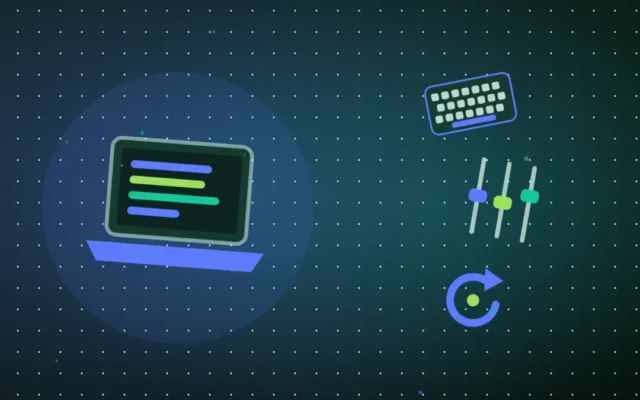
Laptop Keyboard Not Working? Here’s How to Fix It Yourself
A laptop keyboard that stops responding often comes down to a Windows setting. Try these five fixes before you assume a hardware fault.

Wanda-Techs: Tech News, Tips & PC, Mobile Troubleshooting
18 posts
A laptop keyboard that stops responding often comes down to a Windows setting. Try these five fixes before you assume a hardware fault.
Error 0xc0000906 stops Filmora from starting on Windows 10 and 11. Check the antivirus quarantine, reinstall Filmora from the official site and repair Windows with DISM and SFC.
On Windows 11, a silent mic often comes from blocked privacy access or the wrong default microphone. Settings, test, troubleshooter, audio driver and Teams: the fixes, in order.
Your external hard drive no longer shows up in File Explorer or the Finder? Cable, power, drive letter, driver and Disk Utility: the fixes in order, without formatting before you have backed up your data.
System error 5 means a command lacks rights. Open the console as administrator, check the account, then handle network shares and services.
Black screen on startup in Windows 11, with or without a cursor: check the display connection, wake the graphics driver with Windows + Ctrl + Shift + B or restart Explorer. If that fails, use safe mode, uninstall the latest update or run a system restore.
A blue screen on Windows 11 or 10 most often comes from a third-party driver, says Microsoft. Stop code, rollback, Safe Mode, WinRE, sfc, DISM and chkdsk: the fixes in order.