
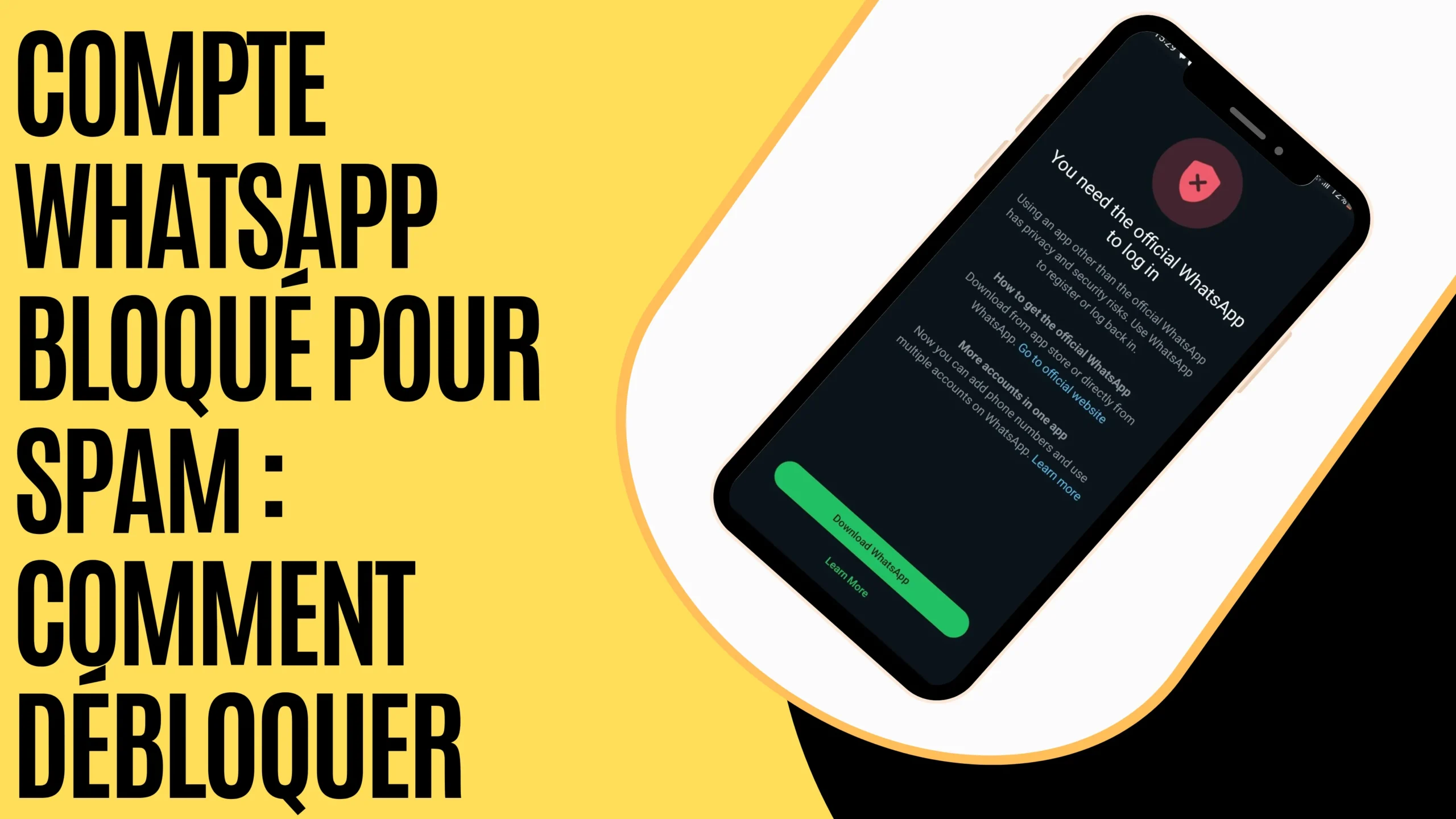
WhatsApp is an essential tool for everyday communication, whether for personal or professional use. However, having your WhatsApp account blocked for spam can be very frustrating. If this happens to you, don’t panic! In this article, we’ll explain why your account was blocked and, most importantly, how to recover it quickly.
I- Why does WhatsApp block an account for spam?

The WhatsApp application enforces strict rules to prevent abuse and ensure a safe user experience. Your WhatsApp account blocked for spam may be due to several reasons:
- Sending a large number of unsolicited messages
If you send many messages in a short period, especially to contacts who have not saved your number, WhatsApp may consider this spam.
- Using unofficial versions
If you are using modified versions of WhatsApp, you risk facing issues.
- User reports
If multiple users report your behavior, WhatsApp may block your account. So be careful about what you send!
- Too many reports
When a large number of people mark your messages as unwanted or abusive, WhatsApp may take action by blocking your account.
- Excessive group creation or additions
Adding many unknown contacts to groups can be seen as suspicious behavior.
- Abuse of broadcast features
If you frequently use the broadcast feature to send the same message to multiple contacts, WhatsApp may restrict your account.
II- How to unblock your WhatsApp account?
1- Uninstall and reinstall WhatsApp
If you are using a modified version of WhatsApp, uninstall it immediately and install the official app from the Google Play Store or the App Store.
2- Contact WhatsApp support
If you believe your account was blocked by mistake, here’s how to contact WhatsApp:
- First, go to the official WhatsApp website by typing whatsapp.com in your browser
- Then, click on the three small lines (menu) to access the Help Center

- Go to the Help Center and click on Contact Us
- Select WhatsApp Messenger support and click on Contact Us

- Fill out the form to submit your account recovery request

- Finally, wait—WhatsApp usually responds within 24 to 48 hours
III- Tips to avoid future blocks
To prevent your account from being blocked again:
- Only use the official version of WhatsApp
- Always get permission from contacts before adding them to groups
- Limit mass additions to groups
- Delete contacts who reported your account: if you know who reported you, removing them may help prevent future issues
- Change your phone number: if your WhatsApp account blocked for spam is permanent, you can try creating a new account with a different number
- Follow WhatsApp’s terms of service: avoid sending unsolicited messages and do not use third-party tools for mass messaging
- Use WhatsApp Business features: if you are a business, use tools like WhatsApp Business to message customers who have opted in
- Do not share fraudulent or suspicious content
A WhatsApp account blocked for spam can be recovered if you follow the right steps. However, act quickly and adopt responsible usage to avoid future blocks. If you’ve experienced this situation before, feel free to share your experience!
Also read:
- Hide locked chats on WhatsApp
- Recover a banned Telegram account
- Unblock a Telegram account blocked due to content filtering
Share this content: