iPhone
iPhone 18 Pro and 18 Pro Max Problems: Every Known Bug, Its Status and the Fix
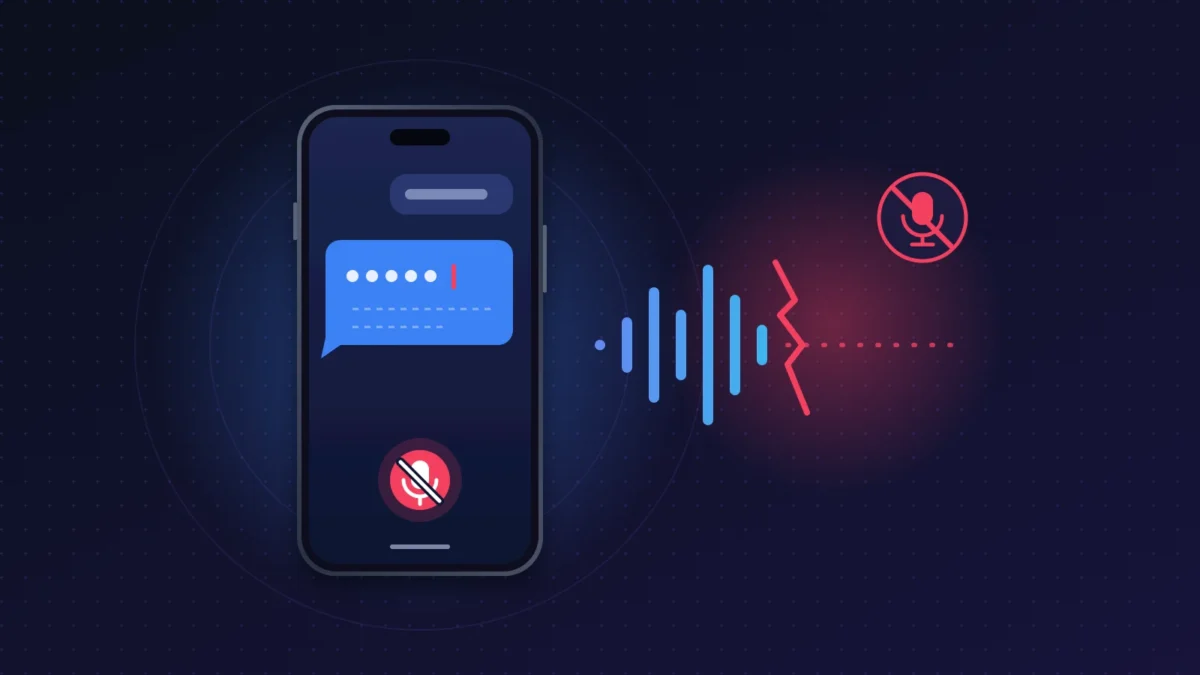
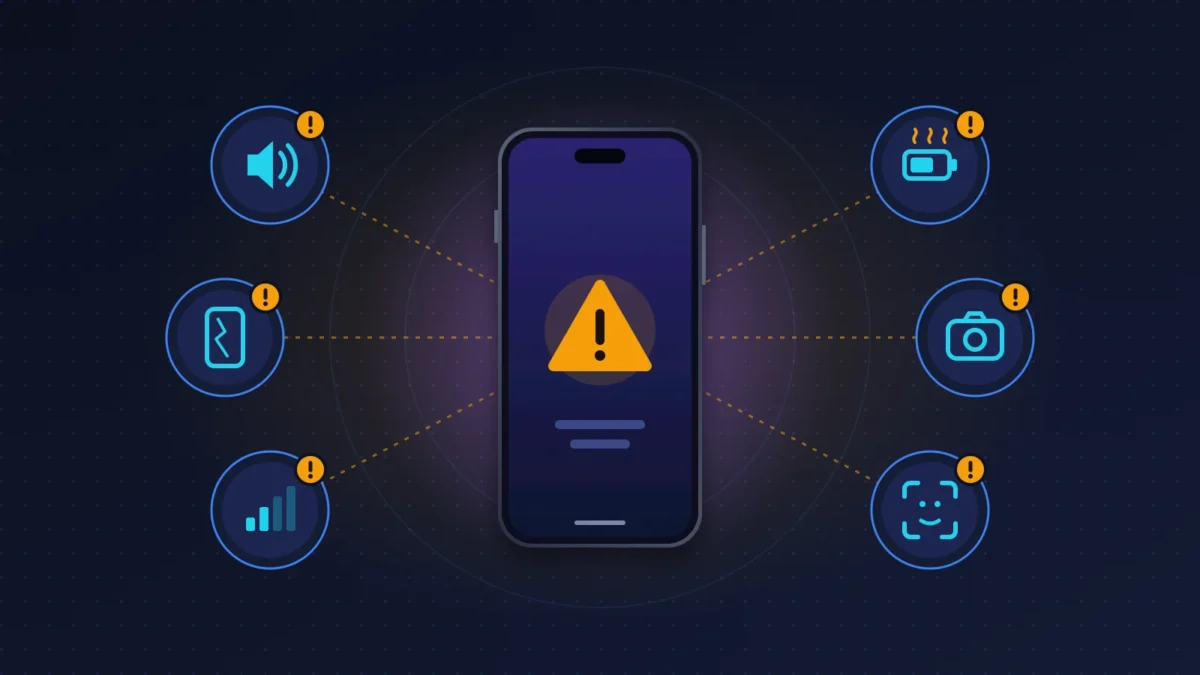
Speaker crackling, SOS, reboots, Face ID, display, battery: every iPhone 18 Pro and Pro Max problem, what iOS 27.0.1 fixes and what to do next.
17 min read

Wanda-Techs: Tech News, Tips & PC, Mobile Troubleshooting
107 posts
A bug, an error, a feature that stopped working? The most common causes and their fixes, step by step.
 iPhone 18 Pro Face ID not working: why it happens and how to fix it
 iPhone 18 AirPlay Crash: Why Apps Close When You Stream to Apple TV and How to Work Around It
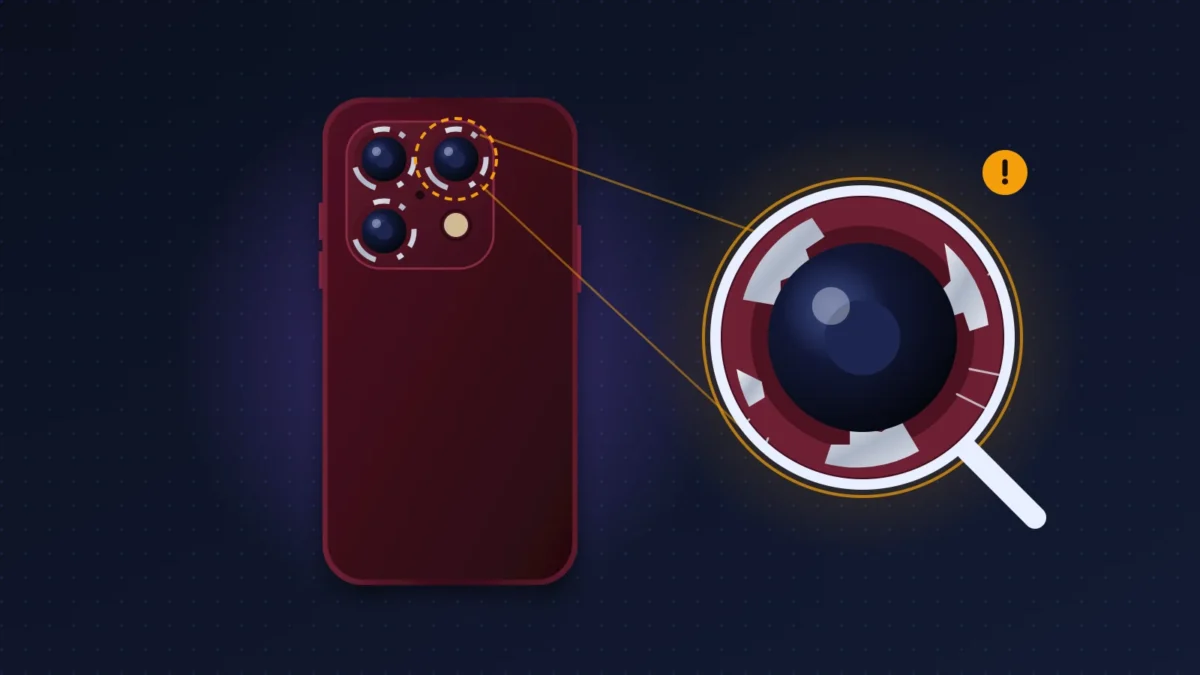
 iPhone 18 Pro Blurry Photos or Camera Won’t Focus: What Causes It and How to Fix It
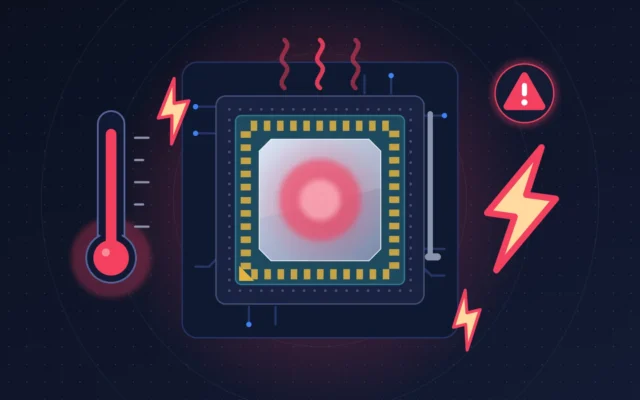
 iPhone 18 Pro overheating and battery drain on iOS 27: normal or not?
Flicker, flashes or brief black screens after an NVIDIA GeForce driver update? Here is how to diagnose it and the settings that make it stop.
Crashes, WHEA errors, "Out of video memory": how to diagnose Intel 13th and 14th Gen instability, set up the BIOS correctly and claim the warranty.
iPhone screen stuck in portrait: turn off Portrait Orientation Lock in Control Center, then check that the app supports horizontal mode. The guide also covers the Level sensor test, the forced restart, the iOS update and AssistiveTouch.
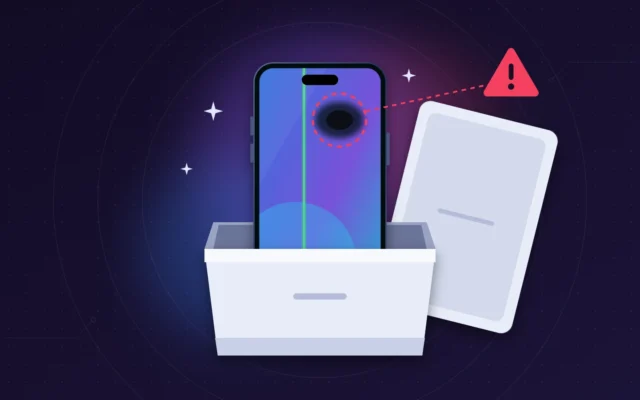
Spot, dead pixel or dark area near the Dynamic Island on a new iPhone 18 Pro Max? How to confirm a real screen defect and get a replacement.
iPhone 18 Pro keeps restarting, black screen then Apple logo? What iOS 27.0.1 fixes, how to read panic-full logs and when to ask for a replacement.
Microsoft Teams not opening? White screen, endless loading, no window: the fixes in order, from clearing the cache to a clean reinstall.
Exchange Online Server Busy error delaying external email? Read the 451 4.7.500 code, find the cause and fix mail flow with the right connector.