
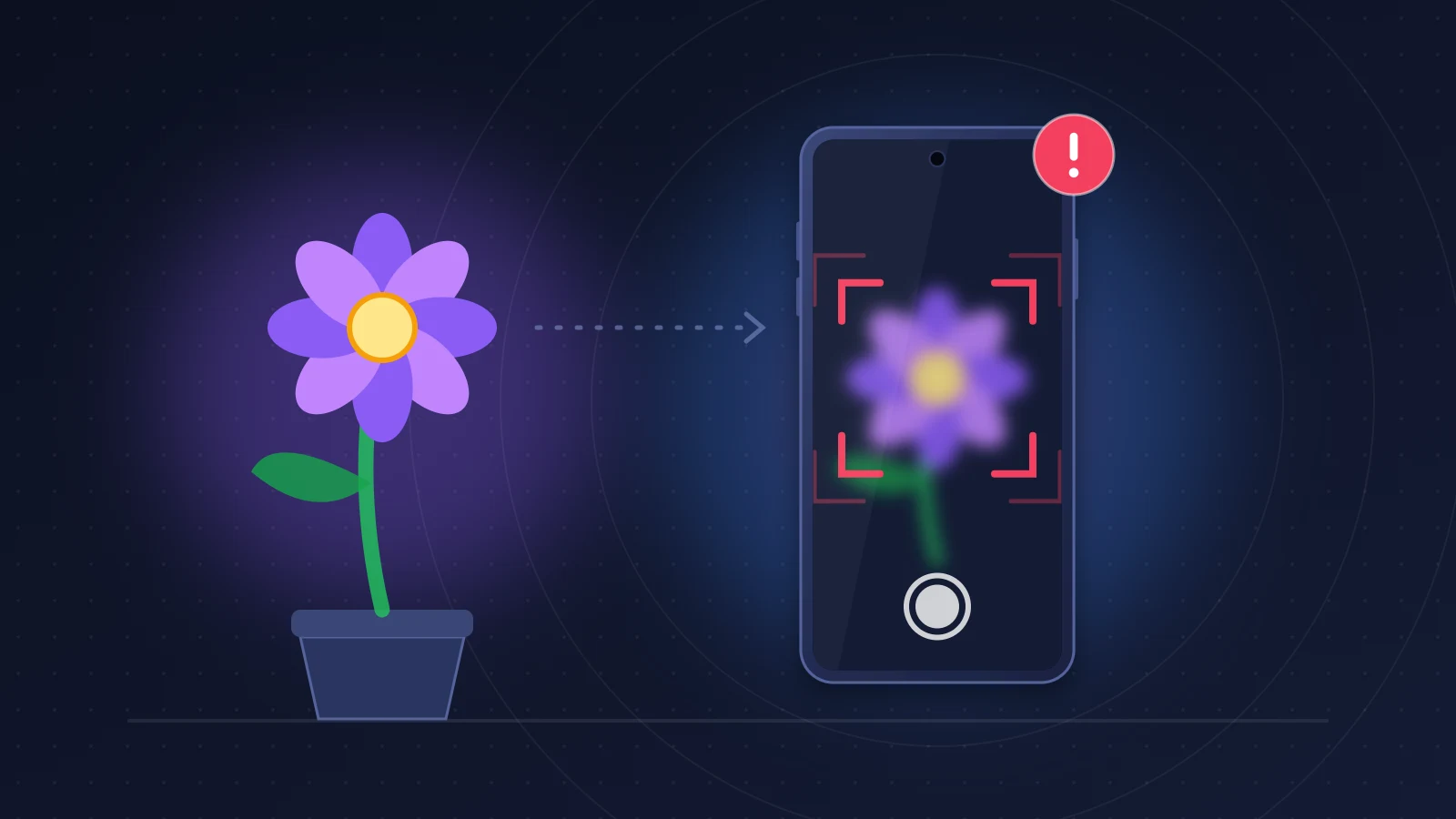
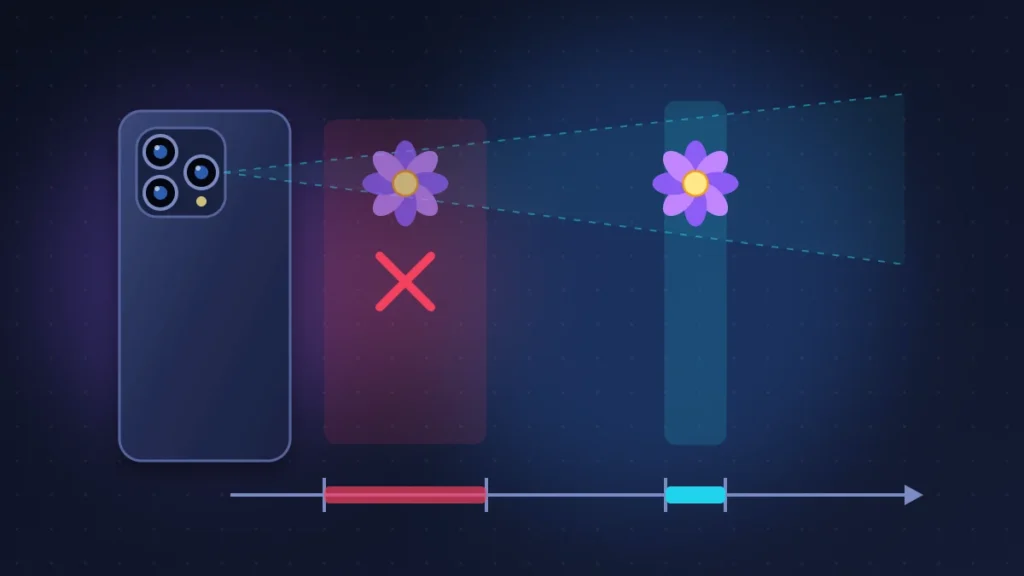
iPhone 18 Pro blurry photos usually come from a physical limit of the main sensor, not from a fault. The wide camera can’t focus closer than roughly 17 to 18 cm (about 7 inches), so the iPhone has to switch to the ultra wide camera to shoot macro. If that switch is blocked by the Macro Control setting, or if the widest aperture (f/1.48) shrinks the sharp zone too much, the image looks soft. Stepping back to 20 cm, letting macro kick in or stopping down to f/2.8 or f/4 fixes most cases. A shaky image, focus that keeps “breathing” or blur at every distance points to a badly placed accessory or a hardware defect, and a few tests will tell you which.
Quick fix
- Clean all three lenses with a microfiber cloth and take off the case, the lens protector and any magnetic accessory, then shoot again.
- Move more than 20 cm away from the subject, or let the iPhone switch to macro (flower icon on screen).
- Check in Settings > Camera that Macro Control hasn’t turned off automatic switching.
- For a document or a flat object up close, set the aperture to f/2.8 or f/4.0 (six-dot button in the Camera app, then the aperture control).
- If the photo stays blurry on a distant subject in bright light, or the preview shakes, film the problem and ask Apple for a diagnosis.
How to recognize the problem
Blur comes in several forms, and they don’t all point to the same cause:
- sharp at a distance, blurry as soon as you get within about 20 cm;
- the preview changes framing and look as you move closer, as if another lens were taking over;
- the center of an A4 or letter-size page is sharp, the corners are soft;
- the thumbnail looks blurry, then the photo turns sharp a second later;
- at 4x, the image is soft up close or in low light;
- the preview shakes, or sharpness comes and goes without settling;
- a faint click when you set the phone down.
The first five are almost always normal behavior for the camera module. The last two deserve a closer look.
What’s actually inside the iPhone 18 Pro camera module
According to Apple’s spec sheet, the iPhone 18 Pro and 18 Pro Max share the same rear camera system:
| Lens | Specs confirmed by Apple | What it means for you |
|---|---|---|
| 48MP Fusion main (1x, 24 mm) | variable aperture f/1.48, f/1.8, f/2.8, f/4.0; second-generation sensor-shift stabilization; focus pixels across 100% of the sensor | can’t focus very close; f/1.48 gives a very thin sharp zone |
| 2x mode (48 mm) | 12MP crop of the main sensor | follows the aperture chosen at 1x |
| 48MP Fusion ultra wide (0.5x, 13 mm) | f/2.2, 120° field of view, Hybrid Focus Pixels, 48MP macro | the one that takes over in macro; no optical stabilization listed |
| 48MP Fusion telephoto (4x, 100 mm) | f/2.8, tetraprism, 3D sensor-shift stabilization | no close-focus capability according to reviews |
| 8x mode (200 mm) | 12MP crop of the telephoto | more sensitive to shake and low light |
Apple doesn’t publish a minimum focus distance. GSMArena, which reviewed the phone, measured 17.5 cm for the main sensor (a 1/1.28-inch unit) and noted that the telephoto has no close focus.
Why the iPhone 18 Pro takes blurry photos
The wide camera can’t focus up close
A large sensor means a longer minimum focus distance. Below it, the autofocus motor hits its end stop. The iPhone then switches to the ultra wide camera, which can focus a few centimeters away, and crops the image to keep the 1x framing: that’s automatic macro. The result has less detail, since it’s a crop from a slower lens, and GSMArena points out that you have to get very close to the subject, at the risk of casting a shadow on it.
If the switch doesn’t happen, because it’s turned off or because you’re hovering right at the 17 to 20 cm limit, you get the classic symptom: sharp far away, blurry up close.
f/1.48 narrows the depth of field
At f/1.48 the aperture is wide open: more light, but a thinner slice of sharpness. On a close object, or a subject that isn’t parallel to the sensor, part of it falls out of focus. A MacRumors forum member saw exactly this on an iPhone 18 Pro Max: with an A4 page filling the frame, the center was sharp and the corners blurry, even in scanning apps, until he forced f/4.0. AppleInsider considers f/1.48 to be right at the edge of losing sharpness with this sensor.
DXOMARK, which gave the iPhone 18 Pro a score of 172, notes that automatic aperture adjustment introduces some focus instability, without going into detail. By default, the camera shoots at f/1.8 and drops to f/1.48 when the light fades.
Image processing and the misleading thumbnail
Every photo is assembled from several frames. The thumbnail shown when you press the shutter is probably a temporary version, replaced by the final image a second later: iPhone 18 Pro Max owners have described this “blurry then sharp” switch on Reddit. Nothing is wrong if the photo looks sharp when you open it in Photos. In low light, GSMArena notes that Night mode rarely triggers and that many shots come out grainy or soft.
Something in front of the lens
Apple’s first suggestion is a case, film, protector or accessory (converter, polarizer, magnifier) covering the lens. An off-center lens protector, a forgotten plastic film or a greasy smudge is enough to cause a milky haze and halos.
Magnets and vibration
Optical image stabilization and closed-loop autofocus track lens position with magnetic sensors. According to Apple, a strong magnet near the camera can reduce their accuracy or temporarily disable them: folio cases, detachable cases, car mounts with a metal plate. The effect stops once the magnet is removed.
Vibration, on the other hand, can leave lasting damage. Apple advises against attaching an iPhone directly to the frame or handlebars of a high-power motorcycle and recommends a vibration-dampening mount even on a scooter or e-scooter, because prolonged exposure can degrade stabilization and autofocus. On MacRumors, one user says he lost telephoto focus on his iPhone 15 Pro after rides with a bike mount.
A hardware defect, less common
That leaves an autofocus or stabilization failure: a lens that never finds focus, a jumping preview, a buzzing sound. Apple hasn’t acknowledged any widespread focus defect on the iPhone 18 Pro. iOS 27.0.1 fixed a related issue: a color artifact at 2x and f/1.48, under certain lighting, on a small number of devices. If it’s the color of your photos or the lens glass that worries you rather than sharpness, our article on iPhone 18 Pro camera discoloration and scratches covers it.
A slight rattle when you gently shake the phone or set it on a table is considered normal by most owners: it comes from the moving parts of the stabilization system. It becomes suspicious if it gets louder, can be heard with the phone still, or comes with shaky images.
Before you start
Update the iPhone first (Settings > General > Software Update): a device still on iOS 27.0 should move to iOS 27.0.1 at the very least. Back up before any restore. Have a tape measure, a printed page and a steady surface ready.
Fix 1: clean the lenses and remove anything touching the module
Wipe the three lenses with a dry microfiber cloth. Remove the case, lens protector, ring or magnetic mount and any third-party MagSafe wallet, then shoot again. Do this first; it carries no risk. If the image is sharp without the case, replace or recenter the accessory.
Fix 2: let macro do its job
Check Macro Control
- Open Settings > Camera.
- Find Macro Control. When it’s on, a flower-shaped button appears as you get close to a subject, letting you turn macro off.
- If you turned it off manually and Settings > Camera > Preserve Settings > Macro Control is enabled, the iPhone remembers that choice from one session to the next.
For close-ups, keep automatic switching on, or tap the flower icon to force macro.
Change your distance
Step back to 25 or 30 cm and switch to 2x: you stay on the main sensor with tight framing and a more natural perspective, at the cost of less magnification.
How to check: the flower icon appears, or the 2x shot at 30 cm is sharp.
Fix 3: stop down the aperture for close subjects
- Open Camera in Photo mode.
- Tap the six-dot button at the bottom right.
- Open the aperture control and choose f/2.8 or f/4.0.
- Tap Auto to go back to automatic aperture afterwards.
Useful for a document, a label or a group of people at different distances. In low light the shutter speed gets longer and camera shake becomes a risk. How to check: the corners of an A4 page become sharp.
Fix 4: reset your camera settings to a clean baseline
In Settings > Camera, go through:
- Photographic Styles: go back to the Standard style;
- Lens Correction: leave it on, it straightens ultra wide distortion;
- Prioritize Faster Shooting: turn it off while testing, since the iPhone may lighten processing during rapid shots;
- Record Video > Lock Camera: prevents switching between lenses while filming, handy to see which module is recording.
Then restart. If needed, Settings > General > Transfer or Reset iPhone > Reset > Reset All Settings puts everything back to default without deleting your photos.
Fix 5: run the diagnostic tests
Test 1: photos at fixed distances
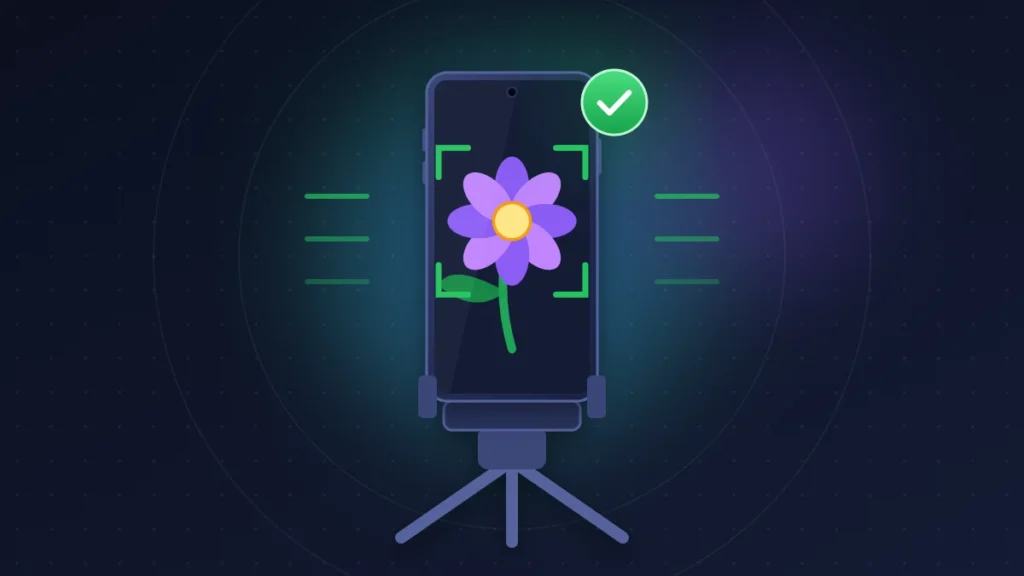
Tape a page of text to the wall. With the phone steady and a 3-second timer, shoot at 10 cm, 20 cm, 50 cm, 2 m, then at a distant subject. At 10 cm the iPhone should switch to macro; from 20 cm, the 1x camera should be sharp. A blurry photo at 2 m in daylight isn’t normal.
Test 2: compare the three lenses
Outdoors, 3 m away, take the same scene at 0.5x, 1x and 4x. If only one lens is blurry, that’s the faulty module. Don’t test 4x up close or in the dark: the iPhone may use a crop from the main sensor instead.
Test 3: ProRAW
Turn on Settings > Camera > Formats > ProRAW & Resolution Control, then the RAW button in the Camera app. Sharp ProRAW and soft HEIF: processing is to blame. Both blurry: the cause is physical.
Test 4: manual focus
The Pro controls in iOS 27 on the iPhone 18 Pro (aperture, shutter speed, white balance, histogram) don’t include manual focus. Install Halide or Blackmagic Camera and focus by hand on a subject 1 m away. Sharp image: the optics work and it’s the autofocus that’s getting it wrong. No sharp position at all: the lens or its mechanism is at fault.
Test 5: film the focus breathing
With the phone resting on a surface, no case and away from any magnet, record 20 seconds of a still object 1 m away. Sharpness that comes and goes, an image that vibrates or a buzzing picked up by the microphone all indicate an autofocus or stabilization defect. Keep the video for Apple support.
If the Camera app crashes or the iPhone restarts when you open it, go to Settings > Privacy & Security > Analytics & Improvements > Analytics Data: a “panic-full” file matching the time of the crash should be reported to support. Our guide to the iPhone 18 Pro restarting on its own explains how to read these files.
Fix 6: restore the iPhone
If the blur appeared after an update with no visible physical damage, back up and then erase via Settings > General > Transfer or Reset iPhone > Erase All Content and Settings. Test the camera before restoring your backup. Still blurry on a clean iPhone: the problem is hardware.
Summary table
| Symptom | Likely cause | What to try |
|---|---|---|
| Blurry closer than 20 cm | wide camera minimum focus distance, macro blocked | turn Macro Control back on, step back, use 2x |
| Sharp center, soft corners up close | f/1.48, shallow depth of field | aperture at f/2.8 or f/4.0 |
| Blurry thumbnail, sharp final photo | processing still running | none, judge the photo in Photos |
| Milky haze, halos | smudge, film, misaligned protector | clean, remove the protector |
| Temporary blur with a case on | magnet near the module | remove the magnetic accessory |
| Soft 4x up close or at night | crop from the main sensor | move back, add light |
| Shaky image, focus breathing | damaged stabilization or autofocus | video of the defect, Apple diagnosis |
| One lens blurry at every distance | hardware defect in the module | repair or replacement |
If nothing works: what to do if it’s hardware
Get a diagnosis
Book an appointment through the Apple Support app. The technician can run Apple Diagnostics, remotely or in store, which test the camera module. Bring your fixed-distance photos, the three-lens comparison and the video of the defect. Mention any use on a motorcycle or bike: better to say so up front than to have the inspection contradict you.
Your rights
If you bought the iPhone from Apple, you can return it within 14 days. If it was faulty out of the box, ask for a replacement rather than a repair. Apple’s one-year limited warranty covers manufacturing defects, and AppleCare+ extends that coverage. On top of these, you have statutory consumer rights that depend on your country and are exercised with the seller: in the UK, the Consumer Rights Act lets you claim against the retailer for a phone that isn’t of satisfactory quality, and Apple’s warranty doesn’t replace those rights. A module damaged by vibration or a drop is likely to be treated as accidental damage, which AppleCare+ covers for a service fee.
In Africa
With no Apple Store in most countries, go through an Apple Authorized Service Provider found via Apple’s support website, and avoid non-genuine modules, which iOS may flag as an unknown part. The iPhone warranty may be limited to the country of purchase: keep your receipt and check your coverage with the serial number on Apple’s Check Coverage website.
How to prevent it from happening again
No rigid mount on a motorcycle; on a scooter, bike or e-scooter, use a mount with a vibration dampener. Choose cases with a wide camera cutout and no magnets near the lenses. Keep a microfiber cloth in your pocket. And for close subjects, use 2x at 30 cm or macro.
Frequently asked questions
Why does my iPhone 18 Pro switch lenses when I get closer?
Below roughly 17 to 18 cm, the main sensor can no longer focus: the iPhone switches to the ultra wide camera, which can shoot macro.
How do I turn off auto macro on the iPhone 18 Pro?
Turn on Settings > Camera > Macro Control, then tap the flower icon in the Camera app to switch macro off. Without macro, very close subjects will stay blurry.
Should I use f/1.48 all the time?
No. Automatic mode, which defaults to f/1.8, suits most scenes. Pick f/2.8 or f/4.0 for a document, a group or a close object.
Is the iPhone 18 Pro camera clicking normal?
A faint click when you shake or set down the phone comes from the stabilization system and is usually normal. A loud or constant noise, or one that comes with shaky images, calls for a diagnosis.
Can a motorcycle mount damage the iPhone 18 Pro camera?
Yes. Apple warns that prolonged high-amplitude vibration, typical of a high-power motorcycle engine, can degrade optical image stabilization and autofocus.
Can a MagSafe case cause blurry photos?
A strong magnet too close to the module can temporarily disrupt stabilization and focus. MagSafe accessories attach to the center of the back, away from the lenses, but a poorly placed third-party mount can interfere.
Does an iOS 27 update fix blurry photos?
iOS 27.0.1 fixed a color artifact at 2x and f/1.48, not a general sharpness problem. Install the latest version anyway before concluding the camera is faulty.
Is the iPhone 18 Pro Max affected too?
Yes, both models have the same rear camera module. Full specs are in our iPhone 18 Pro and iPhone 18 Pro Max spec pages.
Still getting iPhone 18 Pro blurry photos after these settings, or did Apple Diagnostics find something else? Tell us in the comments the distance, the lens you used and what Apple support said: these reports help other readers tell a camera limitation from a real defect. Other problems reported on this model are collected in our roundup of all known iPhone 18 Pro problems and their fixes.
Share this content: