

When you try to log in or create a WhatsApp account, receiving the SMS verification code is a crucial step. However, it sometimes happens that you cannot receive the SMS code on WhatsApp, blocking access to your account. So, what should you do in this frustrating situation? In this article, we explore the main causes of this problem and solutions to resolve it effectively.
Probable reasons why you are not receiving the SMS code on WhatsApp
- Mobile connection issues: A poor network connection can prevent the SMS from being received.
- Phone number error: If the number entered is incorrect or poorly formatted, WhatsApp will not be able to send the code.
- Phone settings: Spam-blocking apps or your phone’s settings may block incoming SMS.
Solutions to resolve the issue of not receiving the SMS code
Method 1: Authorize phone and SMS access for WhatsApp
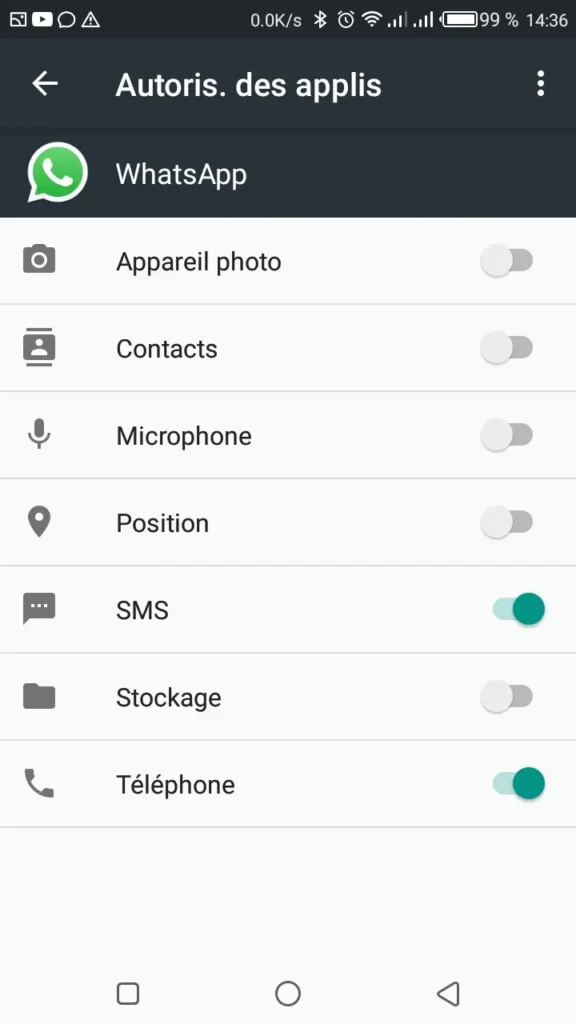
Generally, once you have received the code as an SMS on your phone, WhatsApp detects it automatically. Therefore, you must ensure that WhatsApp has the necessary permissions to access your phone and receive SMS. To do this:
- Open the settings on your handset.
- Open the application list and search for WhatsApp.
- On the app information page, tap Permissions.

4. Ensure that the SMS and Phone apps are in the authorized list. If not, tap each one to select the “Allow” option.
Method 2: Verify the phone number
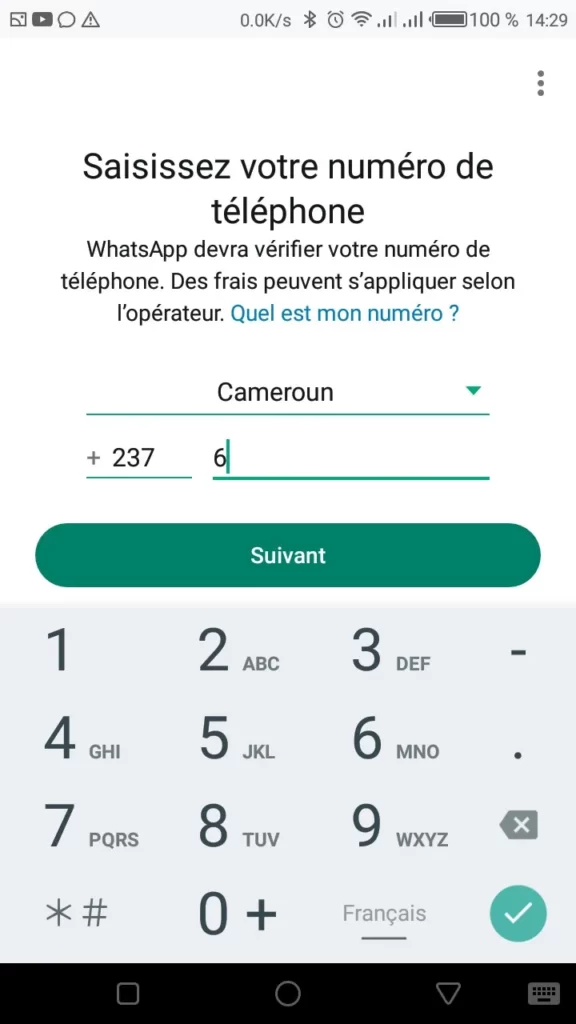
Make sure the number entered is correct and includes the country indicator (also known as the international code). For example, for a French number, use “+33” followed by your number without the first “0”.
Method 3: Test the network connection
You should ensure that the phone is receiving a good mobile network signal. Otherwise, the probability of not receiving the WhatsApp SMS code is very high. If you are in an area with poor reception, move to a location with a better signal.
Method 4: Check blocked messages or Spam
Some smartphones automatically block messages from unknown or short numbers. Therefore, open your phone’s messaging app and look for the Spam tab. This is where the message could be stored. If you find the message containing the WhatsApp verification code, select it and choose an option to move it to your inbox or mark it as “Not spam.” By doing this, all future messages from WhatsApp will be sent to your inbox.
Method 5: Try the voice call option
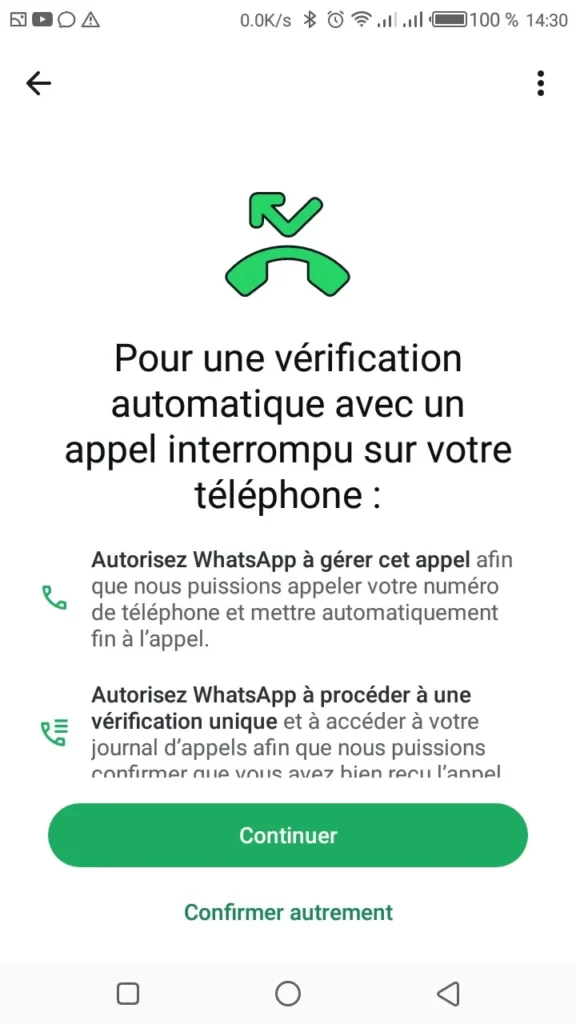
If you still cannot receive the SMS code, WhatsApp offers an alternative: a voice call. By choosing the “Call me” option, WhatsApp will launch an automated call to your phone number and provide you with the code verbally.
Method 6: Delete and Reinstall WhatsApp
Sometimes, reinstalling the app can resolve technical problems, specifically the non-receipt of the SMS code. Make sure to back up your chats before proceeding.
Method 7: Contact WhatsApp Support
If none of the above methods work, it is best to contact WhatsApp support for assistance. They can provide additional advice and resolve the problem from their end.
Not receiving the WhatsApp verification SMS code can be frustrating, but there are several simple solutions to fix this problem. By following the steps suggested above, you should be able to verify your account quickly. If this article was helpful, share your experience or tips in the comments!
Read also:
- How to free up storage space on WhatsApp?
- How to recover your blocked WhatsApp account?
- Change your phone number and instantly inform your contacts.
Share this content: