
Google has just unveiled its September 2026 Android Drop, the quarterly update that brings new features to millions of devices without waiting for a major system release. Five additions are on the menu: item memory through Gemini, a motion-sickness mode, guided visual assistance, Google Keep list sharing inside Messages, and per-chat customisation. Some are already rolling out, others are coming soon. Here is the full rundown.
Gemini remembers where you put your things
This is the most surprising addition in the September Android Drop. You will soon be able to ask Gemini to remember where you stored an important item. The assistant saves that information in Find Hub, Google’s location app.
The feature targets precisely the objects you do not attach a tracker tag to: a passport, a spare key, an administrative document, a backup charger. You simply tell Gemini where the item is, optionally adding a photo. When you need it, you ask Gemini for its location, or check the remembered items tab in Find Hub.
Availability comes with conditions: you need Android 16 or later, and you must be in a country where Gemini and Find Hub are available. Google describes the rollout as coming “soon”, with no firm date.
Motion Assist: fighting motion sickness in the car
The second addition is even more unexpected. Motion Assist tackles motion sickness, which affects passengers who try to read or watch a video on their phone in a moving vehicle.
The principle rests on an established physiological explanation. Motion sickness comes from a sensory conflict: your inner ear registers the vehicle’s acceleration and turns, but your eyes, fixed on a still screen, see no matching movement. The brain receives two contradictory signals, and discomfort sets in.
Motion Assist displays a bubble overlay on top of your screen content. Those bubbles move with the vehicle. Google says it is “designed to bridge the gap between what your eyes see and the movement of your ride”. Your eyes then perceive motion consistent with what your inner ear feels.
The feature can turn on automatically, be added to Quick Settings, and be customised: shape, colour and opacity of the bubbles are all adjustable. One caveat, however: Motion Assist is limited to devices running Android 17.
Guided vision: accessibility as a priority
The third addition, Guided vision, is aimed primarily at people with low vision, but its usefulness extends well beyond that audience. The feature builds on camera sharing in Gemini Live.
In practice, you point your camera at whatever you need to understand: the fine print on a food label, a restaurant menu in a dimly lit room, a household object you want identified. Gemini analyses the image and answers.
The real contribution is the voice guidance. If the framing is off, the assistant tells you out loud how to correct it: step back, pan across the space, centre the object. For someone who cannot see what their lens is capturing, that feedback loop changes everything.
Guided vision can be added to your Accessibility shortcuts, enabled from the TalkBack menu, or turned on in the Gemini app’s settings. Compatibility here is very broad: Android 9 and later, in countries where Gemini is available.
Google Messages: shared lists and personalised chats
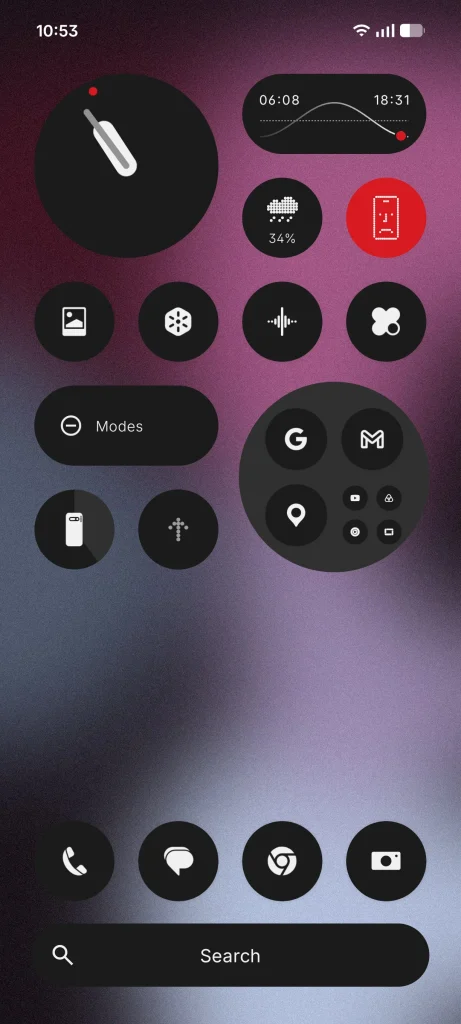
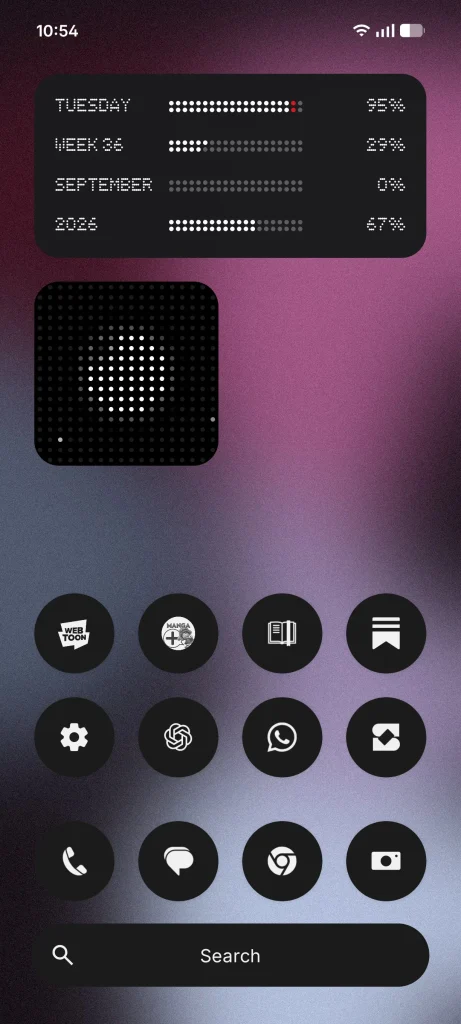
The last two additions concern Google’s messaging app, and both are already rolling out.
The first lets you share and edit a Google Keep list or note directly inside a conversation. Tapping the “+” icon in Google Messages is enough to insert the list. Everyone in the thread can then view it, edit it and add items. The most obvious use case is the shared grocery list, until now condemned to back-and-forth between two apps.
The second addition is purely cosmetic, but it answers a long-standing request. You can now customise each conversation with a different background and colour theme. Pick a wallpaper or a photo, and the bubble colours adjust automatically to stay readable. You can still change those colours manually. This option is available now in Google Messages.
What this changes for you
Android Drops follow a logic Google has refined over several years: deliver features in small batches, through services and apps, without requiring a full system update. Three takeaways from this September delivery.
- Fragmentation remains a barrier. Guided vision covers Android 9 and later, item memory requires Android 16, and Motion Assist demands Android 17. Depending on the age of your phone, you will only get part of this list.
- Gemini is settling into the core of the system. Three of the five features run through the assistant. Google no longer offers artificial intelligence as a separate app, but as the layer through which everyday tasks pass.
- Nothing is instant. Rollouts are gradual and often geographically limited. If you do not see these options appear, wait rather than looking for a workaround.
How to check your phone is up to date
These features arrive through Google Play services and app updates, not through a classic system patch. The useful habit is therefore to keep your apps current in the Play Store, particularly Google Messages, Gemini and Find Hub.
You can also check your Android version in the device settings, under “About phone”. That version determines your eligibility for the most demanding features in this Android Drop.
In short
The September 2026 Android Drop brings five features: item memory through Gemini in Find Hub, Motion Assist against motion sickness on Android 17, Guided vision for visual accessibility, Google Keep list sharing in Messages, and per-chat customisation. A modest set on paper, but one that touches very concrete daily habits.
Which of these will be most useful to you day to day? Tell us in the comments.
Read also:
- Nvidia: The advantage of moving beyond the GPU with Vera Rubin
- Intel raises $20 billion to finance its AI race
Where to buy at the best price
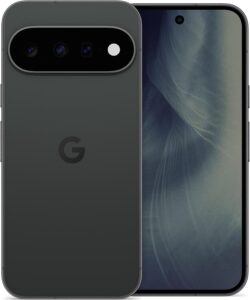
Google Pixel 11 256 Go
Smartphone 5G de Google, écran 6,3 pouces, puce Tensor G6, 256 Go.
- AmazonSee at Amazon
- CdiscountSee at Cdiscount
- FnacSee at Fnac
- DartySee at Darty
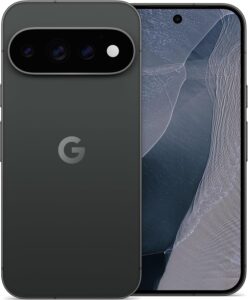
Google Pixel 11 Pro 256 Go
Smartphone 5G de Google, écran 6,3 pouces, puce Tensor G6 et Gemini, 256 Go.
- AmazonSee at Amazon
- CdiscountSee at Cdiscount
- FnacSee at Fnac
- DartySee at Darty
Share this content: