

You’re building a 1440p gaming setup and can’t decide between an OLED display, with its perfect blacks and lightning-fast response times, or an IPS panel, which is more affordable, brighter, and free from burn-in concerns? Both deliver excellent refresh rates, but their image quality and ideal use cases are very different. Here’s a criterion-by-criterion, use-case-by-use-case comparison to help you make the right choice.
At a glance: the comparison table
| Criterion | OLED Display (QD-OLED) | IPS Display (Fast IPS) |
|---|---|---|
| Typical price (27″ 1440p) | Around €649 | Around €229 |
| Contrast / Blacks | Perfect blacks, infinite contrast | Good, but grayish blacks |
| Response time | 0.03 ms (instant pixel transitions) | ~1 ms (very good) |
| Colors / HDR | Stunning colors, True Black HDR | Good colors, limited HDR |
| Refresh rate | 240 Hz (ultra-smooth feel) | 165 to 200 Hz |
| Burn-in risk | Yes (static HUDs, though greatly reduced) | None |
| Best for | Immersion, HDR, competitive gaming | Value, mixed gaming + work |
Image quality: OLED takes the lead
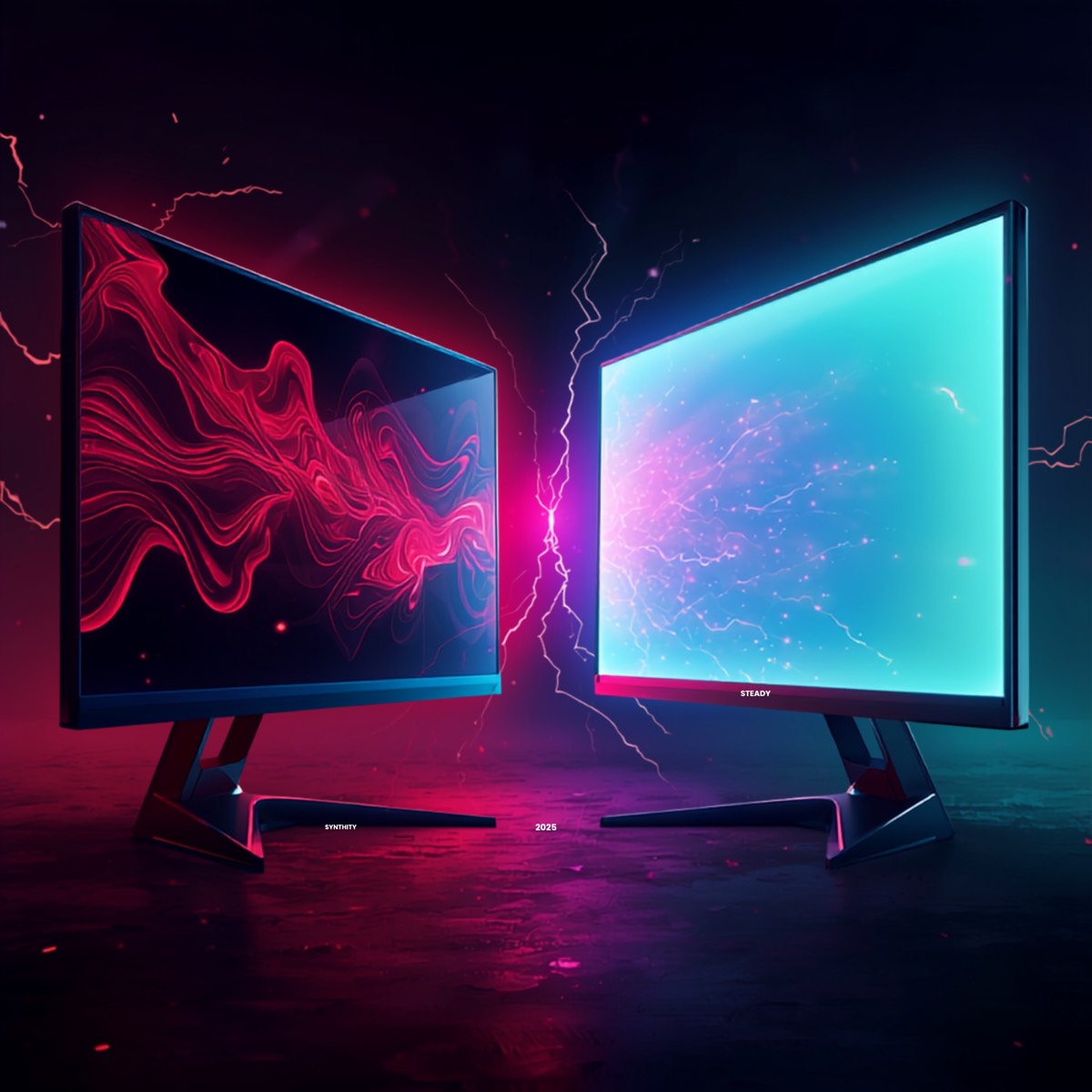
This is OLED’s greatest strength. Every pixel emits its own light, producing perfect blacks, infinite contrast, and incredibly vibrant colors. HDR performance is spectacular thanks to True Black, making games look exceptionally immersive.
IPS panels offer solid color reproduction and wide viewing angles, but their blacks appear gray due to the lack of per-pixel lighting control. If your priority is pure image quality and HDR, OLED is the clear winner.
Response time and motion clarity
OLED also excels in responsiveness. With virtually instant 0.03 ms pixel transitions, a 240 Hz OLED display often feels smoother than an IPS monitor with a similar or even higher refresh rate. Modern Fast IPS panels deliver around 1 ms, which is excellent for nearly every game, but they still exhibit slightly more motion blur than OLED. For competitive gaming and maximum motion clarity, OLED comes out on top.
Burn-in: IPS’s biggest advantage
This is OLED’s primary weakness. Burn-in (image retention) may occur if static elements—such as health bars, mini-maps, ammo counters, or the Windows taskbar—remain on screen for extended periods over 12 to 24 months of heavy use. Fortunately, modern OLED monitors include protection technologies such as pixel shifting, refresh cycles, and dedicated burn-in warranties, significantly reducing the risk. However, it still exists. IPS displays, on the other hand, are completely immune to burn-in. You can leave spreadsheets, code editors, or web pages open for hours every day, even for years, without worrying about permanent image retention. If your monitor doubles as a productivity display for office work or programming, IPS provides greater peace of mind.
Brightness and versatility
IPS monitors are often brighter in SDR, making them better suited to brightly lit rooms and mixed gaming/productivity use. OLED shines in HDR content and dimly lit environments, although it may appear slightly less bright in direct daylight. For an all-purpose monitor in a bright room, IPS is generally the better option. For cinematic gaming and movies in a controlled lighting environment, OLED delivers a superior experience.
Price
This is IPS’s strongest selling point. A quality 1440p Fast IPS monitor (165–200 Hz) typically costs around €229, while a 1440p OLED (240 Hz) usually starts around €649. You’re paying a significant premium for OLED’s superior image quality and responsiveness. If you’re on a tight budget or need a display for both work and gaming, IPS offers the best value for money. OLED is worth the investment if you want the ultimate visual experience.
OLED Display — Pros & Cons
Pros
- Perfect blacks, infinite contrast, and spectacular HDR
- 0.03 ms response time with industry-leading motion clarity
- Vibrant colors and maximum immersion
- Ideal for gaming and movies in dimly lit rooms
Cons
- Risk of burn-in with prolonged static content
- Significantly more expensive
- Can appear slightly dimmer in bright daylight
IPS Display — Pros & Cons
Pros
- No burn-in risk (ideal for mixed use and productivity)
- Much more affordable (excellent value for money)
- Typically brighter in SDR
- Good color accuracy and wide viewing angles
Cons
- Grayish blacks and lower contrast
- Slightly slower response time than OLED
- Less impressive HDR performance
Verdict: Which one should you choose?
- Choose an OLED monitor if you want the best possible image quality, breathtaking HDR, and the smoothest gaming experience, especially if your monitor is primarily used for gaming and entertainment in a room where lighting can be controlled.
- Choose an IPS monitor if you’re working with a tighter budget, if your display is also used for office work or programming with static content, or if you simply want to avoid any possibility of burn-in.
In short, OLED is king when it comes to immersion and visual quality, while IPS remains unbeatable for value, versatility, and burn-in-free reliability. Both are excellent choices—it all depends on your budget and how you use your PC.
Conclusion
OLED leads in image quality and responsiveness, while IPS wins on value and versatility. The best 1440p gaming monitor ultimately depends on your budget and how you plan to use it. Which one would you put on your desk? Let us know in the comments, and don’t forget to check out our other hardware comparisons on Wanda-techs.
As an Amazon Associate, Wanda-techs earns a commission on qualifying purchases. This does not affect our independent analysis or the price you pay.
Share this content: