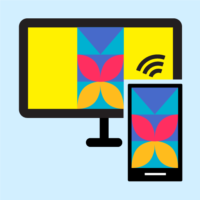
Screen Cast is an Android app from Deskshare Inc. It mirrors a phone or tablet screen to the web browser of another device, whether that’s a laptop, a smart TV or a second phone. No dongle, no cable and no software needed on the receiving end.
What Screen Cast is for
You start a broadcast on the phone, the app gives you a link, and anyone who opens it in Chrome, Safari, Edge, Firefox or another current browser sees your screen. Two modes are free: your local Wi-Fi network, and the phone’s own hotspot for places without Wi-Fi. A subscription adds broadcasting over the internet, password protection and remote control of the phone from the browser with a keyboard and mouse. That last feature relies on Android’s accessibility permission. Audio isn’t captured, so sound stays on the phone.
Who is it for?
It suits teachers showing an app to a whole class, people presenting a mobile demo in a meeting, or a family gathered around the TV to look at holiday photos. The paid tier is mainly aimed at remote help, such as sorting out a relative’s phone settings from another city.
Download Screen Cast safely
Screen Cast is Android-only and available on Google Play, where Deskshare Inc is listed as the developer. Viewers only need a browser. Because the remote control feature gives broad access to the phone, avoid APK copies from other websites and stick to the official listing.