
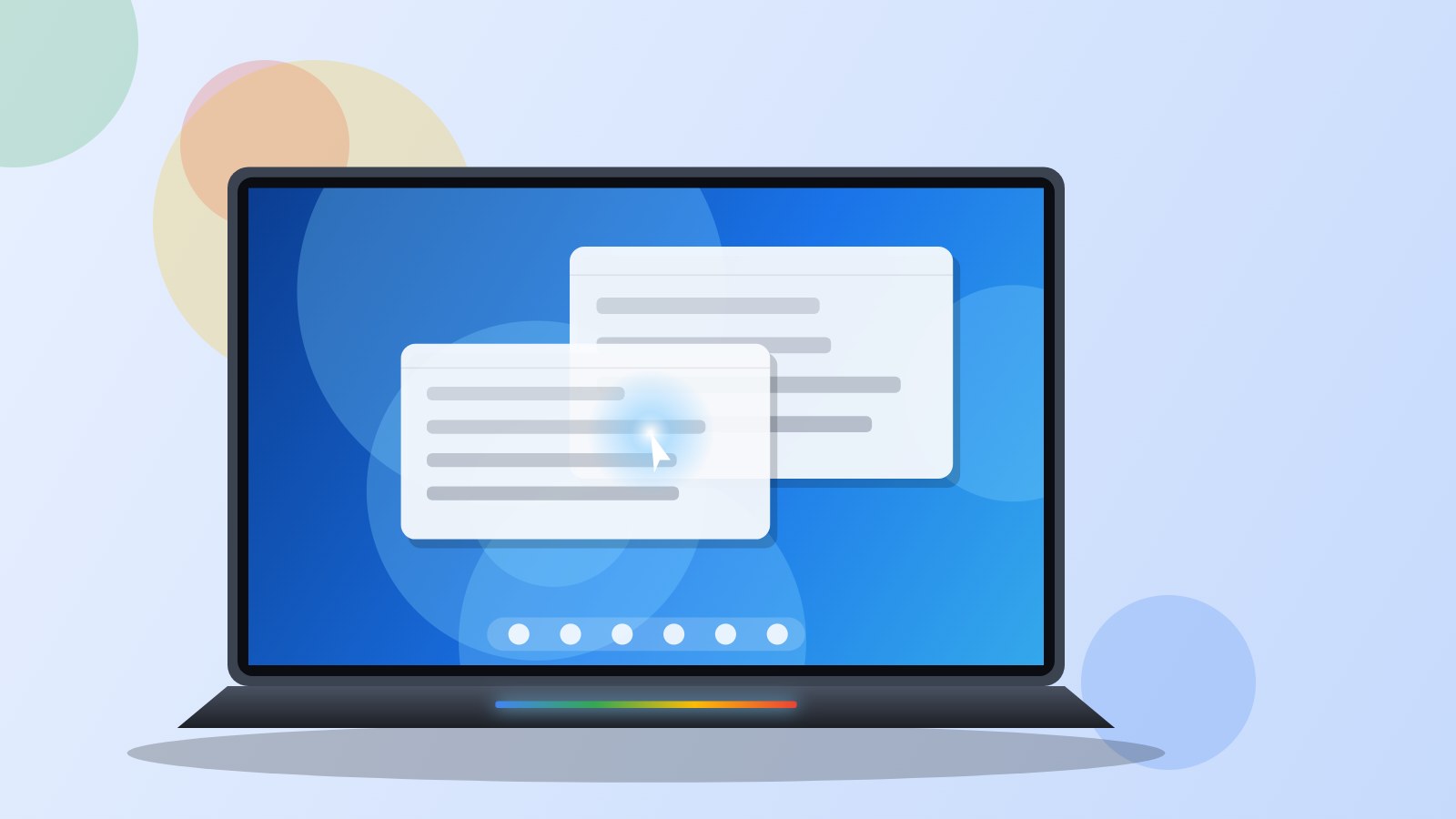
Googlebook OS is the operating system Google installs on its new family of laptops, the Googlebooks, on sale in France since 5 October 2026. It is neither a ChromeOS update nor plain Android dropped onto a PC: Google took the Android technical base, grafted on the Chrome browser inherited from ChromeOS, and placed its Gemini assistant at the heart of the interface.
The system circulated for a long time under the codename Aluminium OS. It clearly aims higher than Chromebooks: the laptops that run it cost at least €1,099 (about 721,000 FCFA) and go head to head with Windows PCs and MacBooks. Here is what it can do, what it cannot do yet, and who it might suit.
Verdict in 30 seconds
Googlebook OS is the most coherent system Google has ever put on a laptop: Android apps finally at home on a big screen, Gemini available everywhere and very deep integration with recent Android phones. It is still young, expensive to buy into, and runs no Windows software at all.
For whom Owners of a recent Android phone who live in Chrome, Google Workspace and mobile apps, and want a light laptop that lasts the day.
Avoid if You rely on Windows software, PC games, a business tool with no web or Android version, or you use an iPhone.
We like
- Android apps adapted to keyboard, mouse and landscape screens
- Magic Pointer: Gemini on anything on screen
- Very deep continuity with an Android 17 phone
- Isolated Linux environment for development
- Up to 10 years of updates announced
We like less
- No Windows software (.exe), not even through official emulation
- Almost all AI features depend on the cloud
- Laptops start at €1,099
- Create My Widget not available in France at launch
- Google AI Pro subscription becomes paid after one year
Googlebook OS specifications
| Éditeur | |
|---|---|
| Base technique | Pile logicielle Android (Android 17) et navigateur Chrome issu de ChromeOS |
| Sortie en France | 5 octobre 2026 (annonce en mai 2026) |
| Ordinateurs | Googlebook d'Acer, Asus, HP et Lenovo en France (Dell aux États-Unis) |
| Processeurs | Intel Core Ultra Series 3 ou Qualcomm Snapdragon X Elite |
| Applications | Google Play (Android), Chrome et ses extensions, Linux (Debian) en machine virtuelle |
| Logiciels Windows | Non pris en charge (.exe impossibles) |
| Intelligence artificielle | Gemini : Magic Pointer, Rambler, Gemini Live, Gemini Spark |
| Continuité avec le téléphone | Android 17 requis : Cast My Apps, accès aux fichiers du téléphone, transfert des mots de passe et du Wi-Fi |
| Sécurité | Puce Titan C, hyperviseur pKVM, détection locale des logiciels malveillants |
| Mises à jour | Jusqu'à 10 ans selon le modèle |
| Offre de lancement | 12 mois de Google AI Pro avec 5 To de stockage |
| Launch price | Inclus avec les Googlebook (dès 1 099 €) |
What exactly is Googlebook OS?
Googlebook OS is built on the Android 17 software stack. That is what gives it the Google Play Store and lets it run Android apps just as a phone or tablet would. On top of that, Google added the desktop Chrome from ChromeOS, with its extensions, tabs and installable web apps.
The result looks like a classic desktop system: a file manager, resizable windows, an app bar at the bottom of the screen and keyboard shortcuts. The difference lies in how Gemini shows up everywhere, and in the link with Android phones.
Chromebooks are not going away. Google keeps updating them and they remain the entry-level range, often under €500. Googlebooks sit a notch above, in premium laptop territory.
Which laptops run it in France
Four Googlebooks are on sale in France at launch, all with a 2.8K OLED touchscreen. Dell also sells an XPS Googlebook in the United States, but it is not planned for France for now.
- HP Googlebook 14: Snapdragon X Elite, 16GB of memory, 512GB, 1.24 kg, up to 19 hours of claimed battery life. €1,099.99 at Fnac (about 721,500 FCFA).
- Acer Googlebook 14: convertible design (the screen folds back), Intel Core Ultra 5, 16GB, 512GB, 1.14 kg. €1,199.99 (about 787,000 FCFA).
- Lenovo Googlebook 15: the largest, with a 15.3-inch screen, Intel Core Ultra 5, 16GB, 256GB, 1.29 kg. €1,349.99 (about 885,500 FCFA).
- Asus Googlebook 14 (CX9): the lightest at 0.99 kg, Intel Core Ultra 5, 16GB, 512GB. €1,399.99 (about 918,300 FCFA), and €1,599.99 with a Core Ultra 7.
All of them share a Titan C security chip, a backlit keyboard and the Glowbar, a thin light strip that shows the charge level and lights up when Gemini answers. Claimed battery figures come from web browsing under controlled conditions: expect less in real use.
Gemini everywhere: Magic Pointer, Rambler and the rest
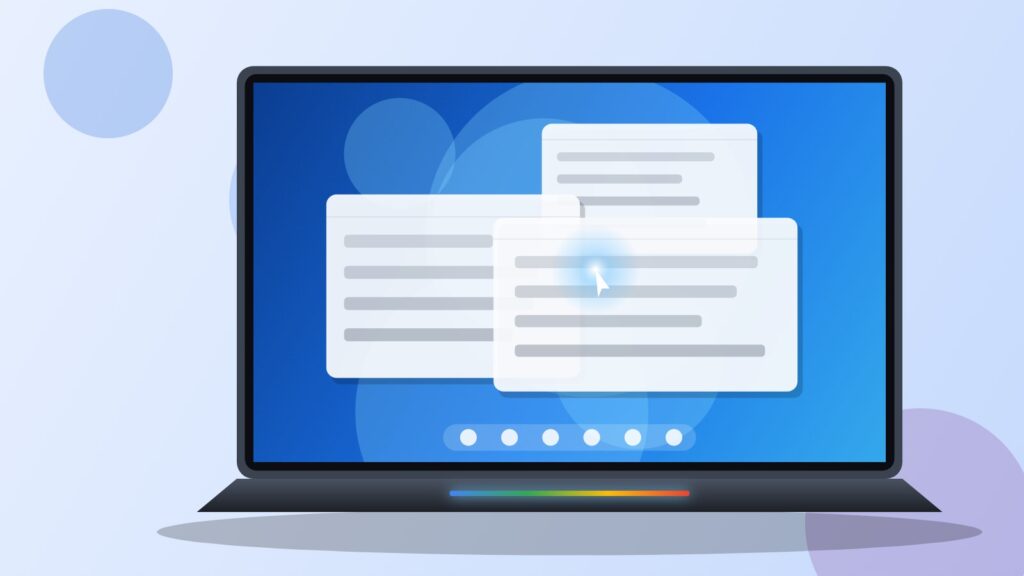
The most visible feature is called Magic Pointer. You give the cursor a little wiggle over something (a date in an email, a photo, a paragraph) and Gemini suggests related actions: create the calendar event, translate the text, check whether a message is a scam, merge two images. There is no window to open and no text to copy and paste. Google says the tool stays off until you call it.
Rambler, already seen on the Pixel 11, turns hesitant dictation into clean text: it removes repetitions, puts action items into a list and lets you switch language mid-sentence. Gemini Live lets you talk to the assistant out loud, and Gemini Spark can keep working on a long task while the laptop is closed.
Create My Widget, which builds a desktop widget from a simple request, is not available in France at launch. One more thing to keep in mind: almost all of these features go through Google’s servers. Without a connection, only a few local uses remain, such as image descriptions.
Apps: what works and what doesn’t
This is the question everyone asks before buying. The answer depends entirely on the software you use.
What works
- Android apps from the Play Store, now adapted to landscape screens, keyboards and mice. Netflix, CapCut, Photoshop, Lightroom and Premiere have versions designed for these laptops.
- Chrome with its extensions and every web app: Google Docs, Microsoft 365 online, Notion, Canva, Slack.
- A Linux environment (Debian) running in an isolated virtual machine. It lets you install development tools, a code editor or command-line utilities.
- Play Store games, with a feature that maps keyboard keys to touch controls.
What doesn’t
- No Windows software. An .exe file will not open, and Google has announced no official compatibility layer. If your work depends on Windows software with no web, Android or Linux version, a Googlebook is not for you.
- Microsoft Office runs through the web version or the Android apps. Complex macros and Excel add-ins need testing before you buy.
- PC games. There is no native Steam. Google promotes GeForce NOW cloud gaming, but NVIDIA still describes support as coming.
- Some Android apps remain phone apps, poorly suited to a large screen.
- On Intel models (Acer, Asus, Lenovo), some Android apps and games built for the Arm chips in phones may not run well until their developer updates them. The Snapdragon-based HP Googlebook 14 is less exposed.
The link with your Android phone
This is where Googlebook OS stands out most. During first setup, a phone running Android 17 transfers Wi-Fi networks, saved passwords and messages. After that, Quick Access shows the phone’s files directly in the laptop’s file manager, without copying them.
Cast My Apps goes further: it opens a phone app in a Googlebook window without installing it on the laptop. You can order food or do your language lesson from the laptop. You need the same Google account, the same Wi-Fi network and Bluetooth turned on, and some sensitive apps, such as banking apps, may be excluded.
With an iPhone, most of these features disappear. A Googlebook remains usable, but it loses a good part of its appeal.
Security and updates
Every Googlebook includes the Titan C chip, which checks the system’s integrity at startup. The Linux environment runs in a separate hypervisor (pKVM), and the system scans apps locally for malware.
Google promises up to 10 years of updates. The words “up to” matter: the exact duration varies by model and is listed on each laptop’s support page. Check it before buying, especially if you plan to keep the machine for a long time.
The real price: the laptop and the subscription
The system is free, but it only exists on laptops costing at least €1,099. At that price, a Googlebook competes with the MacBook Neo and with good Windows PCs built on Snapdragon or Intel chips.
Every purchase includes 12 months of Google AI Pro, with 5TB of cloud storage and higher Gemini usage limits. After a year, the subscription renews at €21.99 a month (about 14,400 FCFA), close to €264 a year, unless you cancel it. Basic Gemini features remain available without a subscription, with tighter limits. Make a note of when the offer ends.
What is still to come
Googlebook OS is only a few weeks old. Several features are arriving in stages: Create My Widget in France, GeForce NOW, the rest of Premiere’s tools. Full lab tests, especially of real battery life, are only just starting. If you are not in a hurry, waiting for the first updates and the first discounts is a reasonable option.
Who is Googlebook OS for?
It suits an Android user who spends the day in Chrome, Gmail, Google Docs and mobile apps, and wants a light, quiet laptop with a great screen. Students who work mostly online and web developers who are happy with Linux will also find what they need.
It is a poor fit for people who use Windows software, PC gamers, iPhone owners and companies with specific business tools. For them, a Windows PC or a Mac remains the safer choice.
Still undecided? Our comparisons Googlebook OS vs Windows 11 and Googlebook OS vs macOS 27 settle it according to your profile.
Where to buy a Googlebook at the best price
- HP Googlebook 14 (Snapdragon X Elite, 16 Go, 512 Go)Fnac1,099.99 €See at Fnac
- Acer Googlebook 14 (Core Ultra 5, 16 Go, 512 Go)Fnac1,199.99 €See at Fnac
- Lenovo Googlebook 15 (Core Ultra 5, 16 Go, 256 Go)Fnac1,349.99 €See at Fnac
- Asus Googlebook 14 CX9 (Core Ultra 5, 16 Go, 512 Go)Fnac1,399.99 €See at Fnac
Prices checked on October 10, 2026. Prices and availability may change.
Frequently asked questions about Googlebook OS
Is Googlebook OS the same as ChromeOS?
No. Googlebook OS is based on Android and reuses the Chrome browser from ChromeOS. Chromebooks stay on ChromeOS and keep receiving updates.
Can I install Googlebook OS on an existing PC or Chromebook?
No. Google only offers it preinstalled on Googlebooks from Acer, Asus, Dell, HP and Lenovo.
Can I use Microsoft Word and Excel on a Googlebook?
Yes, through the web version or the Microsoft 365 Android apps. Advanced features of the Windows version, such as some macros, are not guaranteed.
Do I need an Android phone to use a Googlebook?
No, but continuity features (Cast My Apps, phone files, setup transfer) require a phone running Android 17. With an iPhone, these features are not available.
How long will a Googlebook receive updates?
Up to 10 years according to Google, with a specific duration for each model, listed on its support page.
Prices checked at Fnac on 10 October 2026. They may change: check the price shown by the retailer before you buy.
Share this content: