Android 17 QPR2 Beta 3: App Lock, SIM Security and Customization Arrive on Pixel
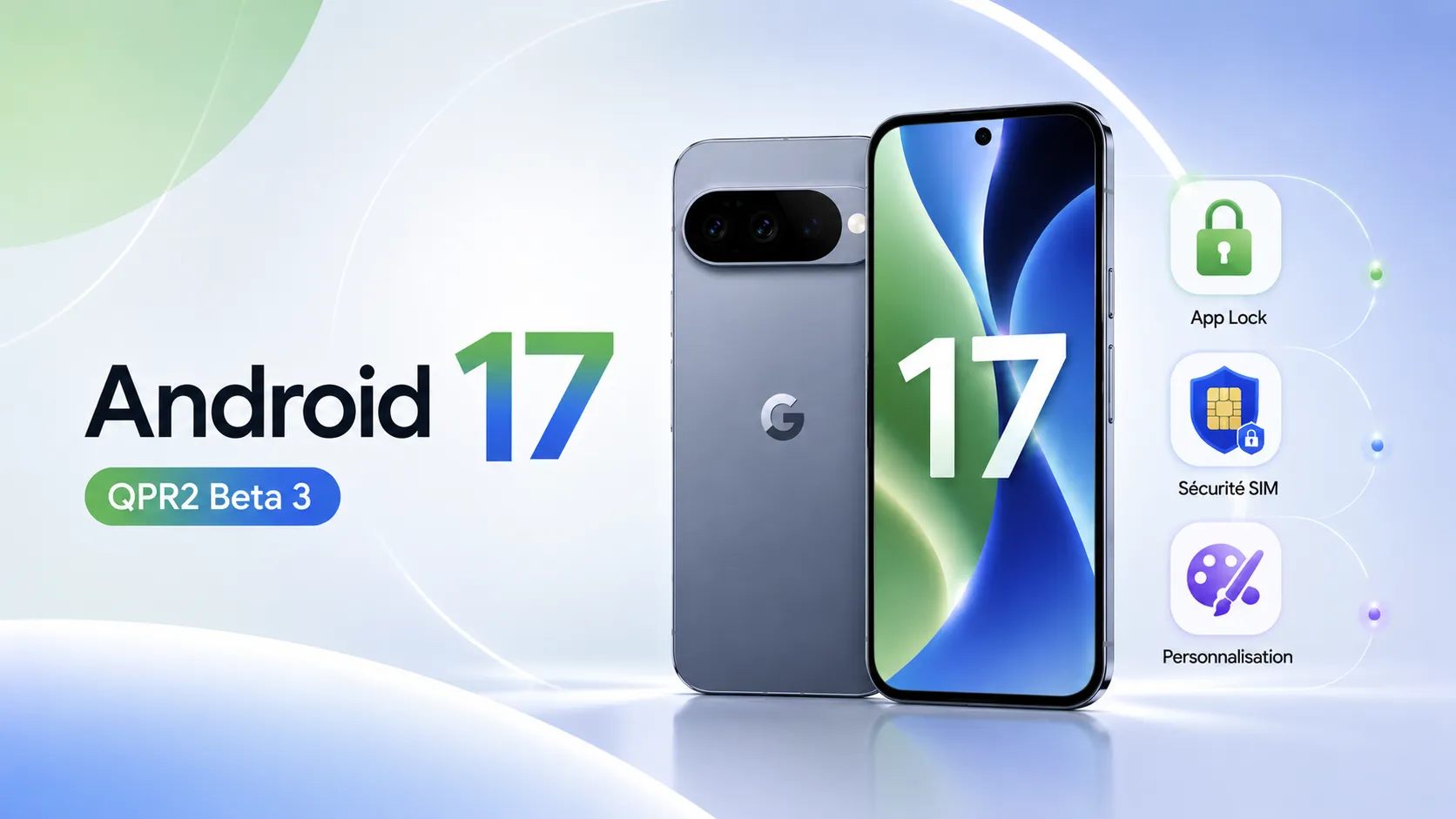
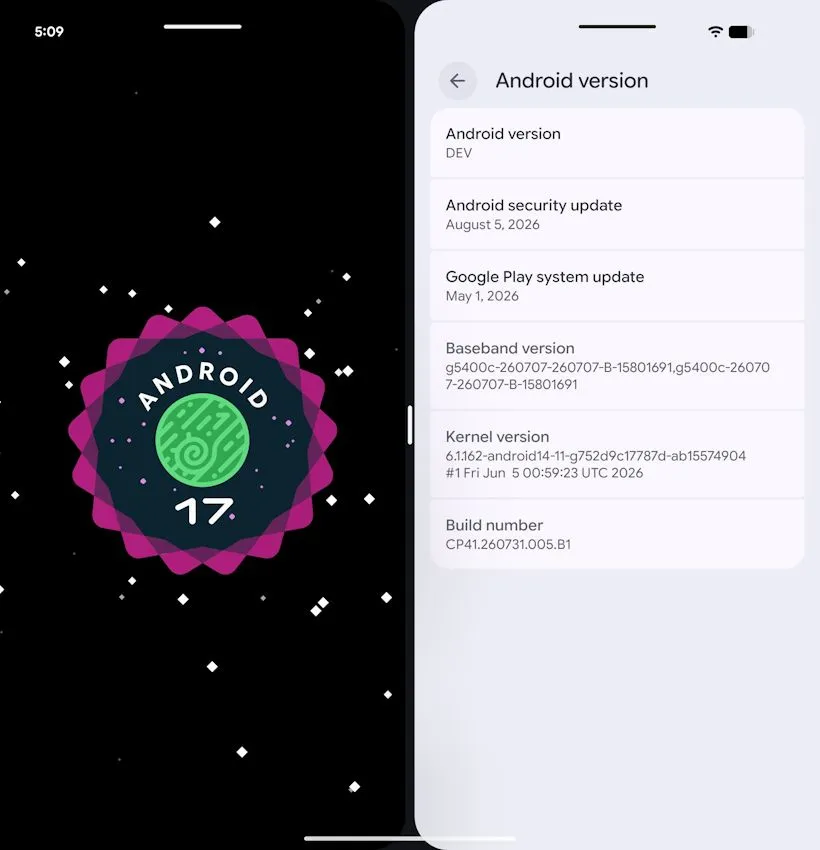
Android 17 QPR2 Beta 3 has been available since 14 August 2026 for Pixel smartphones, and this beta is far more substantial than expected. Google finally adds a native app lock called App Lock, a brand-new dashboard dedicated to mobile connection security, protections against call-forwarding fraud, and a healthy dose of new customization options. Here is what this update actually changes.
App Lock: locking an app with your fingerprint, natively at last
This is the headline addition. Until now, locking an individual app on a Pixel meant relying on a manufacturer skin — something Google does not offer — or a third-party app of variable reliability. App Lock fills that gap.
It works simply: long-press an app icon, then select “App lock” from the shortcuts menu. From then on, opening the app requires a fingerprint or PIN check.
What matters is what the system protects beyond the launch itself:
- notifications from locked apps stay hidden on the lockscreen;
- widgets and shortcuts tied to those apps are concealed too;
- above all, an attacker who has already bypassed the lockscreen cannot open a protected app without separately clearing the biometric or PIN prompt.
That last point deserves emphasis. Most third-party solutions simply draw an overlay on top of the app, which various tricks can bypass. Here the protection is built into the system, which changes the nature of the guarantee. In practice, handing someone your unlocked phone to show a photo becomes far less risky.
Mobile network security: a dashboard for your SIM
The second major push in Android 17 QPR2 Beta 3 concerns cellular connection security, an area that has long been opaque to users.
Google introduces a SIM security timeline, which stores and displays a record of threats detected by the phone’s modem. Alongside it comes a dedicated information screen detailing the encryption ciphers actually in use on your current connection for a given SIM.
A word of explanation helps here: an IMSI catcher — often called a “stingray” — is a device that impersonates a legitimate cell tower in order to capture nearby communications. One of its techniques is to force phones onto an older, more weakly encrypted protocol. Until now, users had no way of knowing. With this screen, the downgrade becomes visible.
An analysis of the beta’s code also shows Google is preparing granular notifications, able to warn users about specific types of cellular attack rather than issuing a generic alert.
Call forwarding: Google closes a classic scam entry point
Android 17 QPR2 Beta 3 also tightens the rules around programmatic call forwarding. New restrictions prevent an app from setting up forwarding without explicit user action, and a confirmation dialog now appears when a USSD code is dialled manually.
This targets a well-known scam: a fake bank adviser or fake technician asks you over the phone to dial a sequence starting with a star or hash, presented as a “line test”. That sequence actually forwards your calls — and therefore your phone-based verification codes — to the fraudster’s number. Explicit confirmation breaks the chain.
Customization: Quick Settings, theming and lockscreen
On the interface side, the update is more generous than a late-cycle beta would suggest.
- Quick Settings editor: you can rearrange tiles with six layout options, adjusting panel density to your habits.
- Expanded theming: a hue slider and four color styles enrich the Material You system, which generates the interface palette from your wallpaper.
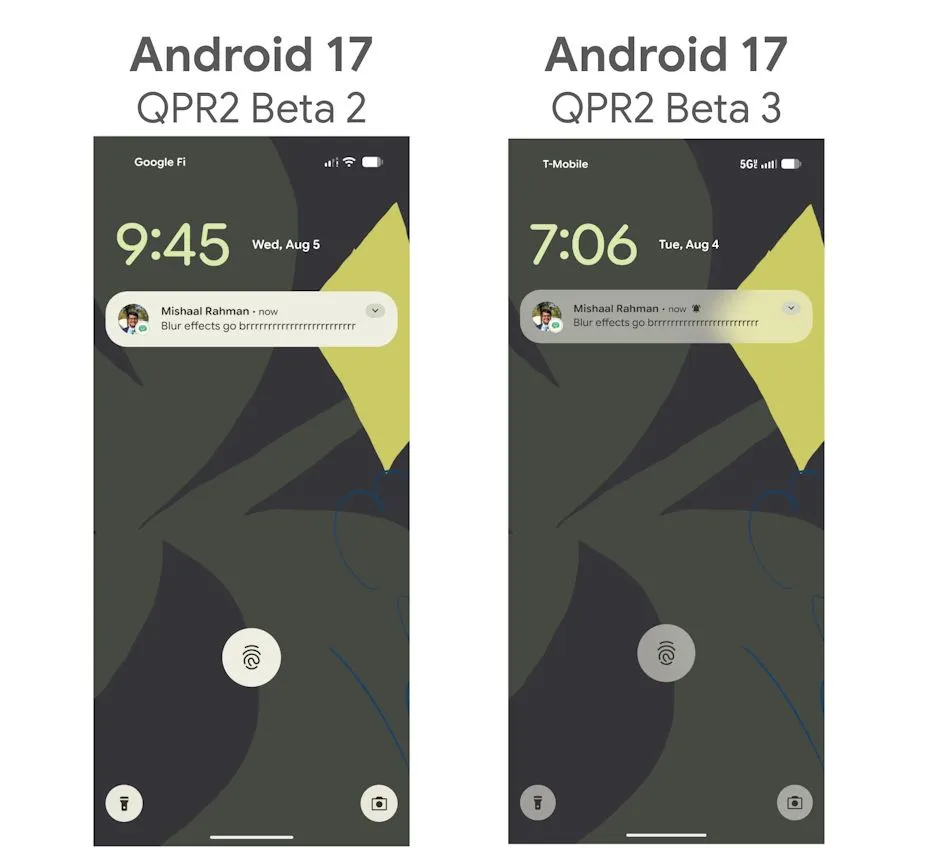
- Lockscreen blur: a blur effect applied to the background, in line with Google’s work on system blurs.
- Multitasking on foldables: a handle appears on windows and lets you drag a full-screen app into split screen — and back again.
That last change is especially welcome on large screens, where entering split screen has remained an unintuitive manoeuvre.
Which devices are supported?
System images and over-the-air updates are offered across a wide range: Pixel 6a, Pixel 7 series, Pixel 8 series, Pixel 9 series, Pixel 10 series, Pixel Fold and Pixel Tablet.
Two notable fixes ship with the beta: the visual corruption followed by an unexpected restart that occurred when opening the notification shade and Quick Settings, and the false battery degradation warnings wrongly displayed by the Device Health and Support tool.
A standard reminder: this is a beta build. It remains reserved for users enrolled in the Android Beta Program who accept the possibility of bugs. On a primary phone, waiting for the stable release is the safer call.
What this means for you
The overall reading of Android 17 QPR2 Beta 3 is clear: Google is putting most of its effort into practical security, the kind that protects against real scenarios — a phone browsed by someone close to you, a phone scam, a malicious cell tower. App Lock and the call-forwarding protections answer concrete situations, not theoretical threats.
These features are expected to reach the stable release in the coming months. If you are considering a new device, note that the Pixel line is first in line for these additions, with several years of guaranteed updates.
Check the Google Pixel 10 price on Amazon
As an Amazon Associate, Wanda-techs earns from qualifying purchases. This affects neither our independent analysis nor the price you pay.
Will you install Android 17 QPR2 Beta 3 on your Pixel, or wait for the stable release? Tell us in the comments, and feel free to share which feature you had been waiting for most.
Share this content:





Post Comment