
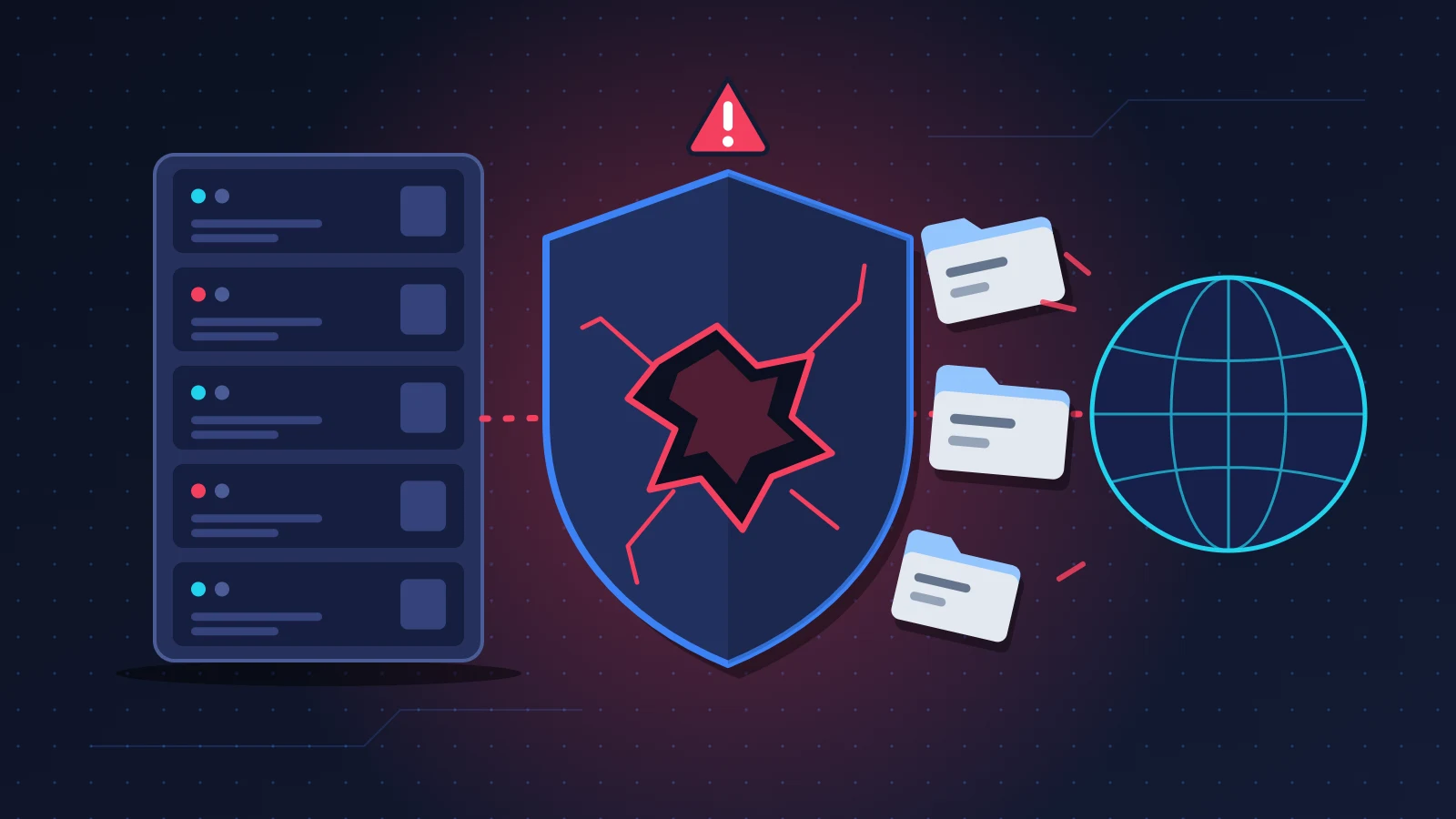
When a critical Atlassian Data Center vulnerability is announced for Jira, Confluence or Bitbucket, the right response comes down to three moves, in this order: cut the server off from the internet, install the fixed version Atlassian specifies, then dig through the logs to find out whether someone got there before you. The patch closes the door. It tells you nothing about what happened while it was open.
This guide uses CVE-2026-21589 as its worked example, a vulnerability rated 9.3 out of 10 that affects the vendor’s entire self-hosted range. The method stays the same for alerts of the same kind, and they come around regularly.
At a glance: the quick fix
- Check your edition. Cloud products are patched by Atlassian with no action on your part. Data Center installations, the ones you host yourself, need handling.
- Take the server off the internet right away: access limited to the internal network or the VPN, even if a login page already protects the instance.
- Take a snapshot of the machine and a database backup, then move to the fixed version of your release line.
- If the upgrade has to wait, apply the temporary blocking rule published by Atlassian.
- Review the access logs and, at the slightest doubt, rotate every secret stored on the server.
Recognizing an Atlassian Data Center vulnerability
Nothing shows up on screen. That is the first trap with this kind of flaw: Jira responds normally, issues open, Confluence displays its pages. No red banner, no slowdown. You find out through an email from Atlassian, a national CERT advisory, a colleague, or your vulnerability scanner turning red.
You are affected if you tick both of the following boxes.
First box, the edition. CVE-2026-21589 targets Data Center products: Jira Software, Jira Service Management, Confluence, Bitbucket, Bamboo, Crowd, as well as Fisheye and Crucible. Atlassian states that all versions are affected, including those no longer maintained. If your Jira address ends in atlassian.net, you are on Cloud: the vendor has already patched its platform and says it found no evidence of exploitation there.
Second box, the version. You can read it in each product’s administration area, on the system information page, and most often in the footer of the interface. In Jira, that same system information page includes a file paths section that will come in handy later for locating the logs. Write down the full three-part number, for example 10.3.25: the last part is the one that matters.
The old Server editions deserve a line of their own. They no longer receive security fixes. Atlassian’s advisory does not mention them, but the CVE record lists them among the affected versions with no fix available, according to The Hacker News’s reading of it. Treat a Server instance as vulnerable and unfixable.
Why it happens
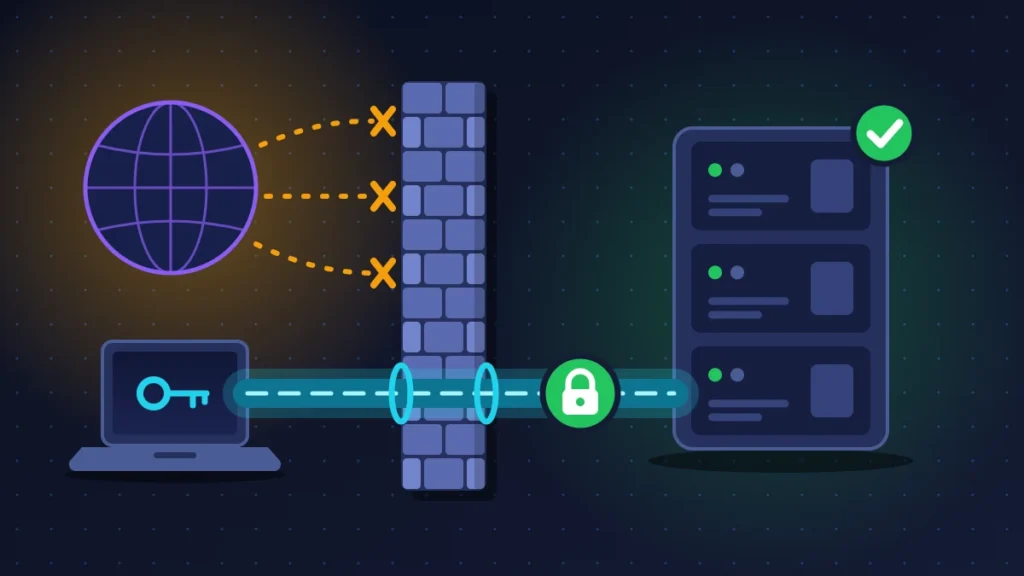
CVE-2026-21589 is an arbitrary file access vulnerability. In plain terms: someone who is not logged in, with no account, can ask the server to hand over certain files stored in the web application’s root directory, files that should never leave it. The flaw falls under CWE-552, the category for files accessible to external parties.
Atlassian adds two qualifications. The attacker has to know the exact name and path of the target file in advance, and cannot list the contents of directories. That limits the damage without being much of a comfort: the directory layout of an Atlassian product is public, identical from one installation to the next, and documented. The vendor also acknowledges that some configurations contain sensitive files that make the risk worse.
The 9.3 score under CVSS 4.0 comes from the knock-on damage. One configuration file read can mean a database password or an API token, and therefore a door to something else.
Before you start
Open a text file and note the time of every action. If an incident is confirmed, your management, your insurer or the data protection authority will ask for that timeline.
Delete nothing. Not logs, not suspicious files, not odd-looking accounts. A hasty cleanup wipes out the evidence.
Fix 1: isolate the server from the internet
This is the first-hour move, and it breaks nothing. Atlassian asks you to restrict external access to internet-reachable instances, including those that require authentication. The detail matters: the flaw is exploitable without an account, so the login page protects against nothing.
1. Close public access
On the perimeter firewall or your hosting provider’s security group, limit the instance’s web ports to the addresses of your internal network and your VPN. If an Nginx reverse proxy serves the application, two directives in the relevant block are enough, adjusted to your address range:
allow 10.8.0.0/24;
deny all;
Warn your users: remote staff will go through the VPN, and customers of a public Jira Service Management portal will lose access for the duration of the work.
2. Verify
Test the public address from an outside connection, a phone on mobile data for instance. You should get a refusal or a timeout, not the login page.
Isolation buys time. It does not replace the patch, because a compromised internal workstation can still reach the server.
Fix 2: back up, then install the fixed version
This is the only real repair. Atlassian no longer ships binary patches to apply on top of an installation: the fix comes as a full maintenance release.
1. Freeze the state of the machine
Take a snapshot of the virtual machine and a backup of the database. The pair serves as a rollback point and as evidence to keep if an investigation becomes necessary.
2. Pick the right version
Stay on your release line and take the fixed maintenance release. For CVE-2026-21589, the official advisory gives the following versions. Check them on Atlassian’s page before downloading, since the vendor sometimes updates its advisories.
| Data Center product | Fixed versions (CVE-2026-21589) |
|---|---|
| Jira Software | 9.12.40, 10.3.26, 11.3.12 |
| Jira Service Management | 5.12.40, 10.3.26, 11.3.12 |
| Confluence | 9.2.26, 10.2.19 |
| Bitbucket | 9.4.26, 10.2.8, 10.5.1 |
| Bamboo | 10.2.24, 12.1.12 |
| Crowd | 6.3.7, 7.0.3, 7.1.7, 7.2.4 |
| Fisheye and Crucible | 4.9.15 |
If your release line is not in the list, it is no longer maintained: you have to move up to one that is, which is a longer project. In that case, apply fix 3 in the meantime.
3. Test, then upgrade
If you have a staging environment, upgrade it first and check third-party apps, which are the usual cause of failed upgrades. Otherwise, the snapshot is your safety net. In a cluster, handle every node. For Bitbucket, Atlassian specifies that mirrors are affected as well.
4. Verify
Read the version number again in the administration area, open a test issue or page, and confirm that the apps are enabled. Do not reopen external access until fix 4 is done.
Fix 3: apply a temporary mitigation if the upgrade has to wait
Atlassian offers blocking rules and itself describes them as limited: they do not replace the fix. Their purpose is to hold for a few days, long enough to secure a maintenance window.
The idea is to reject requests whose URL contains two consecutive dots next to a path separator, in all their encoded forms. The exact expression is long and easy to get wrong when copied by hand. Take it from the official advisory by copy and paste, without retyping it.
Three places to put it, depending on the product:
- On the WAF or the reverse proxy, for all products. It is the only option for Fisheye and Crucible.
- In Tomcat, for Jira, Jira Service Management, Confluence, Bamboo and Crowd: enable the RewriteValve component in the server.xml file, then add a rewrite.config file in the WEB-INF folder, on every node, followed by a restart.
- In Bitbucket: a rule placed at the top of the urlrewrite.xml file, in the app/WEB-INF folder of the installation directory, then a restart.
Back up the files before editing them: a syntax error in server.xml keeps the application from starting.
Fix 4: look for signs of compromise
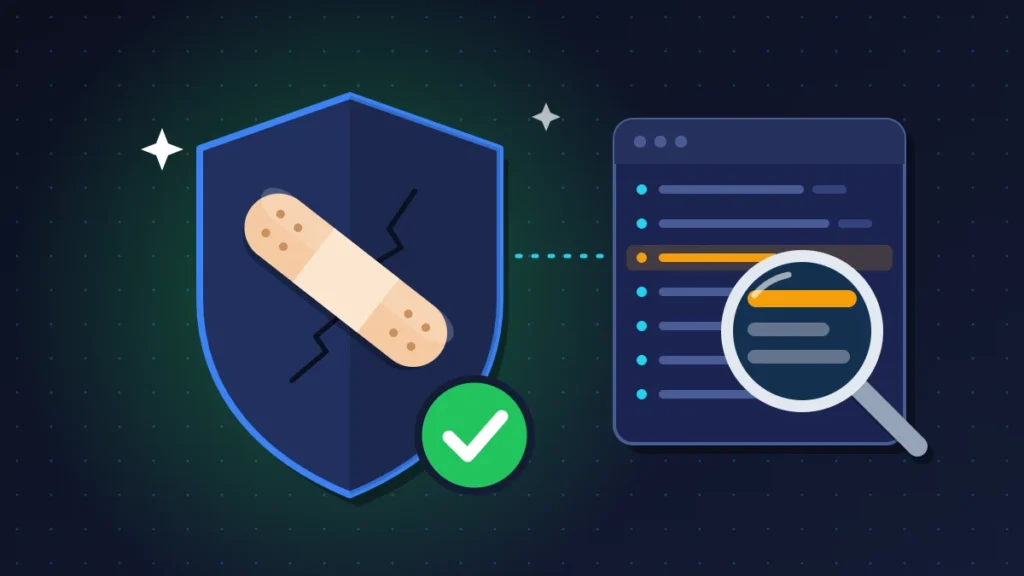
Atlassian writes that it cannot confirm whether your instances were affected. The checking falls to you.
1. Access logs
The indicator given by the vendor is easy to state: in the HTTP access logs, look for requests containing two consecutive dots next to a forward slash, a backslash or a double colon. Attackers often encode these characters, hence the instruction to decode URLs up to twice before searching, or to run the blocking expression directly against the raw lines.
Look at the reverse proxy and WAF logs too, which are often kept longer than the application’s own.
Then read the response code. A suspicious request followed by a 200 code and a non-zero amount of data is a genuine cause for concern. A 404 code points instead to a failed attempt. The advisory does not spell out this distinction: it is a common-sense reading, not a guarantee.
2. What a stolen file makes possible next
Reading a file changes nothing on the server. The danger comes from what the attacker does with a secret they retrieved. So check the possible follow-ups:
- administrator accounts created or promoted for no known reason;
- installed apps that nobody asked for;
- API tokens and application links that appeared outside your own operations;
- system scheduled tasks and unknown services;
- outbound connections from the server to unusual addresses;
- database connections from a machine other than the application server.
In Jira, the atlassian-jira-security.log file, located in the log subfolder of the home directory, records logins and access denials. Each product’s audit log traces administrative changes.
Fix 5: respond if you find traces
Keep the server isolated and preserve everything: the snapshot taken earlier, a copy of the logs off the machine, the timeline of your actions.
Then rotate the secrets, on the assumption that anything sitting in a file may have been read. Database account password, the bind account for the LDAP or Active Directory directory, mail server credentials, personal API tokens, application links, SSH keys and Bitbucket access tokens, private certificates if their key was stored in the directory tree. Atlassian’s advisory gives no instruction on this point, yet it is the logical follow-up to a file read vulnerability.
If a third party made changes, patch first, restore second. A backup from before the intrusion put back online on a vulnerable version gets taken over again within the day.
That leaves the legal side. Jira and Confluence almost always contain personal data: names, email addresses, customer tickets, sometimes HR files. Under the GDPR and the UK GDPR, if the breach poses a risk to individuals, the data controller must notify its supervisory authority, the ICO in the United Kingdom, within 72 hours of becoming aware of it. The regulation allows the information to be provided in phases: an initial notification within the deadline, then a follow-up once the investigation is complete. The people concerned must be told directly when the risk is high. Elsewhere, turn to your country’s data protection authority and the breach notification rules that apply to you.
Summary table
| Situation | Likely cause | Action to take |
|---|---|---|
| Address ending in atlassian.net | Cloud product, patched by the vendor | No action on the server |
| Data Center instance visible from the internet | Direct exposure, flaw exploitable without an account | Fix 1 immediately, then fix 2 |
| Instance reachable only internally | Vulnerable, risk limited to internal workstations | Fix 2 in the nearest maintenance window |
| Release line missing from the list of fixed versions | Unmaintained version | Fix 3, then move to a supported line |
| Server edition | No more security fixes | Permanent isolation, migration |
| Suspicious requests with a 200 code | Probable file read | Fixes 4 and 5, secret rotation |
| Unknown administrator account or app | Confirmed compromise | Fix 5, outside help |
If nothing works
The upgrade fails: restore the snapshot, leave the server isolated, apply the mitigation, then open a ticket with Atlassian support. Include the product, the starting version, the target version, the database in use, the startup log and the list of apps. A complete ticket gets handled far more quickly.
You suspect an intrusion but lack the means to analyze it: call an incident response provider. National cybersecurity agencies often point smaller organizations to vetted providers, as the NCSC does in the UK. If you have cyber insurance, report the incident before any heavy intervention, as some policies require it.
Keeping it from happening again
The most cost-effective measure is also the simplest: stop exposing these tools directly. An internal Jira does not need to answer the whole world. Put it behind a VPN or a Zero Trust access gateway, which checks identity and device before letting a single request through. If a customer portal has to stay public, isolate it behind a WAF and place the server in a network zone separated from the rest.
Follow the alerts at the source. Atlassian publishes its critical advisories for Data Center products on Tuesdays, and a monthly bulletin on the third Tuesday of each month. Add your national CERT’s advisories and block out a maintenance slot right after. Staying on a long term support release makes things easier: the vendor backports critical fixes to it.
Finally, look at the horizon. Server editions are no longer patched, and Atlassian has announced the scheduled end of the Data Center offering for Jira, Confluence and Crowd, with critical fixes maintained until the cutoff. Bitbucket and Bamboo do not follow that timeline. Every alert of this kind is an opportunity to cost out a migration.
Frequently asked questions
Are Jira Cloud and Confluence Cloud affected by this flaw?
Atlassian has patched its Cloud platform and found no evidence of exploitation there. No action is required from Cloud customers.
My server is only reachable internally. Do I still need to patch?
Yes. The version remains vulnerable; only the number of possible attackers goes down. One infected workstation or one contractor connected to the VPN is enough. The urgency is lower, the obligation is not.
Isn’t the login page enough to protect me?
No. The flaw is exploitable without authentication. Atlassian explicitly includes public instances that require authentication in its isolation instruction.
Do I really have to change every password if I find no traces?
If your logs cover the entire exposure period and are clean, it is not essential. If they are incomplete or too short, rotate at least the database password, the directory account and the API tokens.
My Server edition has no fix. What should I do?
Take it off the internet for good, leave it reachable through the VPN only, and plan the migration. No filtering rule makes up for the absence of updates over the long run.
An Atlassian Data Center vulnerability is better handled with a procedure written in advance than with good reflexes improvised on the spot. If you hit a snag during the upgrade or found a log-checking method that saved you time, share it in the comments: other administrators will benefit.
Share this content: