
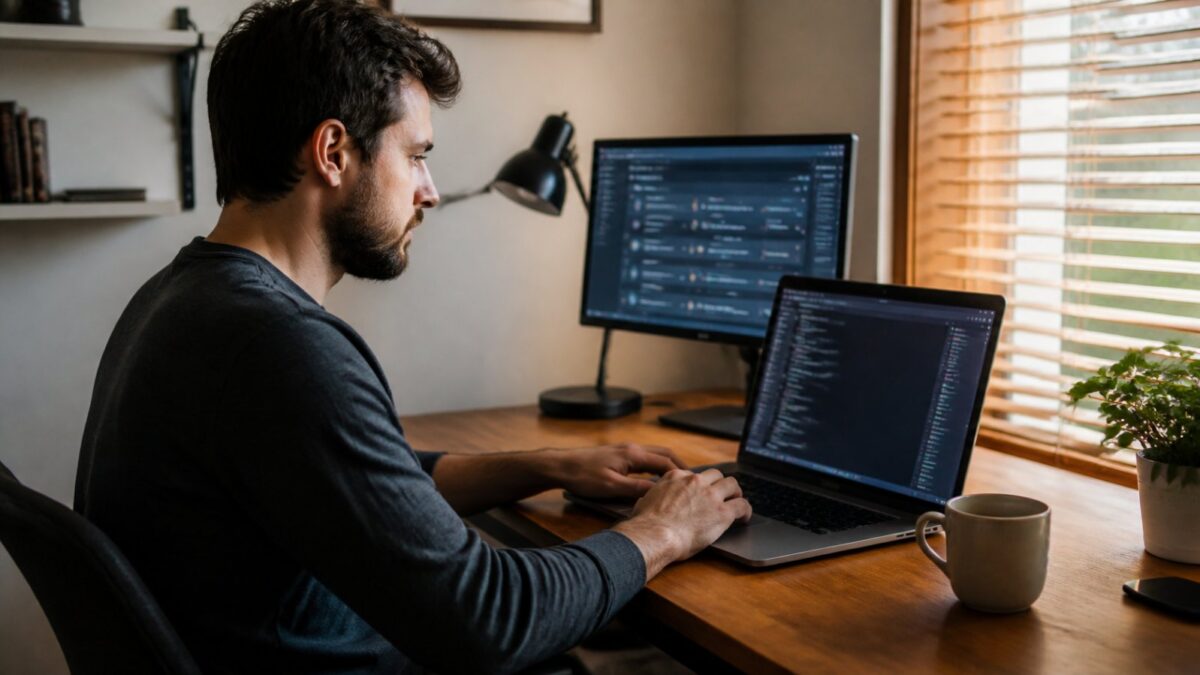
Government agencies and big corporations have whole teams to deal with the PHP2Shell flaw. You may not. Yet a WooCommerce store with thirty regular customers, a local tradesperson’s brochure site or a freelance developer’s in-house app are exposed in exactly the same way. The two flaws patched on October 21, 2026 (CVE-2026-109618 and CVE-2026-109619) live in PHP itself, so they make no distinction between a government ministry and a florist. This guide walks you through it step by step: how to tell whether your site is patched, how to update PHP depending on your hosting, what to do if you cannot update right away, and how to check that no intruder got in before the fix.
If you first want to understand what this flaw is and why so many sites went offline, read our article PHP2Shell: the PHP flaw that pushed governments and ministries to pull their sites offline.
This guide is for:
- owners of small WordPress, WooCommerce, PrestaShop, Joomla or Drupal sites;
- freelance developers who manage their clients’ websites;
- small agencies and non-profits running a VPS or shared hosting.
What you need: access to your host’s customer dashboard, or SSH access if you run your own server, plus a recent backup. Allow anywhere from fifteen minutes (shared hosting that is already patched) to two hours (a VPS with several sites, or an old PHP version).
What to keep in mind before you start
Three points worth holding onto, because they head off most of the mistakes we are seeing right now.
- Updating WordPress, PrestaShop, your themes or your plugins does not fix PHP2Shell. WordPress.org has confirmed that no core update is planned for this issue.
- The safe versions are PHP 8.5.12, 8.4.27, 8.3.36 and 8.2.35 (or newer). The PHP project is adamant: no setting can stand in for the update.
- A WordPress “maintenance mode” plugin does not protect you. It runs on PHP itself, so the attacker’s request still reaches PHP, and with mod_php the attack can fire before your site’s code even runs. We come back to this in step 6.
Step 1: find out who manages PHP on your site
This is the question that decides everything else. On shared hosting, you are not the one who installs PHP. On a VPS, nobody will do it for you.
| Hosting type | Examples | Who applies the patch? |
|---|---|---|
| Shared | o2switch, OVHcloud Web Hosting, Hostinger, LWS, IONOS, PlanetHoster | Your host; you check and pick the right version |
| Managed WordPress | Kinsta, WP Engine, Pressable, WordPress.com, SiteGround | Your host; you check |
| VPS or dedicated server | OVHcloud VPS, Hetzner, Scaleway, DigitalOcean, AWS Lightsail | You, or your service provider |
| Server control panel | Ploi, Laravel Forge, RunCloud, Plesk, cPanel/WHM on your VPS | You, through the panel or over SSH |
| Containers | Docker, Kubernetes, official PHP images | You, by rebuilding the image |
If you are not sure which box you fall into, look at your invoice. A “web hosting” plan costing a few euros a month is almost always shared hosting. If you were ever handed an IP address along with a root login, you have a server to manage.
Step 2: check the PHP version your site actually uses
The number one trap is looking at the wrong PHP. A server often has several: the one used on the command line and the one that actually serves your pages (PHP-FPM or the Apache module). They do not always run the same version.
From your site’s admin interface
- WordPress: Tools, then Site Health, Info tab, Server section. The “PHP version” line shows the version your site uses.
- PrestaShop: Advanced Parameters, then Information, “Server information” section.
- Joomla: System, then System Information.
- Drupal: Reports, then Status report.
With a temporary phpinfo file
This is the most reliable method, because it shows the PHP that really runs your pages. At the root of your site, create a file with a hard-to-guess name, such as verif-7f3k2.php, containing:
<?php phpinfo();Open it in your browser, note the version shown at the top of the page and the “Server API” line (FPM/FastCGI, Apache 2.0 Handler, LiteSpeed and so on), then delete the file straight away. A phpinfo page left online hands an attacker a lot of information.
From the command line (VPS)
# PHP version on the command line
php -v

# PHP-FPM version (adjust the branch number)
php-fpm8.3 -v

# Debian / Ubuntu: exact versions of installed packages
dpkg -l | grep -E 'php[0-9.]+-(fpm|cli|common)|libapache2-mod-php'
The special case of Ubuntu and Debian
Here the version number can mislead you. Ubuntu ships security fixes without changing the main version: a patched Ubuntu 24.04 still reports PHP 8.3.6. The package number is what counts. According to advisory USN-8948-1, published on October 21, the patched versions include:
| System | PHP branch | Patched package |
|---|---|---|
| Ubuntu 26.04 LTS | php8.5 | 8.5.4-0ubuntu1.5 |
| Ubuntu 24.04 LTS | php8.3 | 8.3.6-0ubuntu0.24.04.13 |
| Ubuntu 22.04 LTS | php8.1 | 8.1.2-1ubuntu2.28 |
| Debian 13 (trixie) | php8.4 | 8.4.27-1~deb13u1 |
For Debian 12 (bookworm), no advisory had been published yet for php8.2 when we checked. Keep an eye on the Debian security tracker, or use the sury.org repository (see step 4).
Good to know: to confirm a package contains the fix, search its changelog for the CVE identifiers.
apt changelog php8.3-common | grep -m3 CVE-2026-10961Step 3: back up before you touch anything
A PHP update within the same branch (8.3.35 to 8.3.36, for example) very rarely breaks a site. Switching branches (8.1 to 8.3) can knock out an old plugin or a payment module. Either way, back up:
- the site’s files (at least
wp-contentfor WordPress, or the whole folder); - the database (export from phpMyAdmin, or
mysqldumpover SSH); - on a VPS, the PHP configuration (
/etc/php/) and the web server’s configuration.
Most shared hosts offer automatic backups. Check that you have one dated before October 17: it will also come in handy if you later discover an intrusion.
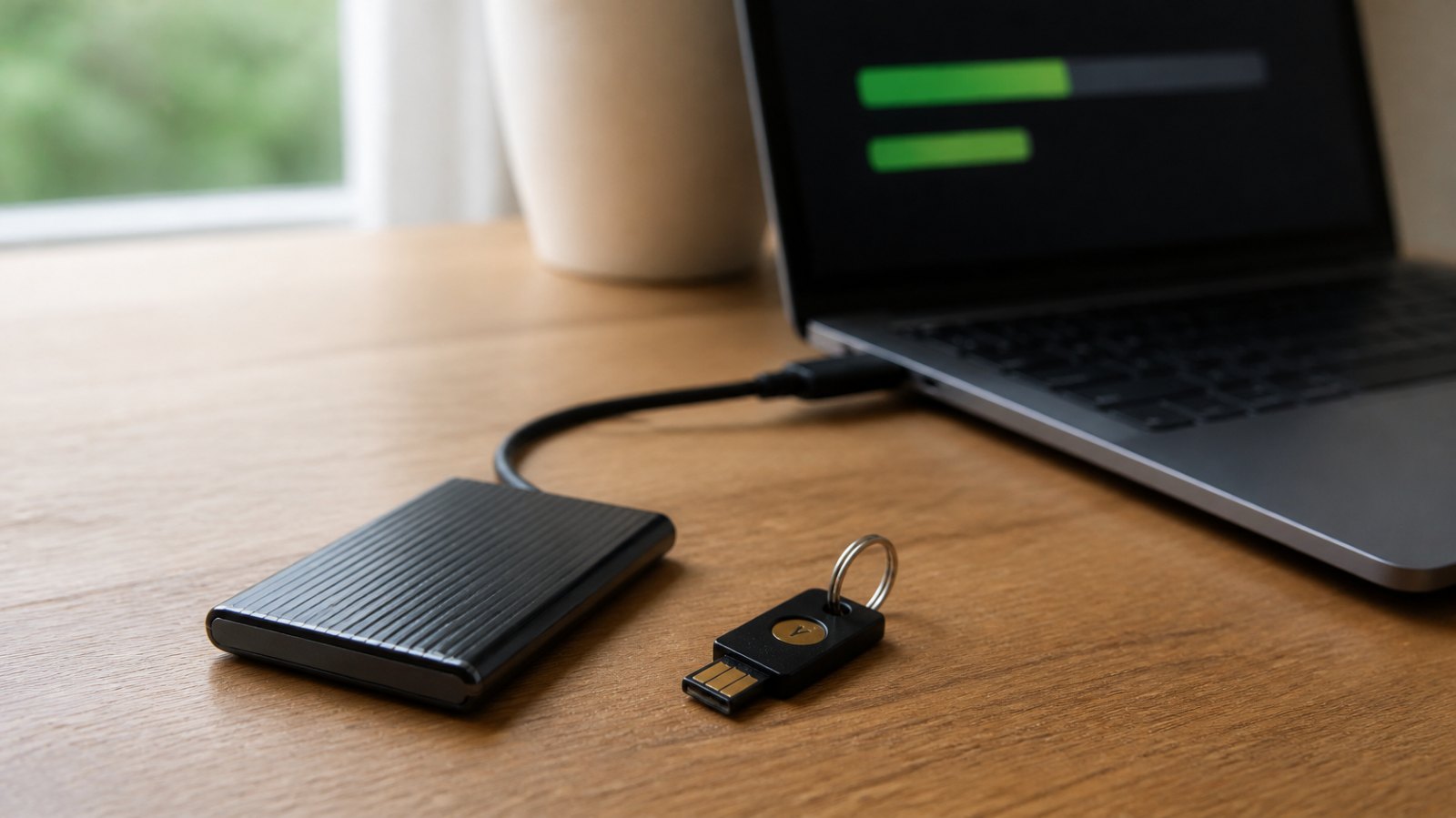
Get into the habit of keeping a copy at home too, on a drive you unplug after use. A backup that stays connected to the server can be wiped or encrypted by the same person who broke into it. A small external SSD does the job nicely for your files and database export.

Samsung T7 1 TB external SSD
Fast, rugged pocket SSD to keep an offline copy of your site files and database at home. Unplugged, it is out of an attacker's reach.
- AmazonSee at Amazon
Step 4: update PHP for your setup
On shared hosting (cPanel, Plesk, in-house panel)
You do not control the PHP binaries, but you have two levers.
First lever: make sure your host has actually applied the patch. Check its status page or its emails. Do not settle for “our customers are protected”. Clubic found that at o2switch, several hours after the patch came out, temporary protections were in place while the installed binaries were still on 8.3.35 and 8.4.26. That is not necessarily a failing, but the distinction matters. Being protected by a filter is not the same as being patched.
If in doubt, send a clear support ticket. For example:
Hi, could you please confirm that the PHP versions used on my hosting account for [domain name] include the October 21, 2026 security fix (CVE-2026-109618 and CVE-2026-109619), meaning PHP 8.5.12, 8.4.27, 8.3.36, 8.2.35 or an equivalent backported package? If not, when do you expect to roll it out? Thanks in advance.
Second lever: pick a supported version. In cPanel (“Select PHP Version” or “MultiPHP Manager”), in Plesk or in the OVHcloud dashboard, you can usually change your site’s PHP version. If you are still on 8.1 or older, now is the time to move to 8.3 or 8.4.
A word of warning: when you switch versions in a selector, check the list of enabled PHP extensions. Modules do not always carry over. Clubic came across a case where 66 extensions were enabled for PHP 8.1 against 34 for PHP 8.3 on the same account. A single missing extension (intl, imagick, soap, gd and so on) is enough to break an invoicing or payment module.
On a Debian or Ubuntu VPS
# 1. Refresh the package list
sudo apt update

# 2. Install the updates (PHP included)
sudo apt upgrade

# 3. Restart PHP-FPM (adjust the version number)
sudo systemctl restart php8.3-fpm

# 4. If you use Apache with mod_php, restart Apache
sudo systemctl restart apache2
If you use Ondřej Surý’s repository (ppa:ondrej/php on Ubuntu, packages.sury.org on Debian), the same commands are all you need: the repository published versions 8.2.35 through 8.5.12 on October 21 and even backported the fix all the way to PHP 5.6.
On an AlmaLinux, Rocky Linux or Red Hat VPS
sudo dnf upgrade 'php*'
sudo systemctl restart php-fpm
sudo systemctl restart httpd

# Check that the fix appears in the package changelog
rpm -q --changelog php-common | grep -m3 CVE-2026-10961
A word of warning: if your PHP packages come from the community Remi repository, be aware that the PHP project warned it would not be updated on the day the patch was released. Check where it stands, and if nothing shows up, switch to your distribution’s packages or another source.
With Docker
Restarting a container is not enough. You have to rebuild the image from a patched base image.
# Pull the updated official image (example with PHP 8.4 FPM)
docker pull php:8.4-fpm

# Rebuild your images, forcing a fresh pull of the base images
docker compose build --pull --no-cache

# Restart the services
docker compose up -d

# Check the version inside the container
docker compose exec app php -v
Also think about images built months ago that are still running in production without anyone touching them. Those are the most dangerous.
With Ploi, Laravel Forge, RunCloud or Plesk
Laravel Cloud patches automatically. On Laravel Forge, you run the update from the server dashboard. RunCloud put its panel into maintenance while it updated PHP: once it is back, check your servers’ versions. Plesk has released patched versions of PHP 8.2 to 8.5, and cPanel its patched packages, including for 8.1, 8.0 and 7.4.
Locally (XAMPP, WAMP, Laragon, MAMP)
Your development machine should not normally be exposed to the internet, so this is less urgent. Still, update as soon as your tool offers the new version, especially if you have ever opened your machine to outside testing or to a tunnel such as ngrok.
Step 5: restart every PHP process and verify
A PHP install that has been updated but not restarted keeps running the old code in memory. The PHP project is insistent on this: every worker has to be restarted.
Once the restart is done:
- recreate your temporary phpinfo file (step 2), check the version, then delete it;
- test the pages that matter: home page, login, contact form, cart, checkout in test mode;
- keep an eye on the error logs for an hour.
# Follow PHP-FPM errors live (the path may vary)
sudo tail -f /var/log/php8.3-fpm.log
Step 6: if you cannot update today
It happens: a host running behind, an old client site that cannot handle a newer branch, a contractor who is not picking up. The official PHP bulletin lists measures that reduce exposure without eliminating it. Use them only as a stopgap.
The settings recommended by PHP
Against CVE-2026-109619, disable file upload progress tracking. WordPress does not use it, so turning it off has no side effects for most sites.
; php.ini or configuration applied before the request is processed
session.upload_progress.enabled = 0

; PHP 8.5 only
fatal_error_backtraces = 0
In a PHP-FPM pool, the recommended form is the one that stops the application from changing the value:
php_admin_flag[session.upload_progress.enabled] = offThe PHP project specifically says not to rely on ini_set() or a .user.ini file for this setting, because they kick in too late. Then restart all workers.
Against CVE-2026-109618, PHP recommends lowering the maximum request size. For a site with no file uploads, use post_max_size = 8M; if uploads are needed, post_max_size = 32M, with a lower upload_max_filesize. PHP also mentions removing the memory limit (memory_limit=-1) and compensating with a limit at the container or system level. That setting is for people who know their server inside out: done badly, it opens the door to crashes.
Put your site behind Cloudflare
Cloudflare switched on rules against PHP2Shell across all its plans, free tier included, on October 21. To benefit, your domain has to go through its proxy (the orange cloud in the DNS tab). On paid plans, check that the managed rules are set to block and not just to log.
Two limitations to be aware of: an attacker who knows your server’s real IP address can bypass Cloudflare, and Cloudflare itself reminds you that PHP still needs updating. If you can, restrict direct access to your server to Cloudflare’s IP addresses only.
A real maintenance page, at server level
If you decide to take the site down, as many government bodies did, do it upstream of PHP, so requests never reach the interpreter. A static HTML page is all you need.
With Apache, in the .htaccess at the root (create a maintenance.html file first):
RewriteEngine On
# Optional: let your own IP address through
# RewriteCond %{REMOTE_ADDR} !^203\.0\.113\.10$
RewriteCond %{REQUEST_URI} !^/maintenance\.html$
RewriteRule ^ - [R=503,L]
ErrorDocument 503 /maintenance.html
With Nginx, in the site’s server block:
error_page 503 /maintenance.html;
location = /maintenance.html {
    root /var/www/maintenance;
    internal;
}
location / {
    return 503;
}
Then run sudo nginx -t && sudo systemctl reload nginx. The 503 status code tells search engines the site is temporarily unavailable, which protects your rankings as long as the outage does not drag on for days.
Step 7: move off PHP 8.1, 8.0 or 7.x
If your site still runs on an abandoned branch, PHP2Shell is your cue to stop putting it off. The PHP project has only published minimal fixes as source code for 7.4, 8.0 and 8.1. Some distributions, the sury.org repository, cPanel and extended support vendors (ELTS) offer patched packages, but that only buys you time.
The safest way to migrate:
- create a staging copy of the site (many hosts offer this in one click, or you can use a cloning plugin);
- switch that copy to PHP 8.3 or 8.4;
- test everything that brings in money or leads: cart, checkout, forms, customer area, invoices;
- turn on error display on the copy only, and fix or replace any plugins that cause trouble;
- push the site live, then run the tests again.
Do not aim for PHP 8.2 if you are coming from far behind: its end of support is set for December 31, 2026. You might as well migrate only once.

Step 8: check that no intruder got in before the patch
Updating shuts the door. It does not throw out anyone who is already inside. Cloudflare spotted the first attack attempts on the morning of October 21, before the patch was published, and watchTowr observed real-world exploitation the same day. Any online store, however modest, should therefore run a quick check.
The basic checks
For WordPress, with WP-CLI:
# List administrators: is there one you don't recognise?
wp user list --role=administrator

# Verify the integrity of WordPress core files
wp core verify-checksums

# Verify plugins from the official directory
wp plugin verify-checksums --all
On any type of site:
# PHP files modified in the last ten days
find /var/www -type f -name "*.php" -mtime -10

# PHP files in the media folder are never normal
find /var/www -path "*uploads*" -type f -name "*.php"
Also look at:
- scheduled tasks (
crontab -lfor each user, plus WordPress cron jobs); - access logs around October 20, 21 and 22: large POST requests to unusual URLs, spikes in 500 errors;
- PHP logs: a flood of “Allowed memory size exhausted” messages over a short period deserves a closer look;
- unexpected outbound connections from your server.
Rotate your secrets, just in case
The second flaw can leak data held in memory. If your server was exposed without the patch, changing sensitive credentials costs very little:
- the WordPress security keys in
wp-config.php(this logs everyone out, which is the point); - the database password;
- payment API keys (Stripe, PayPal), email delivery keys and third-party service keys;
- WooCommerce REST API keys if you use them.
While you are at it, turn on two-factor authentication for your hosting account, your domain registrar and your site’s admin account. A physical security key is the strongest option: without it, a stolen password is no longer enough to get in.
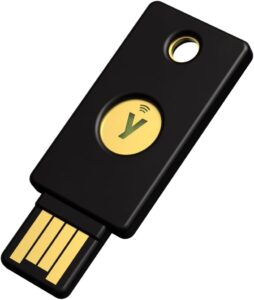
Yubico YubiKey 5 NFC, security key
Physical key that confirms a sign-in to your Google account over NFC or USB. Protects the account that synchronises your contacts.
- AmazonSee at Amazon
If you find something
Do not delete everything in a rush. Put the site into maintenance at server level (step 6), keep a copy of the suspicious files and the logs, then restore a clean backup from before October 17 before going back online. If your site processes personal data of customers in the EU, the GDPR requires you to notify a data breach to the relevant authority (the CNIL in France, the Garante in Italy) within 72 hours when it poses a risk to individuals. The UK GDPR sets the same 72-hour rule, with reports going to the ICO. In France, the cybermalveillance.gouv.fr service can point you to qualified providers; in the UK, the NCSC and Action Fraud offer guidance, and in the US you can report incidents to CISA.
Step 9: don’t go through this again with the next flaw
PHP2Shell will not be the last alert. A few simple habits make all the difference:
- on a Debian or Ubuntu VPS, turn on automatic security updates with
unattended-upgrades; - subscribe to alerts from CERT-FR, or CSIRT Italia if you are in Italy (the NCSC in the UK, CISA in the US), and to your host’s status page;
- keep an up-to-date list of your sites, their hosting and their PHP version, especially if you manage client sites;
- plan your move off PHP 8.2 now, before December 31, 2026;
- test restoring your backups at least once a quarter.
To go further on the WordPress side, our pick of the best plugins to secure your WordPress site is a good companion to this guide, and if your host let you down during this crisis, our comparison of the best WordPress hosting companies will help you switch.
Protect the computer you manage your sites from, too
A reminder that applies to every freelancer: the server is not the only way in. Since October 21, fake messages from hosting companies have been circulating, urging people to “install the PHP patch” through a booby-trapped link. If your computer gets infected, the attacker walks away with your SSH and FTP access and your admin passwords, and updating PHP will not do you much good after that. No antivirus fixes PHP2Shell on a server, but an up-to-date security suite, with signature databases and anti-phishing filters refreshed constantly, protects the computer that holds the keys to your sites. Here is our selection, with prices checked on October 23, 2026.
| Security suite | Licence | Amazon price* | Strengths | |
|---|---|---|---|---|
| Bitdefender Total Security 2026 | 3 devices, 1 year | 26,99 € | Top detection, web and payment protection | See the deal |
| Norton 360 Deluxe 2026 | 5 devices, 15 months | 23,05 € | VPN, passwords and 50 GB backup | See the deal |
| McAfee Total Protection 2026 | 5 devices, 15 months | 15,99 € | Cheapest per device | See the deal |
| ESET HOME Security Essential 2026 | 3 devices, 1 year | 49,99 € | Very light, full firewall | See the deal |
| Bitdefender Premium Security + VPN 2026 | 5 devices, 1 year | 59,99 € | Unlimited VPN for public Wi-Fi | See the deal |
| Avast Premium Security 2026 | 1 device, 1 year | 10,00 € | Tight budget, single PC | See the deal |
 Bitdefender Total Security 2026, 3 devices, 1 yearSecurity suite licence that protects PCs, Macs and Android phones against malware and phishing. It also covers a phone where private contacts are stored.AmazonSee at Amazon
 Norton 360 Deluxe 2026, 5 devices, 15 monthsSecurity suite licence for PCs, Macs, Android phones and iPhones, with a VPN and a password manager. A way to protect the accounts that hold your contacts.AmazonSee at Amazon
 McAfee Total Protection 2026, 5 devices, 15 monthsAntivirus, VPN and identity protection at a low price for five devices. The best price per device in this selection.AmazonSee at Amazon
 ESET HOME Security Essential 2026, 3 devices, 1 yearLight, unobtrusive suite with firewall, anti-phishing and payment protection. Popular with developers for its low impact on performance.AmazonSee at Amazon
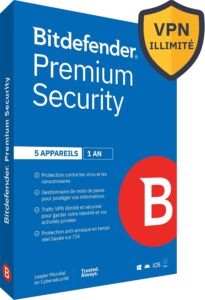 Bitdefender Premium Security 2026 with unlimited VPN, 5 devices, 1 yearBitdefender's top tier, with a VPN with no data cap and a password manager. Useful if you manage your sites from public Wi-Fi.AmazonSee at Amazon
 Avast Premium Security 2026, 1 device, 1 yearThe entry-level choice for a single computer: antivirus, fake-site blocking and ransomware protection for around ten euros.AmazonSee at Amazon
The freelance developer’s toolbox
This is the gear we recommend to a freelancer or a small store so the next alert does not catch you out: backups kept out of harm’s way, accounts locked down with a physical key, protected power for the small office server, and a good book to make the move to PHP 8 without stress.
- Samsung T7 1 TB external SSDFast, rugged pocket SSD to keep an offline copy of your site files and database at home. Unplugged, it is out of an attacker's reach.AmazonSee at Amazon
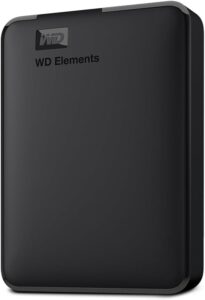 WD Elements 4 TB external hard drivePlenty of room for full, dated backups of several sites kept over many weeks. The cheapest archive storage per terabyte.AmazonSee at Amazon
 Synology DS225+ 2-bay NAS (diskless)Home or office backup server: it pulls copies of your sites automatically and keeps versions protected against deletion.AmazonSee at Amazon
- Yubico YubiKey 5 NFC, security keyPhysical key that confirms a sign-in to your Google account over NFC or USB. Protects the account that synchronises your contacts.AmazonSee at Amazon
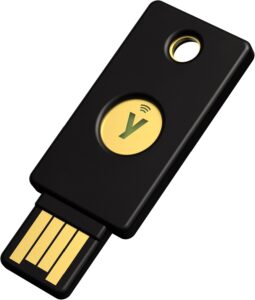 Yubico Security Key NFCThe budget YubiKey, limited to FIDO2 and U2F. Enough to protect hosting, Google, GitHub or Cloudflare accounts.AmazonSee at Amazon
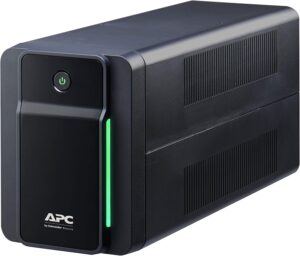 APC Back-UPS 750VA BX750MI, UPSProtects the router, NAS or small office server against outages and surges, long enough for a backup or a clean shutdown.AmazonSee at Amazon
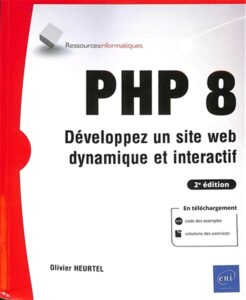 PHP 8: build a dynamic and interactive website (ENI, 2nd edition, French)A reference book in French for taking old PHP 7 code and migrating it cleanly to PHP 8, with plenty of examples.AmazonSee at Amazon
- Bitdefender Total Security 2026, 3 devices, 1 yearSecurity suite licence that protects PCs, Macs and Android phones against malware and phishing. It also covers a phone where private contacts are stored.AmazonSee at Amazon
- ESET HOME Security Essential 2026, 3 devices, 1 yearLight, unobtrusive suite with firewall, anti-phishing and payment protection. Popular with developers for its low impact on performance.AmazonSee at Amazon
The quick checklist
For anyone who skimmed, here is what matters:
- ☐ I know who manages PHP on my site (my host or me).
- ☐ I checked the version actually in use (and deleted the phpinfo file afterwards).
- ☐ Version 8.5.12, 8.4.27, 8.3.36, 8.2.35 or a patched distribution package.
- ☐ All PHP processes have been restarted.
- ☐ Critical pages (checkout, forms) work.
- ☐ No unknown administrators, no suspicious PHP files.
- ☐ Sensitive keys and passwords have been changed if the server was left exposed.
- ☐ The move off PHP 8.1 or 8.2 is scheduled.
Frequently asked questions
Do attackers really care about my small site?
Yes. Attacks like this are automated: bots sweep the internet looking for vulnerable servers, regardless of the size of the site. A small online store holds customer data, a server that can be used to send spam and a domain reputation worth exploiting.
My host says I’m protected: do I need to do anything?
Check your site’s PHP version anyway, and ask whether the patch is installed or whether it is a temporary protection. Then run the checks in step 8 if you run an online store.
Is a WordPress security plugin (Wordfence, Sucuri and the like) enough?
No. These plugins run inside PHP and cannot replace an update of the interpreter. An external firewall such as Cloudflare adds a layer of protection, without fixing the flaw.
How can I tell if my site was hacked through PHP2Shell?
There is no single telltale sign. The most common clues are an unknown administrator account, recent PHP files in unusual folders, strange redirects, a Google Search Console alert or a sudden rise in the resources your server consumes.
Is PHP 8.3.35 safe?
No. That September release fixed other flaws. For the 8.3 branch, you need PHP 8.3.36 or a distribution package that explicitly includes both fixes.
Should I put my site into maintenance mode?
If your site is already patched, no. If it is not and you cannot update quickly, that is what France’s ANSSI and the UK’s NCSC recommend, as long as you do it at the web server or Cloudflare level, not with a WordPress plugin.
The bottom line
For a small site, fixing PHP2Shell often comes down to one check and one email to your host. For a VPS, it is a package update and a restart. The real work, the part people forget, is checking afterwards that nobody got in during the few days the door was open. Set aside an hour to do it: that is always quicker than rebuilding a hacked store.
Did you run into trouble updating PHP, a plugin that refuses to work on 8.3 or a host that will not answer? Let us know in the comments and we will add your feedback to this guide.
Sources: official php.net security bulletin (October 21, 2026), Ubuntu advisory USN-8948-1, Debian security tracker, guidance from WordPress.org, Cloudflare, CloudLinux, Plesk and cPanel, checks published by Clubic. Guide updated on October 23, 2026.
As an Amazon Associate, Wanda-techs earns from qualifying purchases. This does not affect our independent analysis or the price you pay.
Share this content: