Gaming vs Office Mechanical Keyboard: Which to Choose in 2026?
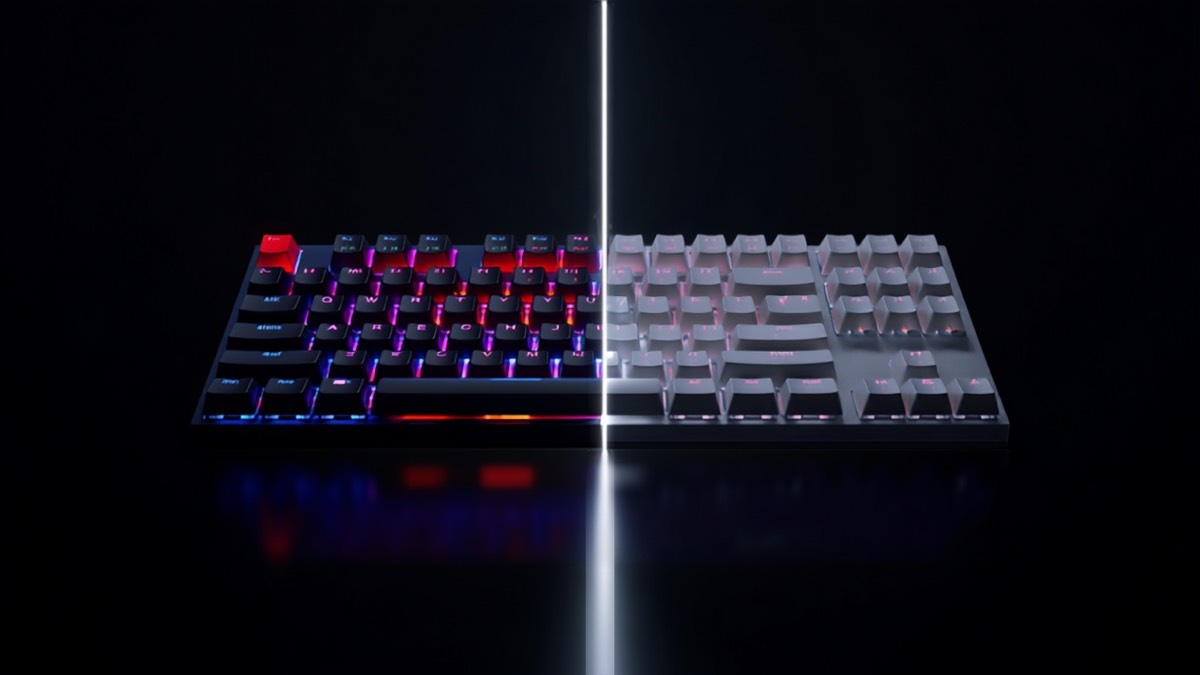
Want to switch to a mechanical keyboard, but which one: a gaming model, built for responsiveness and RGB, or an office keyboard, designed for quiet typing and comfort over long days? Both use mechanical switches, but optimized differently. Depending on whether you game, work or do both, one stands out. Here, criterion by criterion and use case by use case, is how to decide.
At a glance: the match in one table
| Criterion | Gaming keyboard | Office keyboard |
|---|---|---|
| Indicative price | around €169 | around €169 |
| Switches | Linear / magnetic (fast) | Tactile / silent (comfort) |
| Noise | Often louder | Quiet (open office) |
| Layout | TKL / compact, RGB | Full-size or 75%, discreet backlight |
| Connectivity | Wired or low-latency wireless | Multi-device Bluetooth, USB-C |
| Features | Macros, anti-ghosting, adjustable actuation | Ergonomics, shortcuts, multi-OS |
| Ideal for | Competitive gaming, responsiveness | Long typing, productivity |
Switches: the heart of the difference
This is where it all plays out. Gaming keyboards favor linear switches (smooth, fast travel) or Hall-effect magnetic switches (adjustable actuation, ultra-fast triggering), designed for speed and precision in games. Office keyboards rely on tactile switches (a small bump confirms the keystroke) and often silent ones, more pleasant and discreet for typing for hours. For gaming responsiveness, gaming; for prolonged typing comfort, office.
Noise and environment
An often-underestimated point: noise. Gaming keyboards, especially with linear or “clicky” switches, can be loud — no problem alone in your room, but annoying in an open office or on video calls. Office keyboards offer silent switches designed for shared environments and late-night work. If you type in an office or next to others, the office keyboard is far more suitable.
Layout, backlight and aesthetics
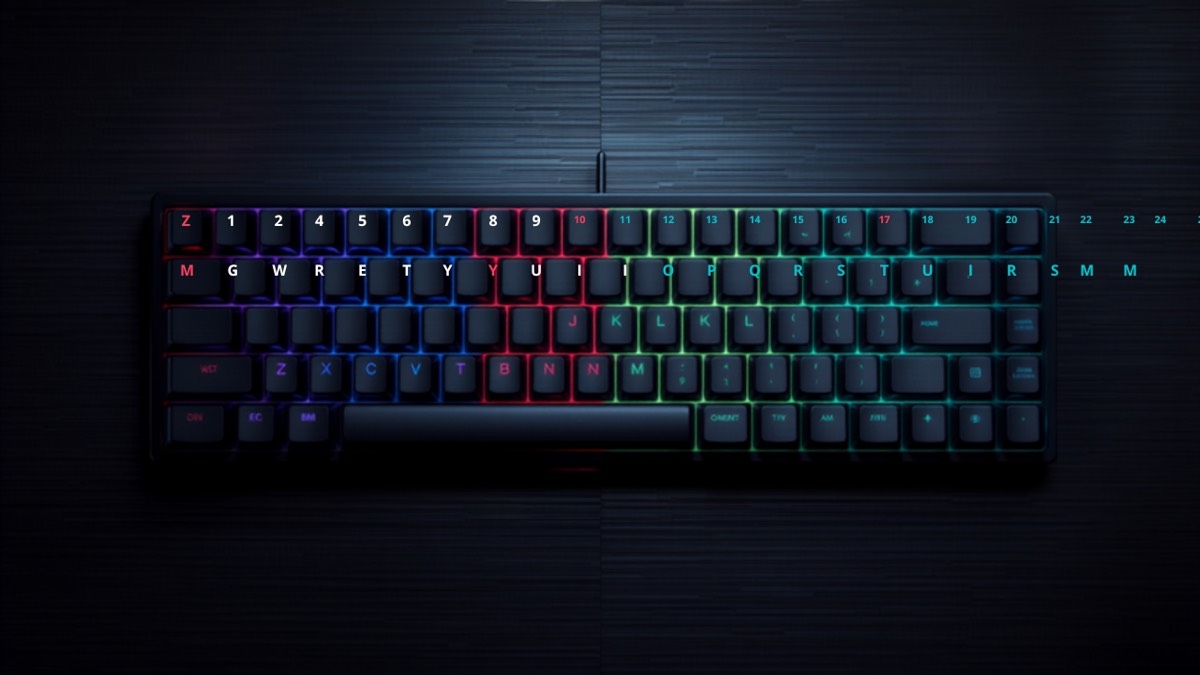
Gaming keyboards often adopt a compact (TKL) layout to free up mouse space, with customizable RGB (up to millions of colors). Office keyboards favor a full-size or 75% layout with a useful numpad for office work, and a more discreet backlight (sometimes automatic based on brightness). For gamer style and space saving, gaming; for understatement and a numpad, office.
Connectivity and features
Gaming keyboards rely on wired (minimal latency) or low-latency proprietary wireless, with macros, anti-ghosting and N-key rollover to never miss a key. Office keyboards shine with multi-device Bluetooth (switch between PC, Mac, tablet with one key), multi-OS compatibility (Windows, macOS, Linux) and shortcuts built for productivity. For responsive gaming, gaming; to juggle devices and systems, office.
Ergonomics and comfort
Office keyboards are designed for long typing sessions: studied profile, comfortable keys, sometimes a wrist rest. Gaming keyboards favor performance and compactness, sometimes at the expense of comfort over a full day of word processing. To type 8 hours a day, office; for intense gaming sessions, gaming holds up perfectly.
Price
Both high-end categories sit around €169. Price doesn’t decide it: the choice comes down to your dominant use (gaming or work) and environment (quiet or not).
Gaming keyboard — Pros / Cons
Pros:
- Fast switches (linear/magnetic), adjustable actuation
- Macros, anti-ghosting, low latency
- Compact layout (mouse space), RGB
- Ideal responsiveness in games
Cons:
- Often louder
- Prolonged typing comfort behind
- Less multi-device oriented
Office keyboard — Pros / Cons
Pros:
- Tactile and silent switches (open office)
- Typing comfort over long days
- Multi-device Bluetooth, multi-OS
- Discreet backlight, productivity shortcuts
Cons:
- Less responsive for competitive gaming
- No adjustable actuation or advanced macros
- More understated aesthetics
Verdict: which one should you choose?
- Choose a gaming keyboard if you game regularly, if responsiveness and fast switches matter, and if you like RGB and a compact layout.
- Go for an office keyboard if you type a lot daily, if you work in a quiet environment, and if you want to switch easily between several devices.
If you really do both, a good gaming keyboard with silent switches (or a hybrid keyboard) can serve both uses; but for optimal results, better to choose based on your dominant use. It’s up to you to say whether you game more than you work, or the opposite.
Conclusion
Responsiveness and RGB on the gaming side, silence and comfort on the office side: the right mechanical keyboard depends on your use. Which will you put on your desk? Tell us in the comments and find our other comparisons on Wanda-techs.
As an Amazon Associate, Wanda-techs earns from qualifying purchases. This affects neither our independent analysis nor the price you pay.
Share this content:





Post Comment