
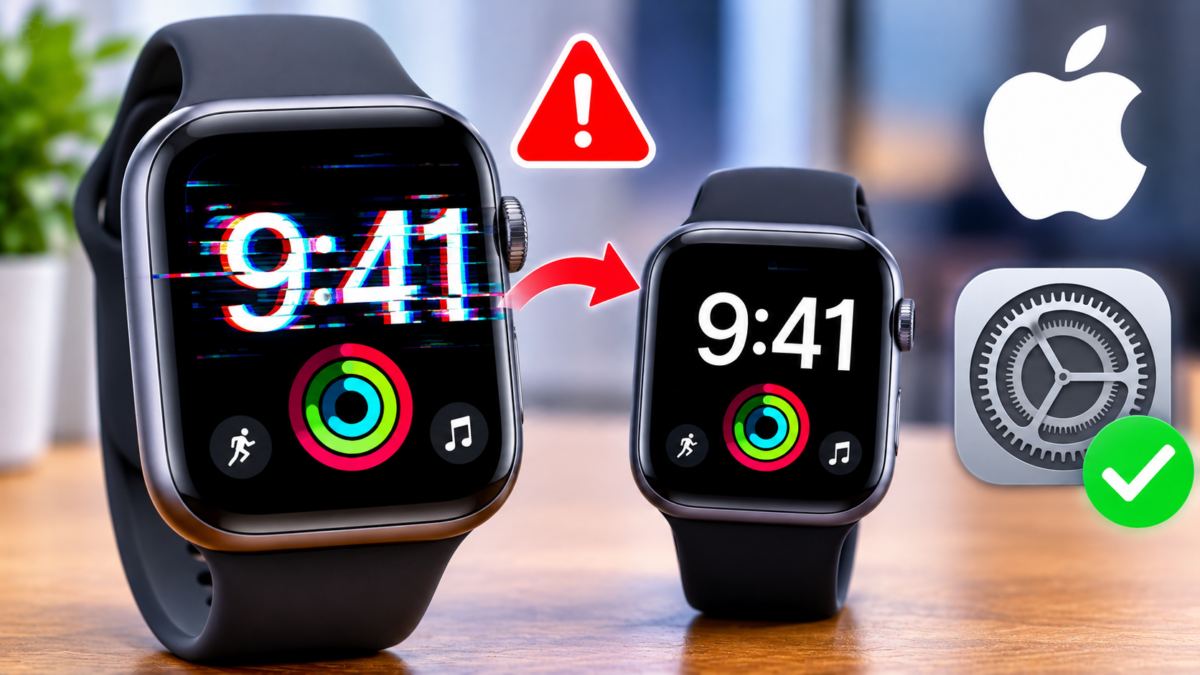
After the clocks changed, some Apple Watch owners saw the time off by an hour. This Apple Watch daylight saving bug only affects the Always On display while the wrist is down. Apple has published a support document, spotted by MacRumors on November 1, 2026, with two quick fixes.
A glitch limited to the Always On display

According to Apple, the wrong time appears only on the always-on screen when your wrist is lowered. Tap the display or raise your wrist and the correct hour shows. So the watch’s clock itself is not the problem; the dimmed display is.
Apple’s two suggested fixes
- switch to another watch face, then switch back;
- restart the watch.
Try the face switch first, since it takes seconds. If the dimmed screen still shows the wrong hour, restart.
A timeline that follows the clock changes

On October 26, 2026, MacRumors reported that users in Europe were hit when clocks went back there. It notes that most of the US turned clocks back on November 1, the day Apple documented the issue. Several outlets tie the glitch to watchOS 27, but the exact models and software versions affected were not detailed in the material we reviewed.
What it means for you
Nothing alarming for your data or safety: it is a display flaw with an official workaround. Just raise your wrist before trusting the time on a dimmed screen. The sources we checked mention no software update that would remove the glitch for good.
Was your watch affected? Tell us in the comments whether one of the two fixes worked.
Share this content: