
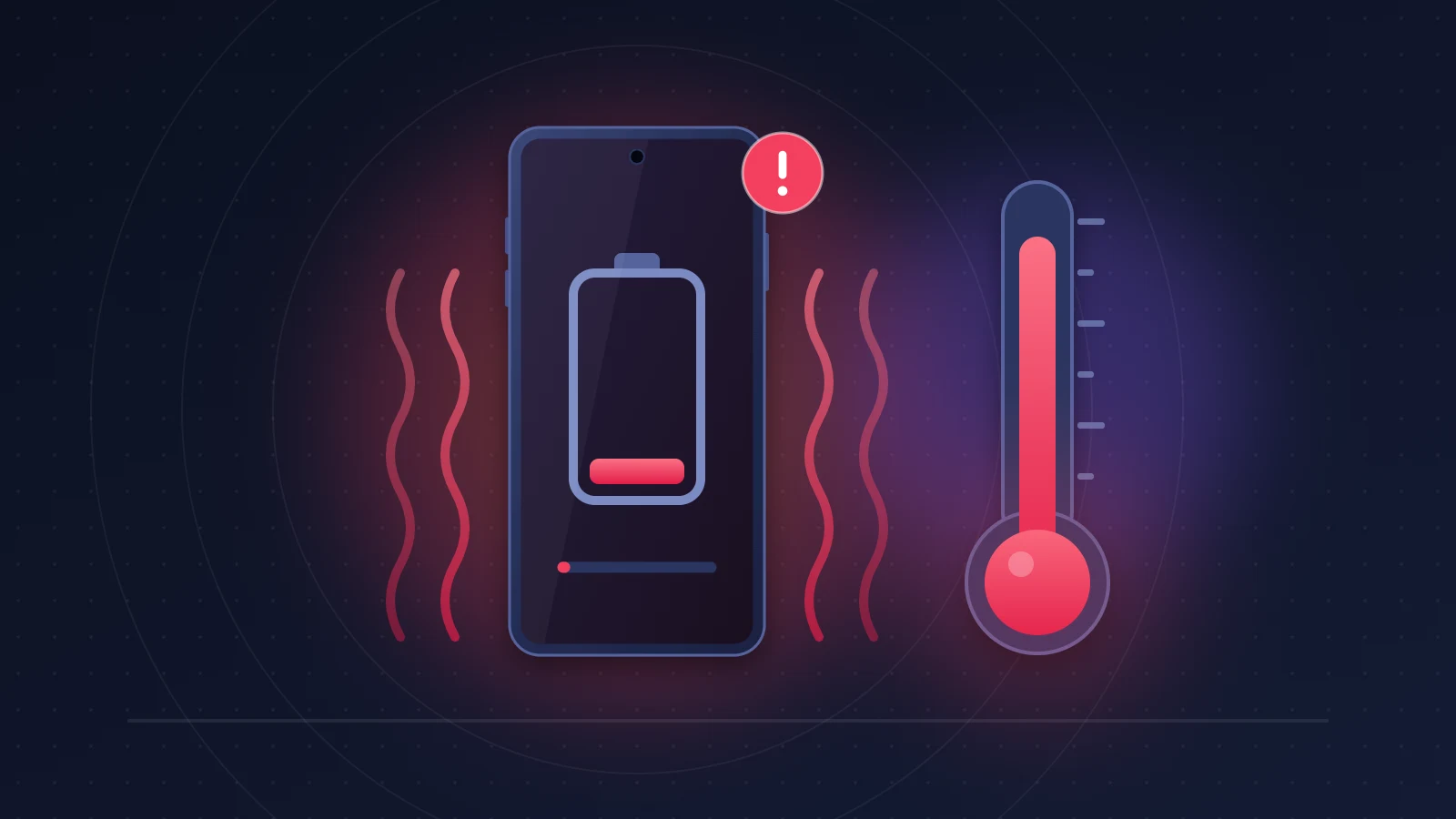
Dealing with iPhone 18 Pro overheating and battery drain that empties a full charge in a few hours, even though you barely touch the phone? Most of the time it is not a defect. After a fresh setup or the move to iOS 27, the phone indexes your data, analyzes your photos, gets Apple Intelligence ready and resyncs iCloud. Give it two to three days, sometimes a week, and leave it plugged in on Wi-Fi overnight. If it still runs hot after a week, look for an app stuck in a loop, then think about getting it serviced.
Quick fix
- Settings > Battery says iOS is updating or setup is in progress: the heat is expected, so wait.
- Leave it on the charger for two or three nights, on Wi-Fi, with the screen locked.
- After a week, tap Show All Battery Usage and find the app that drains power in the background.
- Install the latest iOS version and update your apps.
- Heat that won’t go away, a temperature warning or odd battery health figures: book an Apple appointment and bring screenshots.
How to recognize the problem: what iPhone 18 Pro owners describe
The phone feels warm near the camera bump while it sits on a table, the percentage melts away overnight, and a simple WhatsApp chat is enough to push the temperature up. On MacRumors, one iPhone 18 Pro owner says he went from 100% at night to 58% the next morning with light use.
Other common signs: charging slows down or stops with the Charging On Hold message, brightness drops on its own, an iCloud restore shows as paused, or Maps navigation displays “Temperature: iPhone needs to cool down.” These are not faults. They are iOS thermal safeguards doing their job.
What causes iPhone 18 Pro overheating and battery drain after iOS 27?
Because it is working flat out in the background for a few days. Apple says so itself: after an update, especially a major one, battery life and thermal performance can be temporarily affected. Several jobs run at the same time while the phone is locked:
- rebuilding the Spotlight index, the database that finds an email or a message from three letters;
- analyzing the photo library: faces, objects, text in images, memories;
- preparing Apple Intelligence and Siri. According to 9to5Mac, iOS 27 fully reindexes the device for the new Siri. That Siri is still in beta, English first and not right away in the European Union, so how much of this work happens depends on your region and language;
- downloading system resources and updating apps;
- on a new iPhone, the iCloud restore, which brings back apps, photos and attachments.
All of this keeps the A20 Pro chip and its Neural Engine, the part dedicated to AI, busy. Heat is spread out by the vapor chamber, which Apple made three times larger on this generation, and then by the aluminum chassis. A back that feels warm over a wide area is not, on its own, a sign of overheating.
One case specific to the Pro Max: its battery exceeds 20 Wh, the threshold that triggers shipping rules. iOS 27 therefore adds a Prepare to Ship option under Settings > General > Transfer or Reset iPhone, which deliberately drains the battery before you send the phone for repair or sell it. Apple warns that the phone gets warm during this discharge, which can take up to two hours.
How long does the “normal” phase last?
Usually 24 to 72 hours. Apple only says “a few days.” Battery use can stay uneven for a week, because the tasks don’t all run at once, and a large photo library stretches things out. After a week, that explanation no longer holds.
For reference, the iPhone 18 Pro has a 4,056 mAh battery and the Pro Max a 5,391 mAh battery in the European versions with a SIM tray (eSIM-only models get a larger battery). In Tom’s Guide’s automated web browsing test, with the screen set to 150 nits, the 18 Pro lasted 16 hours 17 minutes and the 18 Pro Max 18 hours 27 minutes. A Pro Max that can’t get through a day of light work after the first week is not behaving normally.
Before you start
Check your backup (Settings > [your name] > iCloud > iCloud Backup), note the installed iOS version (Settings > General > About) and take a screenshot of the Battery screen. It will serve as a baseline, and as evidence if you end up talking to Apple.
Fix 1: check whether iOS is still updating and let it finish
- Open Settings > Battery and look at the suggestions area, just above the daily usage chart.
- If a notice says iOS is updating or that device setup is in progress, leave everything as it is.
- In the evening, plug the iPhone into the wall, on Wi-Fi, and leave it locked all night. Repeat for two or three nights.
Risk: none. How to check: the notice disappears from the Battery screen and the overnight usage curve flattens out.
Common mistake: leaving Low Power Mode on all the time during these first days. It slows down part of the background work and can stretch out the warm phase.
Fix 2: find the app to blame in Settings > Battery
If the heat lasts more than a week, look for a specific culprit.
Reading the Battery screen
- In Settings > Battery, the daily usage chart compares the day with the previous seven days and flags unusual consumption.
- Tap Show All Battery Usage: the App & System Activity list ranks apps and processes.
- Tap an app to see how its usage breaks down, in categories such as Background Activity, Notifications, No Cellular Coverage or Low Signal.
A social network taking 25% with two hours of screen time makes sense. A weather app, a delivery app or a VPN racking up hours of background activity when you have barely opened it fits the profile of an app stuck in a loop. On the chart, a steady slope overnight points to indexing; sharp drops with the screen off point to a stuck app.
Since iOS 26, you can no longer select a specific hour on this screen, so think in whole days.
Going further with analytics data
Settings > Privacy & Security > Analytics & Improvements > Analytics Data lists the system’s reports. A file named after an app followed by “cpu_resource” or “wakeups_resource” means iOS caught it using too much processor time or waking up too often. Several reports for the same app within a few days and you have your suspect.
Fix 3: rein in the suspect app or process
- Update it from the App Store. Apps not yet adapted to iOS 27 are often the cause.
- Close it from the app switcher, then restart the iPhone (side button and a volume button, then drag the slider).
- Turn off its refresh: in Settings > General > Background App Refresh, switch it off for that app.
- Limit its location access: in Settings > Privacy & Security > Location Services, change it from Always to While Using the App.
- If nothing changes, delete the app and reinstall it. That clears out a cache that may be corrupted.
How to check: within 24 hours, its background activity should drop sharply.
Which apps cause trouble on iOS 27? No reliable source names an app behind widespread battery drain on the iPhone 18 Pro. Crashes or slowdowns have been reported in Instagram, WhatsApp, Reddit and Wallet, with no proven link to battery life. Your own Battery screen remains the only trustworthy judge.
Fix 4: keep temperature and charging under control
Apple warns that extended use in hot conditions can permanently shorten battery life. It puts the ideal comfort zone between 16 and 22 °C (62 to 72 °F), and the operating range between 0 and 35 °C (32 to 95 °F) ambient.
Fast charging, MagSafe and cases
The iPhone 18 Pro gets back to 50% in about fifteen minutes with a USB-C adapter rated at 60 W or more (Adjustable Voltage Supply), and charges at up to 25 W over MagSafe with an adapter of at least 35 W. That speed comes at a thermal cost, and Apple lists wireless charging among the activities that make the phone warm.
- At night, while indexing runs, a more modest wired charger is enough.
- If the iPhone gets hot while charging, take it out of its case, as Apple recommends.
- Avoid stacking GPS, MagSafe charging and sun on the dashboard.
Charge limit and Optimized Battery Charging
Settings > Battery > Charging offers a limit from 80% to 100%, in 5% steps. Capping it at 80% or 85% keeps the battery from sitting full for long periods. Optimized Battery Charging, on the other hand, only works with the limit set to 100% and needs at least 14 days to learn your routine. On a new phone, it isn’t doing anything yet.
Fix 5: settings that actually help, and ones that don’t
Settings worth using:
- Wi-Fi rather than cellular data whenever you can.
- 5G Auto (Settings > Cellular > Cellular Data Options > Voice & Data): the iPhone drops back to LTE when 5G brings no benefit, which is valuable where the 5G signal is weak.
- Airplane Mode in dead zones: an iPhone searching for a tower heats up and drains. The No Cellular Coverage category gives it away. If your Pro Max stays stuck on SOS even where there is coverage, read our guide to the iPhone 18 Pro Max stuck in SOS and the modem issue on iOS 27.0.1.
- Auto-Brightness and Auto-Lock, which the Battery screen itself tends to suggest.
Overrated habits:
- Closing every app in the app switcher: iOS already freezes them, and relaunching them often costs more.
- Turning off Bluetooth or location system-wide: marginal gain, lost features.
- “Optimizer” or “cooling” apps: they have no control over the system.
Low Power Mode, Adaptive Power and “Performance Mode”
Low Power Mode (Settings > Battery, or Control Center) cuts back mail fetch, “Siri” voice activation, background app refresh and some visual effects. It turns itself off once the battery passes 80%. Keep it for tough days, not for the indexing phase.
Adaptive Power, on by default on the iPhone 18 Pro, lowers brightness slightly or postpones some tasks on heavy-use days, and can switch to Low Power Mode at 20%. You’ll find it in Settings > Battery, in the Power Mode section.
A “Performance Mode” in iOS 27? Neither Apple nor the tech press mentions one. Game Mode, which kicks in when a game runs full screen, does nothing about heat.
Fix 6: install the latest version of iOS
Battery fixes rarely show up by name in release notes. iOS 27.0.1 fixes iPhone 18 Pro and 18 Pro Max restarts after a failed Face ID attempt, a color issue on some 2x photos and a frozen touchscreen; nothing about the battery. If you are still on iOS 27.0, install it anyway, then the ones that follow (Settings > General > Software Update). After each update, a short burst of reindexing is normal.
Fix 7: reset settings, then restore
- Go to Settings > General > Transfer or Reset iPhone > Reset > Reset All Settings. Your data stays; Wi-Fi networks, privacy and display settings go back to defaults.
- If the heat persists, erase the iPhone (Erase All Content and Settings) and use it for two days as a new device, without restoring your backup. If the problem goes away, it came from your data or an app. If it stays on a clean iPhone, a hardware fault becomes a serious possibility.
Risk: step 2 is a big step. Check your backup first, and remember that a restore triggers another round of indexing, so judge the result after several days.
Summary table
| Symptom | Likely cause | What to try |
|---|---|---|
| Heat and poor battery life in the first 1 to 3 days | Indexing, photo analysis, Apple Intelligence, iCloud restore | Leave it plugged in overnight on Wi-Fi (fix 1) |
| Battery screen says iOS is updating | Post-update setup | Wait, don’t leave Low Power Mode on permanently |
| One app with hours of background activity | App stuck in a loop | Update, turn off refresh, reinstall (fixes 2 and 3) |
| Fast drain in areas with poor signal | Constant search for a tower | 5G Auto, Airplane Mode with no coverage (fix 5) |
| Charging On Hold, charge stuck around 80% | Thermal protection | Remove the case, use a wired charger, cooler room (fix 4) |
| Pro Max warm during Prepare to Ship | Deliberate discharge below 20 Wh | Normal, wait for the discharge to finish |
| Heat after a week, iPhone erased with no restore | Possible hardware fault | Apple diagnostics, replacement |
When should you worry, and what if nothing works?
Three signs justify an appointment: heat that lasts beyond a week despite these fixes, the temperature warning during ordinary use, or abnormal battery health.
Check battery health
Settings > Battery > Battery Health shows maximum capacity and cycle count. A new iPhone can show slightly under 100% depending on how long it sat in storage before activation. Since the iPhone 15 lineup, iPhones are designed to retain 80% of their capacity after 1,000 full cycles. A drop of several points within a few weeks, or a Service message, deserves a diagnosis.
Get an Apple diagnosis
Full hardware diagnostics don’t run on their own. Contact Apple through the Apple Support app: the advisor can start a remote diagnostic session, which you accept on the phone. In an Apple Store, the same tests are run on site.
Bring screenshots of the Battery screen over several days, a video of the temperature warning and the list of fixes you tried. Heat that persists on an iPhone erased without a restore is your strongest argument.
Returns, replacements and your rights
- If you bought it from Apple, you have 14 days after delivery to return it, and a defect you notice on arrival should be reported within that same window. An iPhone bought in an Apple Store can be exchanged at any Apple Store in the same country, subject to stock.
- Apple’s one-year limited warranty covers manufacturing defects, not normal wear of the battery, which is a consumable part.
- AppleCare+ replaces the battery if its capacity falls below 80%.
- Consumer law in your country may give you rights against the seller on top of that. In the UK, the Consumer Rights Act lets you ask the retailer for a repair, replacement or refund when goods are faulty. In the EU, the seller owes a legal guarantee of conformity. If you bought the iPhone from a carrier or a retailer, that seller is the one to contact.
Readers in Africa
Apple’s warranty on an iPhone bought in Europe provides service in the European Economic Area and Switzerland; elsewhere, options can be limited. In Lagos, Nairobi or Accra, the right place to go is an Apple Authorized Service Provider, which you can find in the Apple Support app. Bring the purchase receipt. An unauthorized repair shop that opens the phone can cost you your coverage.
Keeping it from happening again
Start big updates in the evening, with the iPhone plugged in on Wi-Fi, and don’t judge battery life for three days. Cap charging at 80% or 85% if you can. Don’t leave the iPhone in a car in the sun: Apple sets 45 °C (113 °F) as the storage limit. And glance at the Battery screen once a week.
FAQ
Is it normal for a new iPhone 18 Pro to get hot during setup?
Yes. Apple lists first-time setup and restoring from a backup among the normal reasons a phone gets warm. It settles down within a few days.
How long does fast battery drain last after the iOS 27 update?
Usually 24 to 72 hours, up to a week with a large photo library.
My iPhone 18 Pro Max gets hot on MagSafe, is that a problem?
Not if no warning appears. Wireless charging produces more heat than a cable: remove the case and charge somewhere cool.
Why won’t my iPhone charge past 80%?
A charge limit is set, Optimized Battery Charging is waiting for your wake-up time, or the iPhone got too hot and paused charging. Check Settings > Battery > Charging.
Does iOS 27.0.1 fix battery drain?
Its release notes don’t mention battery life. Install it anyway, along with later versions.
Does the heat in the first days damage the battery?
A few warm days are nothing to worry about. What Apple warns against is prolonged use at high temperatures, which can permanently reduce capacity.
Should I ask for my iPhone 18 Pro to be replaced?
If the heat persists after a week, even after erasing it without a restore, or if battery health looks abnormal. Within 14 days of delivery, returning it to the seller is the simplest route.
Still seeing iPhone 18 Pro overheating and battery drain after a week on iOS 27? Tell us in the comments which app tops your Battery screen and which iOS version you’re on: the more precise cases we get, the easier it is to tell a misbehaving app from a faulty device. The official specs for both models are in our iPhone 18 Pro and iPhone 18 Pro Max spec sheets, and our roundup covers every known iPhone 18 Pro problem and its fix.
Share this content: