
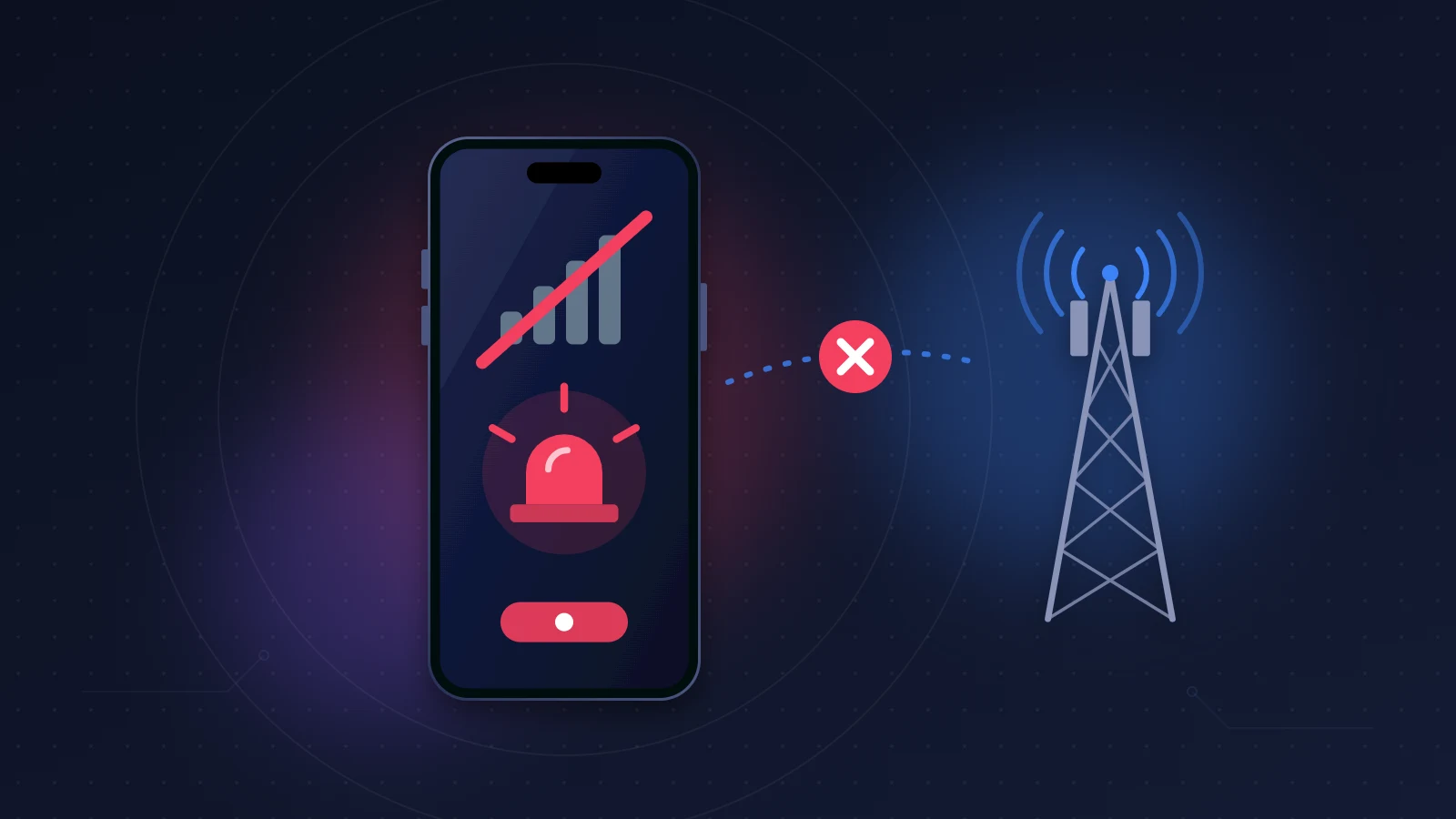
iPhone 18 Pro Max SOS only in the status bar, and no signal coming back, even after resetting network settings? If it’s a US model used on AT&T, it is most likely the defect Apple has acknowledged. The rule is disappointing: iOS 27.0.1 and the carrier settings update are meant to prevent the failure, not to repair it. A device that has already lost service for good needs to be replaced, and Apple says so itself. Before you rush to a store, though, a few checks will tell this defect apart from a simple eSIM problem, which can be solved without an exchange.
Quick fix
- Install the latest version of iOS (iOS 27.0.1 at minimum), then force the carrier settings update from Settings > General > About.
- If service was already lost before these updates and doesn’t come back, don’t keep resetting things: it won’t bring the modem back.
- Run the cross-test: another line (another eSIM, or a physical SIM depending on the model) in your iPhone, and your line in another phone.
- If your iPhone stays on SOS with every line, ask Apple for a diagnostic and a replacement: under warranty, it shouldn’t cost you anything.
Which iPhone 18 models are affected by the SOS issue?
Short answer: Apple has confirmed the defect only on the iPhone 18 Pro Max used on the AT&T network, in the United States. Neither the iPhone 18 Pro, nor other carriers, nor models sold outside the US appear in its statement.
Apple speaks of a “small number” of users, while thousands of posts have piled up on its Apple Support Community, on Reddit and on MacRumors. AT&T warned its customers by text message that some phones might no longer be able to make calls, send texts or use data, including reaching 911.
| Level | What we know |
|---|---|
| Confirmed by Apple | iPhone 18 Pro Max on AT&T; preventive updates; replacement of affected devices |
| Reported by users | Failure a few days after purchase; eSIM changes and resets don’t help; failed radio test at an Apple Store |
| Not confirmed | Isolated cases on T-Mobile or Verizon; iPhone 18 Pro; exact cause |
Watch out for false positives too: during major Verizon outages, every iPhone on its network went to SOS at the same time, with no hardware defect at all.
iPhone 18 Pro Max SOS only: what causes it?
Short answer: Apple has not disclosed the cause. The fact that a replacement is required suggests the device ends up in a state that no software update can recover from.
One hardware detail stands out. iPhone 18 Pro Max units sold in the United States use a Qualcomm Snapdragon X80 modem, while the iPhone 18 Pro and the iPhone 18 Pro Max sold elsewhere use the C2, the modem designed by Apple. The modem, or baseband chip, is the component that talks to the cellular network’s antennas: without it, the iPhone can’t register with any carrier. The connection is tempting, but it remains a hypothesis: the X80 was already in the iPhone 17 Pro without any comparable incident.
Forum posts also mention a modem configuration update that may have left it unusable, or an interaction specific to AT&T’s network. None of this is backed up officially.
Is it an eSIM problem?
Short answer: not necessarily, and that’s the trap. Both failures show exactly the same screen.
The US iPhone 18 Pro Max has no SIM tray: its owners transferred their eSIM, and everyone, AT&T reps included, first suspected that transfer. Several accounts describe days spent reissuing one eSIM after another, with no result. One user says they had used the phone for four days before losing everything.
If your SOS appeared right after a transfer and the rest of the diagnosis below looks normal, start with our guide to an iPhone stuck on SOS only because of the eSIM. The rest of this article assumes the eSIM has already been checked or reissued without success.
Before you start
Connect to Wi-Fi and make an iCloud backup (Settings > [your name] > iCloud > iCloud Backup > Back Up Now): if the phone is exchanged, you’ll restore it on the new device. Also take screenshots of the SOS screen, the Settings > General > About page and the Cellular page, for your records.
Does iOS 27.0.1 fix the loss of service?
Short answer: not on a device that has already failed. Apple presents iOS 27.0.1 and the AT&T carrier settings update as preventive measures for phones that are still working.
The iOS 27.0.1 release notes don’t mention any cellular fix, in fact. They list three bugs: iPhone 18 Pro and 18 Pro Max restarting when Face ID fails, a color issue in some photos taken at 2x zoom, and an unresponsive touchscreen when Notification Center and Control Center are opened together. Nothing about the modem, nothing about AT&T.
AT&T initially suggested to its customers that the update solved the problem. Many affected users installed it without getting a single bar back. Apple then made it clear: these updates prevent the failure on other devices, they don’t restore service on iPhones that are already affected. Until a later version of iOS explicitly announces a modem fix, don’t count on one.
Install iOS 27.0.1 or later anyway: it’s the best protection for a healthy device, and a prerequisite that support will check before any exchange.
How can you tell if your iPhone 18’s modem is dead?
Short answer: look at Settings > General > About. If the Modem Firmware field is empty or the IMEI has disappeared, the modem is no longer responding, and only a trip to Apple will sort it out.
Read the About page
- Open Settings > General > About.
- Scroll down to the Carrier, IMEI, EID and Modem Firmware lines.
- Also dial *#06# in the Phone app, which shows the IMEI and EID.
| What you see | What it means |
|---|---|
| Modem Firmware filled in, IMEI present | Modem recognized; line issue, network issue or a subtler radio fault |
| Modem Firmware empty, or IMEI missing (About or *#06#) | iOS can no longer talk to the modem: classic baseband failure |
| Carrier line missing or without a version number | Line not recognized or carrier settings not loaded |
According to forum users, the firmware number also gives away the modem: 1.01.xx for Apple’s C2, 2.10.xx for the Qualcomm X80. That’s a community observation, not an official table. And the reverse doesn’t hold: firmware being displayed doesn’t prove the radio side works.
The cross-test that settles it
- Put your line in another phone. For an eSIM, your carrier can transfer it temporarily; for a physical SIM, just move the card.
- Install another line in your iPhone: a physical SIM if your model has a tray (US models don’t; the iPhone 18 Pro sold in France, for example, does), otherwise an eSIM from another carrier, such as a prepaid eSIM.
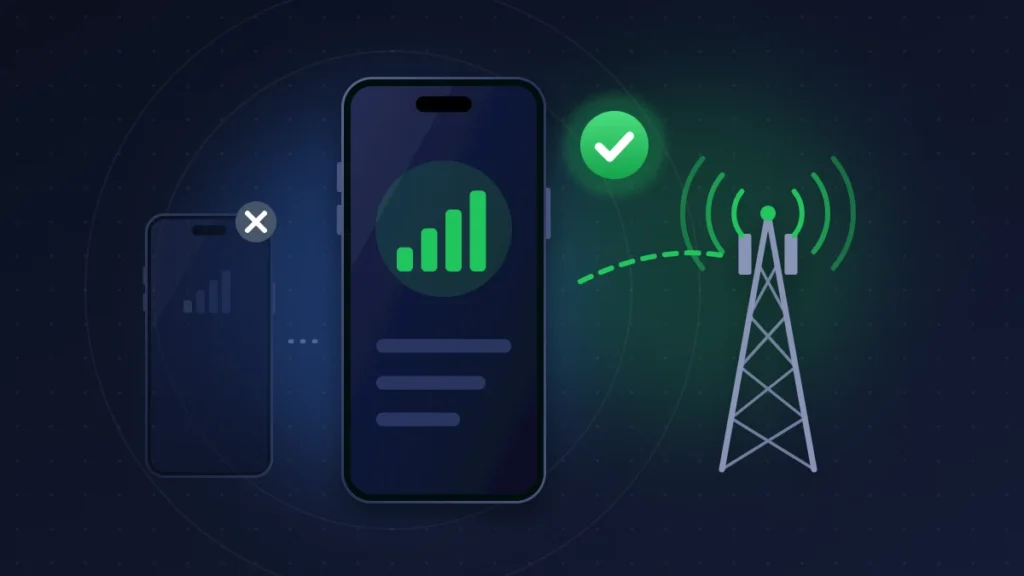
- Compare. Your line works elsewhere and no line works in your iPhone: the phone is at fault. Your line fails everywhere: it’s the carrier.
Analytics logs
In Settings > Privacy & Security > Analytics & Improvements > Analytics Data, reports that repeat at the moment service drops, especially those whose names refer to the modem or the baseband, are clues to show the technician. Note their names and times without trying to interpret them. A string of panic-full files points instead to system crashes, a case covered in our article on the iPhone 18 Pro that keeps restarting.
Apple diagnostics
Through the Apple Support app or by phone, an advisor can run a remote diagnostic, which you accept on the iPhone. At an Apple Store, technicians also have a radio (RF) test. One iPhone 18 Pro Max owner reports that the remote diagnostic first pointed to the eSIM, before the in-store RF test failed and the device was replaced under warranty. If your failure is intermittent and the first test comes back normal, ask for it to be run again during an SOS episode.
Fixes, from the simplest to an exchange
Fix 1: rule out a network outage
Does someone near you on the same carrier have signal in the same place? If everyone is on SOS, wait: no setting and no exchange will change anything.
Fix 2: update iOS and carrier settings
- Settings > General > Software Update: install the latest version offered (iOS 27.0.1 or later).
- Settings > General > About: stay on this screen for about ten seconds. If a carrier settings update is available, a prompt will offer it.
- Check the number shown next to Carrier.
On AT&T, the update also arrives on its own within 14 days. Don’t wait for it.
Fix 3: Airplane Mode, restart, line off and back on
Airplane Mode for 15 seconds, a restart, then Settings > Cellular > your line, switch Turn On This Line off, then back on. This clears a passing SOS; on a dead modem, the failure is already useful information.
Fix 4: reset network settings, once
Settings > General > Transfer or Reset iPhone > Reset > Reset Network Settings. Wi-Fi networks, Bluetooth pairings and VPN settings are erased; the eSIM stays. Doing it once is enough, for the record: affected users confirm that repeating it changes nothing.
Fix 5: have your carrier check or reissue the line
Ask the carrier to confirm that the line is active, the IMEI isn’t blocked and the eSIM is tied to the right EID. A reissue is justified once; beyond that, you’re wasting time and risk ending up with no line at all.
Fix 6: restore the iPhone as a last software resort
If Apple asks you to, a restore from a Mac (Finder) or a Windows PC (Apple Devices app) reinstalls iOS and the modem firmware. A backup beforehand is mandatory. If the Modem Firmware field is still empty afterwards, the hardware verdict is settled.
Fix 7: get the device replaced
For a US iPhone 18 Pro Max on AT&T that has already failed, this is the only solution Apple recognizes. Prefer an Apple Store, by appointment: some AT&T stores are short on stock. Before you leave, test calls, texts and cellular data with Wi-Fi turned off. A repair technician quoted by Macworld has seen replacement devices fail again because they lacked iOS 27.0.1 or the new AT&T settings: install both updates on the new phone before transferring your line to it.
Summary table
| Symptom | Likely cause | What to do |
|---|---|---|
| Everyone on the same carrier is on SOS | Network outage | Wait (fix 1) |
| SOS right after an eSIM transfer, firmware and IMEI present | eSIM provisioning | eSIM guide, fix 5 |
| US iPhone 18 Pro Max on AT&T, SOS persists despite iOS 27.0.1 | Defect acknowledged by Apple | Fix 7 |
| Modem Firmware empty or IMEI missing | Dead modem | Apple diagnostic, exchange |
| SOS after a drop or water exposure | Damaged antenna or modem | Out-of-warranty repair likely |
How do you get an exchange or a refund?
Short answer: within 14 days of delivery, report the fault to the seller; after that, use Apple’s one-year warranty and, depending on where you bought the phone, the consumer rights you have against the seller.
Your options
- Apple: 14 days from delivery or in-store pickup to return the device. A product that is defective on arrival must be reported to AppleCare within that window; Apple will replace it, repair it or refund it.
- Apple’s one-year limited warranty, or AppleCare+: a modem fault falls under the warranty, with no service fee.
- Consumer law: depending on the country, the seller owes you legal guarantees on top of Apple’s warranty. In the UK, the Consumer Rights Act lets you ask the retailer for a repair, a replacement or, in some cases, a refund for faulty goods. In the EU, the legal guarantee of conformity lasts at least two years. Elsewhere, statutory protections depend on local law.
- Bought from a carrier or a retailer: the seller remains your legal point of contact, even if it sends you to Apple.
What to bring to the appointment
The device, charged; proof of purchase; your passcode; your Apple Account credentials; screenshots; a short video of the SOS with Wi-Fi off; the list of fixes you tried; the cross-test result and your carrier case numbers. Before handing over the iPhone, ask the technician what to do about Find My for the repair.
One sentence that saves time: “My iPhone 18 Pro Max stays on SOS despite iOS 27.0.1 and the latest carrier settings. Another line doesn’t work in the device either, while my line works in another phone. I’m asking for a radio diagnostic and a replacement under warranty.”
Africa: the case of imported iPhones
Many iPhone 18 Pro Max units sold in Lagos, Nairobi, Douala, Abidjan or Dakar are imported US models: Qualcomm modem, no SIM tray. Apple can, however, limit iPhone warranty service to the original country of sale. A local Apple Authorized Service Provider will be able to diagnose the device, but the exchange may have to go through the United States. Before buying an imported model, check the modem firmware and IMEI in About, make a test call with your own line and insist on the original invoice. No report so far describes how an affected device behaves on an African network: a test call remains your only safeguard.
The iPhone 18 Pro and 18 Pro Max sold officially outside the United States, in the UK and Europe for example, use Apple’s C2 modem and are not affected by the confirmed defect. Full specs are in our iPhone 18 Pro Max page.
How to avoid it happening again
On a healthy iPhone 18 Pro Max, install iOS 27.0.1 or later and the latest carrier settings. Keep your old iPhone, not erased, for a few days after setting up the new one. Turn on Wi-Fi Calling while everything still works, and write down the IMEI and EID somewhere other than the phone.
FAQ
Is the iPhone 18 Pro affected by the SOS issue?
Apple doesn’t mention it. The acknowledged defect concerns the iPhone 18 Pro Max on the AT&T network. An iPhone 18 Pro on SOS most likely has a different cause: eSIM, network or an isolated fault.
Can an iPhone 18 Pro Max bought outside the US have this problem?
The confirmed defect has only been reported in the United States, on devices with a Qualcomm modem. Models sold officially elsewhere use Apple’s C2 modem. SOS on one of those deserves the usual diagnosis, starting with the eSIM. An imported US model is a different story: it has the same modem as the affected units.
Should I wait for iOS 27.1 to get service back?
Not if your device has already failed: Apple says no update will restore its service. Install each new version anyway, but start the exchange without waiting.
Is the replacement free?
Under warranty, a manufacturing defect is covered at no cost, and user reports describe free exchanges. Apple has not, however, announced a dedicated service program: ask for the terms in writing.
Can I call emergency services when the iPhone shows SOS?
In principle yes, through any available network. AT&T has warned, however, that affected devices might be unable to reach 911: keep another phone within reach until yours is replaced.
What does an empty Modem Firmware field mean?
That iOS can no longer read the modem. Combined with a missing IMEI, it’s the most reliable sign of a hardware baseband failure.
Did the iPhone 18 Pro Max SOS only message finally go away, or did you get an exchange? Tell us in the comments which carrier you use, the country of purchase and what the About page showed: these reports help other readers know what to expect. Other faults reported on these models are gathered in our article on all the known iPhone 18 Pro problems and their fixes.
Share this content: