
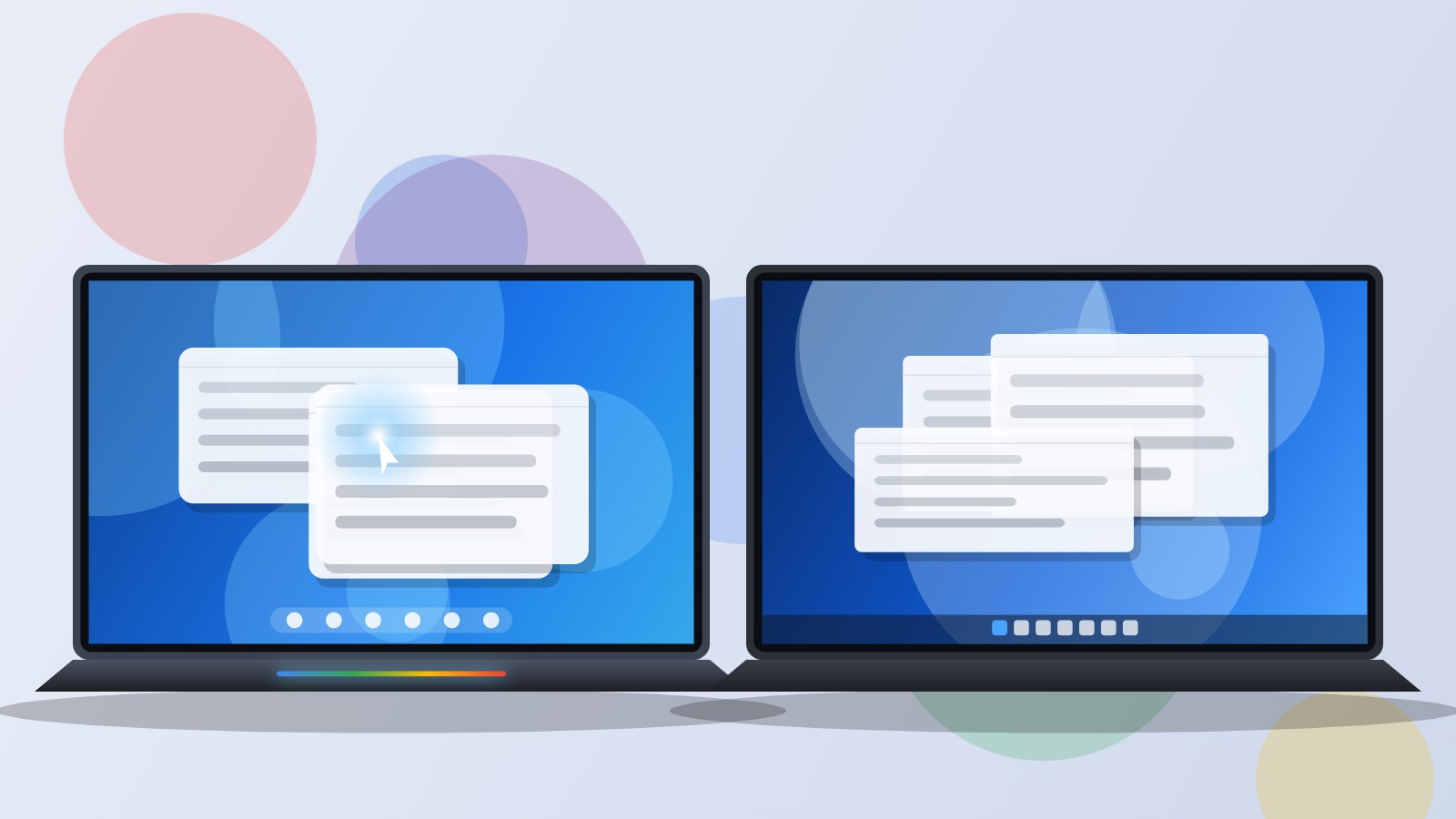
Since 5 October 2026, a new system has appeared on the laptop shelves at Fnac and Darty: Googlebook OS. Facing it is Windows 11, installed on the vast majority of computers sold in France. On paper the question looks simple. In practice, many readers ask us: should you take a chance on Google’s system, or stick with Windows?
We are not repeating the specifications here; they are covered in our articles on Googlebook OS and Windows 11 26H2. This comparison looks at what matters once the laptop is on your desk: what a day with one or the other is like, what gets annoying, what makes life easier. We rely on the first hands-on reports published by the press and on feedback from early buyers, since these laptops are only a few days old.
Verdict in 30 seconds
Windows 11 wins because it locks you into nothing: every program, every game, PCs at every price. Googlebook OS is more pleasant day to day for an Android user who lives in Chrome, but a wrong choice is costly if even one of your programs only exists on Windows.
For whom Windows 11: gamers, professionals, students in technical fields, tight budgets. Googlebook OS: Android users who mostly work online.
Avoid if Choose Googlebook OS instead if you never launch Windows software and want the best integration with your Android phone.
We like
- Compatible with every PC program and game
- PCs from €300 to over €3,000
- On-device AI features on Copilot+ PCs
We like less
- More settings and promotional prompts
- No more Android apps
- Strict hardware requirements
Googlebook OS
7.3/10Windows 11 (version 26H2)
8.2/10| Criterion | Googlebook OS | Windows 11 (version 26H2) |
|---|---|---|
| First use | Clean, built around Chrome | Familiar but busier |
| Desktop software | Web, Android and Linux | Almost everything |
| Mobile apps | Play Store adapted to PCs | No more Android apps |
| Games | Android games and cloud | Full PC catalogue |
| AI assistant | Gemini everywhere, mostly online | Copilot, Recall on Copilot+ PCs |
| Phone integration | Very deep with Android 17 | Phone Link, more limited |
| Choice of laptops | 4 models in France | Hundreds of models |
| Entry price | €1,099 | Under €400 |
| Rounds won | 4 | 4 |
First startup: two opposite philosophies
Turning on a Googlebook for the first time feels like setting up an Android phone. If you have a smartphone running Android 17, just bring it close: Wi-Fi networks, passwords and messages come across on their own. A few minutes later you are looking at a clean desktop, with no trial software or third-party antivirus. Early testers, such as Journal du Geek, describe a setup with no surprises for anyone who knows Chrome.
On a Windows 11 PC, setup is longer and chattier. Microsoft offers OneDrive, a Microsoft 365 trial and Game Pass, then the manufacturer sometimes adds its own utilities. Nothing insurmountable, but it takes a good half hour of tidying to get a clean machine. That is the price of freedom: each manufacturer does more or less what it wants.
A working day: office tasks, email, video calls
For use built around Gmail, Google Docs, video meetings and the browser, the two systems are on a par. Googlebook OS even has the edge in consistency: everything happens in Chrome, web apps install like apps and Gemini is one mouse gesture away. Magic Pointer is the feature that comes up most in early feedback: turning a date received by email into an appointment, or translating a paragraph without leaving the page, quickly becomes a habit.
The picture changes as soon as a desktop tool is involved. Excel with macros, accounting software, a management tool provided by your employer, a slightly old printer driver: on Windows, all of it works. On a Googlebook, you need a web, Android or Linux version, otherwise you are stuck. No .exe file opens and Google has announced no compatibility layer.
Our advice is simple: before buying a Googlebook, list the five programs you cannot do without and check each one. If even one only exists on Windows, the question is settled.
Phone apps on the laptop
This is where Googlebook OS has no competitor. Android apps from the Play Store run natively, and some of them have been adapted for keyboard, mouse and landscape screens. With Cast My Apps, an app installed on your phone appears in a window on the laptop, without installation.
Windows 11 went the other way: Microsoft removed the Android subsystem in March 2025. The Phone Link app remains, handy for texts, calls and photos, but it does not run your apps on the computer.
Gaming: no hesitation possible
If you play games on a computer, the answer is Windows 11. Steam, Game Pass, competitive games with anti-cheat, dedicated graphics cards: the whole PC gaming ecosystem lives on Windows.
A Googlebook runs Android games from the Play Store, with keyboard keys mapped to touch controls, and Google promotes GeForce NOW cloud gaming. At the time of writing, NVIDIA still describes support as “coming”. For a casual mobile gamer, that is enough. For a PC gamer, it is not.
Artificial intelligence: two different approaches
Gemini is everywhere in Googlebook OS, and it is pleasant: you no longer think about opening an assistant, it appears where the cursor is. The trade-off is dependence on the network. Almost everything goes through Google’s servers, and the Google AI Pro subscription, free for a year, then costs €21.99 a month (about 14,400 FCFA).
Copilot on Windows 11 is more discreet and largely optional. On Copilot+ PCs, Recall and Click to Do run on the machine, without sending your data. On an older PC, Windows’ AI is limited to an online assistant. People wary of AI will prefer Windows, which is easier to keep minimal.
The link with your phone
With a recent Android smartphone, Googlebook OS offers the smoothest experience: phone files visible in the file manager, phone apps on the laptop screen, setup transferred in seconds. Fnac’s L’Éclaireur compared this continuity to Apple’s, on the Android side.
Windows 11 works with every phone, Android and iPhone alike, but with less depth. If you have an iPhone, a Googlebook loses most of its appeal, and Windows remains the most neutral choice.
Budget: a gap that matters
A Googlebook costs at least €1,099.99 (about 721,500 FCFA) for the HP Googlebook 14. For the same money, the Windows range is huge: Snapdragon X PCs, Intel ultraportables, laptops with a graphics card for gaming. And under €800 there is no Googlebook at all, while decent Windows PCs are plentiful.
On the other hand, Google promises up to 10 years of updates depending on the model, whereas a Windows PC depends on Microsoft’s schedule and on whether its processor stays compatible with future versions. Over time, the gap narrows a little.
Our verdict by profile
Student
If your courses happen in the browser and on Google Workspace, a Googlebook is pleasant and light. If you study a technical subject (engineering, architecture, accounting) with required software, take Windows.
Remote work and office tasks
Windows 11 is safer as soon as a company tool is involved. A Googlebook suits jobs that live in the cloud, provided your IT department approves.
Gamer
Windows 11, no contest.
Android user who wants a simple laptop
Googlebook OS. This is exactly the target audience, and the phone integration makes a difference every day.
Tight budget
Windows 11. No Googlebook goes below €1,000.
Developer
Both work for web development thanks to Linux, but Windows keeps the edge with WSL, native tools and compatibility with every environment.
Pros and cons
Googlebook OS
- Pros: instant familiarity, Android apps adapted to PCs, Gemini available everywhere, deep integration with Android 17, up to 10 years of updates.
- Cons: no Windows software, no PC games, AI dependent on the cloud and on a subscription after a year, only four models, all above €1,000.
Windows 11
- Pros: total software compatibility, the largest game catalogue, a huge choice of PCs at every price, on-device AI on Copilot+ PCs.
- Cons: longer setup, promotional prompts, strict hardware requirements, no more Android apps.
Where to buy a Googlebook
The four Googlebooks sold in France are available at Fnac and Darty. Amazon does not sell them yet.
Where to buy a Googlebook at the best price
- HP Googlebook 14 (Snapdragon X Elite, 16 Go, 512 Go)Fnac1,099.99 €See at Fnac
- Acer Googlebook 14 (Core Ultra 5, 16 Go, 512 Go)Fnac1,199.99 €See at Fnac
- Lenovo Googlebook 15 (Core Ultra 5, 16 Go, 256 Go)Fnac1,349.99 €See at Fnac
- Asus Googlebook 14 CX9 (Core Ultra 5, 16 Go, 512 Go)Fnac1,399.99 €See at Fnac
Prices checked on October 10, 2026. Prices and availability may change.
To go further, also compare Googlebook OS and macOS 27, and read our full articles on Googlebook OS and Windows 11 26H2.
Frequently asked questions
Can a Googlebook replace a Windows PC?
Yes if all your software exists in a web, Android or Linux version, and you don’t play PC games. Otherwise, no.
Can you install Windows on a Googlebook?
Neither Google nor the manufacturers plan for it. Googlebooks are sold with Googlebook OS only.
Do Android apps still work on Windows 11?
No. Microsoft ended the Android subsystem in March 2025.
Which one is more secure?
Both are well protected. Googlebook OS relies on the Titan C chip and a more locked-down system, which limits the risks from downloaded software. Windows 11 is more exposed because it runs everything, but Microsoft Defender and TPM 2.0 provide good protection.
Prices checked at Fnac on 10 October 2026. They may change: check the price shown by the retailer before you buy.
Share this content: