
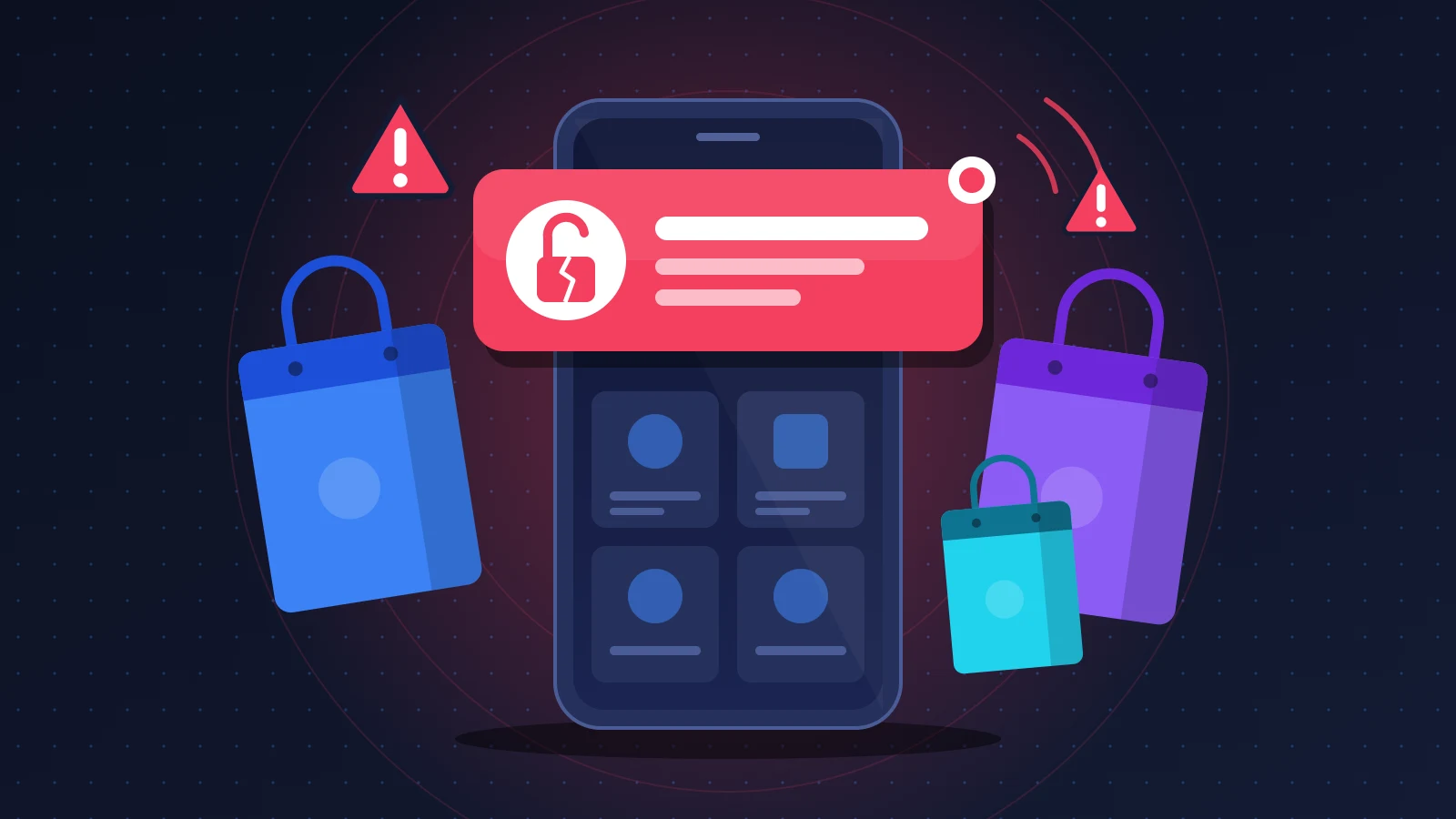
A HACKED notification that lands on your screen under the name of an app you actually use does not mean your phone has been hacked. It almost always points to something else: someone has taken over the tool the company uses to send its notifications and is using it to deliver a message, usually an extortion attempt aimed at the business itself. Your device simply received what was pushed to it through the usual channel. The real issue lies elsewhere. If intruders reached the company’s systems, your account and contact details deserve a few minutes of attention. Leave the notification alone, change the account password, and expect fake messages over the following weeks.
At a glance: the quick fix
- Do not tap the notification or the link inside it. Swipe it away.
- Change the password of the affected account by typing the official site address yourself, then change it everywhere else that password was used.
- Turn on two-factor authentication if the app offers it, and sign out of all other sessions.
- Check your orders, delivery addresses and saved payment methods.
- Be wary of any email, text or call that mentions a refund, compensation or “account verification” after the incident.
Recognizing a HACKED notification sent by an app
The phone buzzes, sometimes in the middle of the night, and a notification appears with the logo of a perfectly real app: a fashion retailer, a delivery brand, a ticketing service. The text, however, is anything but promotional. It contains the word “HACKED”, often in capitals, sometimes followed by a message and a link to a messaging channel or an unknown site.
The best documented case involves the ASOS fashion app. Many users received a notification that began with “ASOS HACKED” and was addressed not to customers but to the retailer’s data protection officer and IT department. The authors claimed to have compromised the company’s Snowflake data environment, demanded to be contacted and threatened to publish what they said they held. The message pointed to a Telegram channel. According to BleepingComputer, the alert appears to have reached a very large share of users.
ASOS acknowledged that third-party platforms used to communicate with its customers had been accessed without authorization, and that basic personal information, names and contact details, may have been exposed. The retailer said it did not believe payment card data or passwords were affected. The Snowflake intrusion remains a claim made by the attackers: no proof has been provided and the company has not confirmed it.
The format varies from one incident to the next: a single notification or a burst of test messages, text aimed at the company or directly at customers, with or without a link.
Why it happens
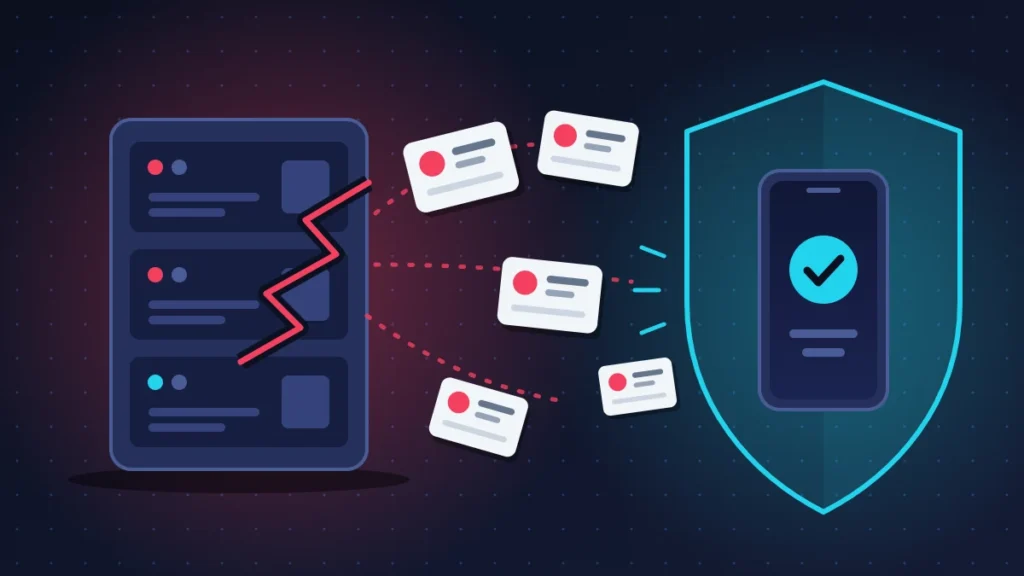
A push notification is a message a server sends to your phone, even when the app is closed. It never travels straight from the company to you. It passes through the service run by the operating system’s maker: Firebase Cloud Messaging at Google for Android, Apple Push Notification service (APNs) for the iPhone.
For this to work, your phone obtains a registration token the first time you launch the app, an identifier that designates that specific installation. The company stores this token. When it wants to write to you, it presents its own sending credentials to Google or Apple (a service account private key on the Firebase side, a signing key or a certificate on the Apple side) along with the list of tokens it is targeting.
Most large brands do not talk to these services themselves. They go through a customer engagement platform, an online tool where the marketing team writes a campaign, picks an audience and clicks “send”. These platforms hold the sending keys, the device list and, very often, first names and email addresses used to personalize messages.
Anyone who steals access to that platform, or gets hold of the sending keys, can therefore write to every user as if they were the company. That is exactly what ASOS’s wording about its “third-party communication platforms” describes.
What the notification proves, and what it does not
| What it proves | What it does not prove |
|---|---|
| A third party was able to use a sending tool or keys belonging to the company | That your phone is infected |
| Data stored in that tool (name, email, phone number) may have been accessed | That someone is reading your messages, photos or screen |
| The company is dealing with a real security incident | That your password or payment card has leaked |
| Fraudulent messages will probably follow | That the attackers’ claims about the scale of the theft are true |
A notification is something displayed, not a program. As long as you do not tap the link, it cannot install anything and opens no door into the device.
Before you start
A few precautions keep an incident at the company from turning into a real problem at your end.
Take a screenshot of the notification before you dismiss it. You will need it if you write to the company or to a regulator.
Make sure you can get into the email inbox tied to the account: the password change will go through it. If that inbox is not protected by a unique password and two-factor authentication, start there. Whoever controls your email can reset all your other accounts.
Fix 1: ignore the notification and check where it came from
This is the least risky move, and it solves half the problem.
Steps
- Do not tap the notification. Swipe it sideways to dismiss it.
- Do not join the messaging channel it mentions, and do not reply to anyone.
- Open your browser, type the brand’s official address and look for a statement. See whether other users are describing the same notification on social media.
When to use it: always, first. What it risks: nothing. How to check: if hundreds of people received the same text in the same minute, the source is the company, not your phone.
Already tapped the link? Close the page. If you typed nothing, installed nothing and granted no permission, the risk stays very low. If you entered a username, a password or a card number, go straight to fixes 3 and 4.
Fix 2: confirm the phone itself is clean
This check is mostly for peace of mind.
On Android
- Open Settings > Apps and go through the full list. An app you do not recognize, with no icon or a generic name, should be uninstalled.
- Open the Google Play Store, tap your profile icon at the top right, then Play Protect. Run a scan and check in its settings that “Scan apps with Play Protect” is turned on.
- In Settings, search for “Accessibility” and then “Device admin apps”. No unknown app should appear there.
On iPhone
- Open Settings > General > VPN & Device Management. If a configuration profile shows up that you did not install yourself, remove it.
- Open Settings, tap your name and scroll through the list of devices signed in to your Apple Account. Remove any you do not recognize.
In both cases, install any pending system updates.
The real signs of a compromised phone are of a different kind: apps that appeared on their own, ad pop-ups outside any app, battery and mobile data draining for no reason, accounts whose security settings change without you, contacts receiving messages you never wrote. A single notification received by every customer of a brand does not belong on that list.
When to use it: if the doubt is keeping you awake, or if you tapped the link. How to check: a Play Protect scan with no warning, no unknown profile or device.
Fix 3: secure the app account
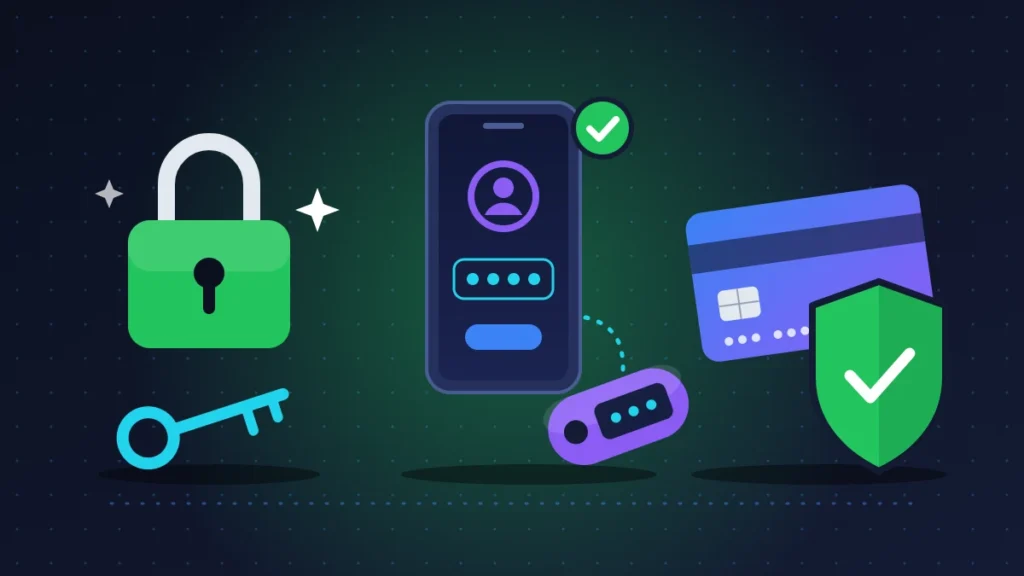
This is the part that really matters. Even when the company says passwords were not affected, such statements often change as the investigation moves forward. Changing a password takes two minutes.
Steps
- From the official site or the app, open your account area and then the section dedicated to the password or to security.
- Choose a long password that you use nowhere else.
- If you had the same password on other services, change it there too. Start with your email, then your bank, then the stores where a card is saved.
- Turn on two-factor authentication (also called two-step verification) if it is offered. Prefer an authenticator app or a passkey to a code sent by text message.
- Look for an option along the lines of “Sign out of all devices” and use it.
When to use it: in every case, the same day. What it risks: you will have to sign in again on your devices. How to check: you receive the email confirming the change, and the old password is rejected.
Fix 4: check orders, addresses and payment card
A shopping account contains everything needed to place an order. Make sure it has not been used.
- Open your order history and look for a purchase you did not make.
- Open the address book. A delivery address or pickup point added without your knowledge gives away an account takeover.
- Open your saved payment methods and delete the cards you rarely use. Typing them in again at your next purchase takes thirty seconds.
- Review your bank transactions for several weeks and turn on payment alerts if your bank offers them.
Online stores do not normally store your full card number, and the notification tool has no access to it. Keeping an eye on things is therefore enough in most cases. Cancel the card only if an unknown charge appears, or if you typed your card details into a page opened from a suspicious link. Go through your banking app or the number your bank provides, then dispute the transaction in writing. Consumer payment rules in the EU, the UK and the US give you the right to contest unauthorized transactions, within deadlines your bank can confirm.
When to use it: right after fix 3. What it risks: a little less convenience, and a few days without a card if you cancel it. How to check: no unknown order, address or card, no suspicious charge. If something looks wrong, contact customer service through the official site and keep screenshots.
Fix 5: check your email address on Have I Been Pwned
Have I Been Pwned is a free service that tracks data breaches that have been made public. The UK’s National Cyber Security Centre (NCSC) recommends it for this kind of check.
- Type haveibeenpwned.com into your browser.
- Enter your email address. The site lists the known breaches in which it appears. It states that it does not log searches.
- Use the “Notify me” feature to be alerted if your address turns up in a future breach.
When to use it: a few days after the incident, then from time to time. Its limit: a breach only shows up once the data has been published and loaded into the database. A clean result right after an announcement proves nothing.
Fix 6: turn off the app’s notifications, or uninstall it
If the attacker still controls the sending tool, more messages may arrive. Turning notifications off until the company regains control is reasonable.
On Android
- Open Settings > Notifications > App notifications.
- Pick the app and turn its notifications off.
Faster: touch and hold the notification, tap the settings icon, then turn off the app’s main notifications switch.
On iPhone
- Open Settings > Notifications.
- Pick the app in the list and turn off “Allow Notifications”.
Should you uninstall the app? Not for security reasons. The problem sits on the servers of the company and its providers, not in the code installed on your phone. Removing the app does not remove your data from their databases. Uninstall it if you no longer trust it or no longer use it, but in that case go all the way and ask for the account to be deleted as well.
Fix 7: do not fall for the fake messages that follow
This is the most concrete risk, and it lasts for months. As soon as a breach is announced, scammers with no link whatsoever to the original attack send messages that ride on the news.
The usual forms:
- an email offering a “refund” or “compensation following the security incident”, with a form that asks for your card details;
- a text saying an order is on hold or a parcel is waiting for an extra fee;
- a call from a fake bank advisor who has “detected fraud linked to the breach” and asks you to approve a transaction;
- a message offering to scan your phone or install a security app.
The NCSC points out that a bank or an official body will never ask you to hand over personal information this way. The safest reflex is a simple one: contact the organization yourself through an official channel found on its website.
In the UK, suspicious emails can be forwarded to [email protected] and scam texts to 7726. The 7726 short code also works with the major US carriers. Elsewhere, use the reporting tools built into your mail service and offered by your carrier.
Summary table
| Symptom | Likely cause | Fix to try |
|---|---|---|
| “HACKED” notification received by many users at the same time | Company’s sending tool or keys hijacked | Fixes 1 and 3 |
| Notification with a link to a messaging channel or unknown site | Extortion message or phishing attempt | Fix 1, touch nothing |
| Link tapped, credentials entered on the page | Credential theft through a fake site | Fixes 3 and 4 immediately |
| Unknown order, address or charge | Account or card used by a third party | Fixes 3 and 4, then customer service and bank |
| Refund email or text a few days later | Opportunistic phishing | Fix 7 |
| Strange notifications that keep coming | The company has not regained control yet | Fix 6 |
| Unknown apps, ads outside apps, battery draining | Problem on the phone, unrelated to the notification | Fix 2 |
If nothing works: use your rights
The company is not communicating, or stays vague about what leaked? The General Data Protection Regulation (GDPR), and its UK equivalent, give you some leverage.
First, the duty to inform. A company hit by a personal data breach must notify its supervisory authority within 72 hours when there is a risk to individuals. If the risk is high, it must also tell the people concerned directly, stating the nature of the breach, its likely consequences, the measures taken and a point of contact, generally the data protection officer.
Second, the right of access. You can write to the company to ask what data it holds about you and which of it is affected by the incident. The request is free. The reply must arrive within one month, which can be extended to three months for a complex request, provided you are told. Send it to the data protection officer, whose contact details appear in the privacy policy.
Simply write that you received an unauthorized notification through the app, and ask whether your data is affected, which data, and what measures have been taken. Attach the screenshot.
If you get no reply after a month, or an unsatisfactory one, you can complain to your data protection authority, with proof of the steps you took. In the UK that is the Information Commissioner’s Office (ICO); in an EU country, the national authority. The regulator will not award you compensation, that is not its role. For actual harm such as fraud or identity theft, report it to the police.
Elsewhere, turn to your own country’s authority. In Morocco, the CNDP, created by Law 09-08, takes complaints online. In Côte d’Ivoire, ARTCI acts as the data protection authority and runs a complaints portal. Senegal (CDP) and Benin (APDP) have their own authorities too. For a British retailer such as ASOS, the authority of its home country is the ICO.
Keeping it from happening again
You cannot stop a company from being attacked. You can, however, shrink what an attacker finds under your name.
A password manager solves the reuse problem: a different password for each service, generated and remembered by the tool. The day one site leaks, only one account is affected.
Email aliases do the same job for your address. Apple’s Hide My Email, or the aliases offered by some mail providers, create a separate address for each store. When an alias starts receiving phishing, you know where the leak came from and you switch it off.
Virtual cards, offered by many banks, generate a single-use or capped number for online purchases. A stolen number is then worth nothing.
Delete dormant accounts as well. For your most sensitive accounts, email first, a physical security key gives the best protection against phishing, because it refuses to respond to a fake site.
Frequently asked questions
Can a notification install a virus on its own?
No. A notification displays text, sometimes an image, and offers a link. As long as you tap nothing, no program gets installed.
Why did I get the message when I almost never open the app?
Because your phone stays subscribed to notifications for as long as the app is installed and you have not turned them off. Your device’s registration token is still in the company’s sending list.
Should I factory reset the phone?
No. A factory reset achieves nothing when the incident is at the company’s end. It is only justified if fix 2 reveals real signs of infection that you cannot remove.
Does the company owe me compensation?
Not automatically. The GDPR provides a right to compensation where damage has been suffered, but you have to prove it, most often in court. Above all, be suspicious of messages that promise you one: it is the scammers’ favorite pretext.
Did you receive a HACKED notification from another app, or a fake refund message right afterwards? Describe it in the comments: the name of the app and the text you received will help other readers recognize the same wave.
Share this content: