
This article contains affiliate links: if you buy through them, Wanda-techs earns a commission at no extra cost to you.
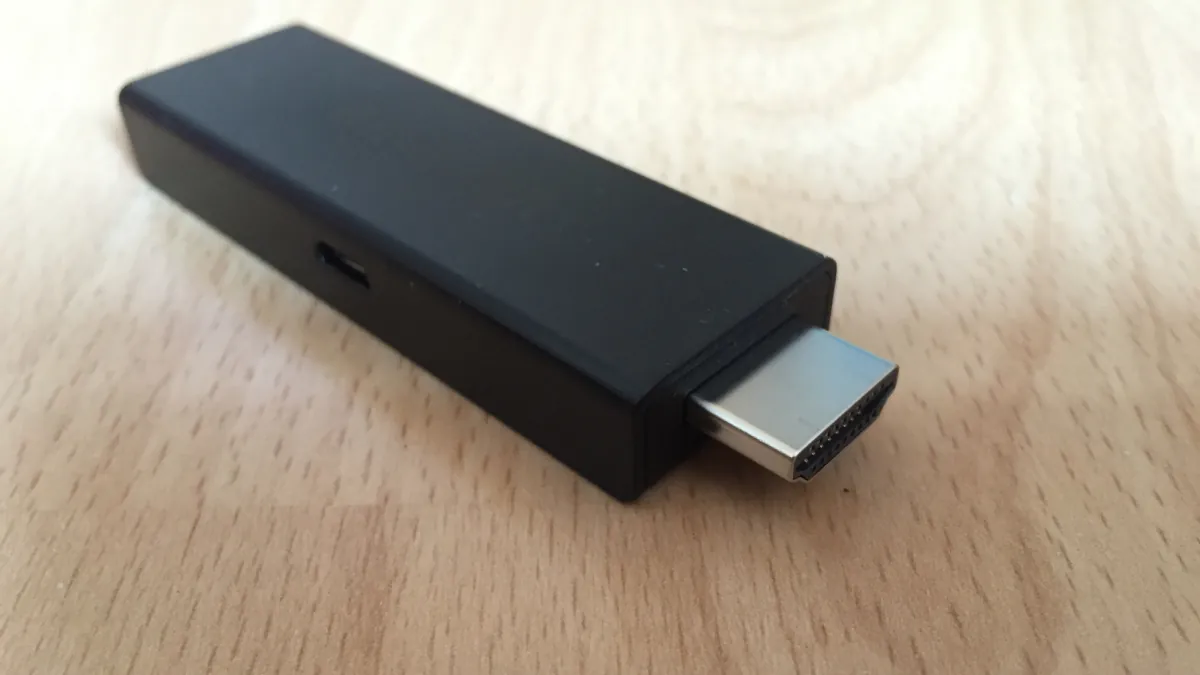
To turn your TV into a smart TV, plug a streaming stick or box into a free HDMI port on the television. Our pick for most living rooms is the Google TV Streamer: Gigabit Ethernet port, 32 GB of storage, Dolby Vision, Dolby Atmos and a Matter and Thread border router. The Apple TV 4K has the newest connectivity and the most storage, and the Fire TV Stick 4K Plus is the Fire TV stick that supports Dolby Vision and passes through Dolby Atmos and TrueHD.
The comparison at a glance
| Model | Picture | Sound | Network and HDMI | Storage / RAM |
|---|---|---|---|---|
| Fire TV Stick 4K Select | 4K 60 fps, HDR10, HDR10+, HLG, no Dolby Vision | Dolby Atmos via HDMI passthrough | Dual-band Wi-Fi 5, Ethernet through the Amazon adapter | 8 GB / 1 GB |
| Fire TV Stick 4K Plus | 4K 60 fps, HDR10, HDR10+, HLG, Dolby Vision | Dolby Atmos and TrueHD passthrough | Wi-Fi 6, 10/100 Ethernet through a dongle, HDMI 2.1 | 8 GB / 2 GB |
| Fire TV Stick 4K Max (2nd generation, 2023) | Dolby Vision, HDR10+ | not verified | Tri-band Wi-Fi 6E, 10/100 Ethernet through a dongle | 16 GB / 2 GB |
| Google TV Streamer | 4K HDR 60 fps, Dolby Vision, HDR10, HDR10+, HLG | Dolby Atmos | Dual-band 802.11ac Wi-Fi, built-in Gigabit Ethernet, HDMI 2.1 | 32 GB / 4 GB |
| Apple TV 4K | Dolby Vision, HDR10, HDR10+, HLG | Dolby Atmos | Wi-Fi 7, built-in Gigabit Ethernet, HDMI 2.1 | 128 GB, RAM not listed |
In this table, “fps” means frames per second. HDR (high dynamic range) gives brighter whites and deeper blacks; HDR10, HDR10+, HLG and Dolby Vision are its different formats.
Before you start
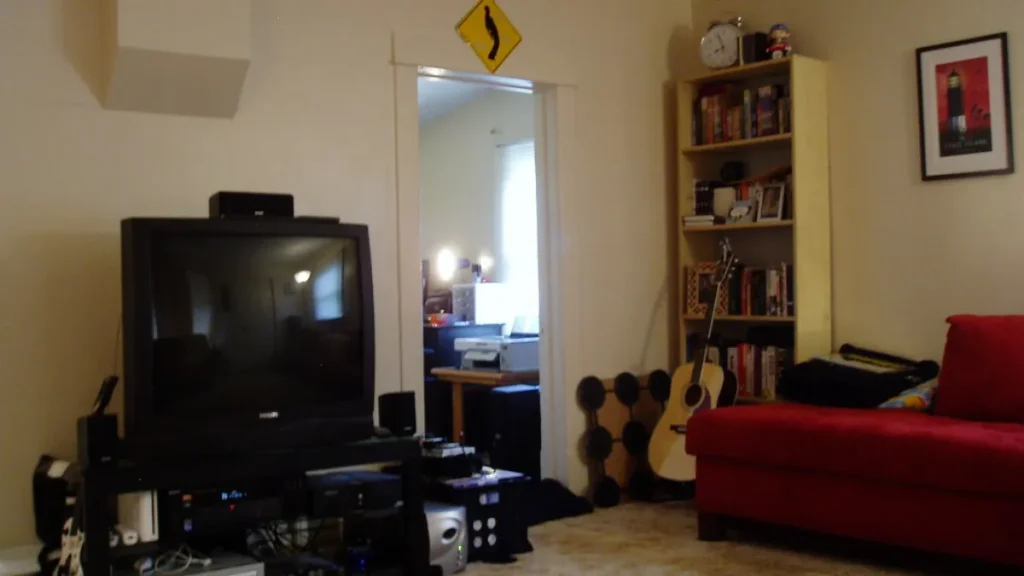
- A free HDMI port on the TV.
- For 4K and HDR, a TV and an HDMI cable that both support them.
- For the Google TV Streamer, an HDMI cable bought separately: it is not included.
Good to know: Apple’s page lists the Apple TV 4K box contents as the device, the Siri Remote (4th generation, USB-C charging) and the power cord, with no HDMI cable. Plan on buying one.
If you have no 4K HDMI cable on hand, here is an HDMI 2.1 certified one that suits the boxes covered here.
Belkin Ultra High Speed HDMI 2.1 cable, 2 m
Carries 4K and 8K picture and sound between a box, console or soundbar and the TV. A worn or bent cable can cause a black screen.
- AmazonSee at Amazon
Picture and sound: Google TV Streamer, Apple TV 4K and Fire TV Stick 4K Plus lead
Three devices handle all four HDR formats according to our sources: Dolby Vision, HDR10, HDR10+ and HLG. For the Max, only Dolby Vision and HDR10+ are confirmed.
The Google TV Streamer and the Apple TV 4K also support Dolby Atmos, the three-dimensional sound format of compatible soundbars and receivers. The Fire TV Stick 4K Plus passes Dolby Atmos and Dolby TrueHD through, meaning it sends them untouched to the soundbar or receiver that decodes them.
The Fire TV Stick 4K Select shows 4K at 60 frames per second in HDR10, HDR10+ and HLG, but not in Dolby Vision. It passes Dolby Atmos through over HDMI.
Warning: if your TV looks its best in Dolby Vision, the Select will not use it. Pick the Plus, the Max or one of the two boxes instead.
The Fire TV Stick 4K Max is a 2nd generation model released in 2023. Its audio formats are not verified here. To tell the generations of Amazon sticks apart, read our comparison of the Fire TV Stick 4K Max and the Fire TV Stick 4K.
Connectivity and network: Apple TV 4K comes out ahead
The Apple TV 4K combines an HDMI 2.1 output, a Gigabit Ethernet port, Wi-Fi 7 and Bluetooth 6. That is the newest wireless networking in this comparison.
The Google TV Streamer also has an HDMI 2.1 output and a built-in Gigabit Ethernet port (10/100/1000 Mbit/s). Its Wi-Fi stays at dual-band 802.11ac, with Bluetooth 5.1.
Fire TV sticks only get Ethernet through an accessory: the Amazon adapter for the Select, and an external dongle limited to 10/100 Mbit/s for the Plus and the Max.
Over wireless, the Select makes do with dual-band Wi-Fi 5, the Plus moves up to Wi-Fi 6 and the Max to tri-band Wi-Fi 6E. The Plus has an HDMI 2.1 output.
System, storage and updates
On storage, the Apple TV 4K wins: 128 GB, the only capacity listed on Apple’s page. The Google TV Streamer has 32 GB of storage and 4 GB of RAM, the working memory that keeps several apps open.
On the Amazon side, the Max has 16 GB and 2 GB of RAM. The Plus has 8 GB and 2 GB, the Select 8 GB and 1 GB.
The systems differ at Amazon too. The Plus runs Fire OS 8, based on Android 11, and the Max runs Fire OS 8. The Select, a 2025 model like the Plus, runs Vega OS 2.0, which is neither Fire OS nor Android.
Warning: we have not verified the list of apps available on Vega OS. Before you buy the Select, check on the product page that your streaming services are available on it.
Google promises at least 5 years of security updates for the Google TV Streamer, counted from its first sale in the United States. For the other models, we have no verified duration. Google comes out ahead on software support.
Smart home: Google TV Streamer comes out ahead
The Google TV Streamer acts as a Matter and Thread border router. Matter is a common standard for smart home devices from different brands; Thread is the low-power wireless network that connects them. The box can therefore serve as an access point to that network for your compatible smart home devices.
The Apple TV 4K supports Thread. We have not verified Matter and Thread support on the Fire TV sticks.
Price: compare on the day you buy
We give no prices: they change by the hour during the sales season, and the offers on this page show the current price. Before you accept a discount, compare the crossed-out price with the prices charged in the previous weeks, as our guide Fake Black Friday deals: how to check a crossed-out price explains.
For the other categories worth watching during the sales period, see our page Black Friday 2026: the real tech deals to watch.
What about Roku?
For Roku players, we could not check the specifications or the countries of sale against an up-to-date official source, so we do not rank them here. Before you buy one, check Roku’s website for your country to confirm it is sold there and that your apps are available.
Which one should you choose to turn your TV into a smart TV?
- Choose the Google TV Streamer if you want a box with Gigabit Ethernet, 32 GB of storage, Dolby Vision, Dolby Atmos and a Matter and Thread access point.
- Choose the Apple TV 4K if you want Wi-Fi 7, Gigabit Ethernet and 128 GB of storage.
- Choose the Fire TV Stick 4K Plus if you prefer a stick with Dolby Vision, Dolby Atmos and TrueHD passthrough, and Wi-Fi 6.
- Choose the Fire TV Stick 4K Max if you want tri-band Wi-Fi 6E and 16 GB of storage in a stick.
- Choose the Fire TV Stick 4K Select if your TV does not support Dolby Vision and your apps exist on Vega OS.
The Google TV Streamer is a box, not a stick: it sits next to the TV and connects through an HDMI cable bought separately.
For the Fire TV sticks in this comparison, here are the two Amazon models side by side.
- Amazon Fire TV Stick 4K Plus4K streaming stick with Wi-Fi 6, Dolby Vision and an Alexa voice remote. It suits TVs that support Dolby Vision.AmazonSee at Amazon
- Amazon Fire TV Stick 4K Select4K streaming stick with HDR10+, supplied with its Alexa voice remote. It adds streaming apps to any HDMI TV.AmazonSee at Amazon
Get your connected TV ready: our toolbox
A few accessories for a stable network and a remote that controls the whole living room.
- UGREEN Cat 6 Ethernet cable, 5 mConnects a PC straight to the router for a stable wired connection. Handy for testing the network or working while Wi-Fi is down.AmazonSee at Amazon
- TP-Link TL-PA4010 KIT, pack of 2 powerline adapters 500 Mbps with Ethernet portSends your network through the home power sockets and gives you an Ethernet port for the console. Useful when Wi-Fi is weak and no cable can run through the home.AmazonSee at Amazon
- One For All Contour 4 universal remote (URC 1240)Remote that controls up to four devices: TV, set-top box, player and soundbar. It replaces a lost or broken remote.AmazonSee at Amazon
- TP-Link RE315 AC1200 dual-band Wi-Fi repeaterExtends the Wi-Fi signal into a room the router reaches poorly. Dual-band, it works on 2.4 GHz and 5 GHz.AmazonSee at Amazon
Frequently asked questions
How do you turn a regular TV into a smart TV?
Plug a streaming stick or box into a free HDMI port on the TV. To enjoy 4K and HDR, the TV and the HDMI cable must support them. The Google TV Streamer ships without an HDMI cable.
Which box should you buy to make a TV smart?
Our pick for most living rooms is the Google TV Streamer, with Gigabit Ethernet, 32 GB of storage, Dolby Vision and Dolby Atmos. The Apple TV 4K suits those who want Wi-Fi 7 and 128 GB of storage. As a stick, the Fire TV Stick 4K Plus supports Dolby Vision and passes through Dolby Atmos and TrueHD.
Can you turn a TV into a smart TV without a box?
We have not verified any solution without an external device for this guide. The method we describe uses a stick or box plugged into a free HDMI port. If you do not want a box sitting on the TV stand, a stick such as the Fire TV Stick 4K Plus is the other option.
Fire TV Stick or Google TV Streamer: which one should you choose?
Take the Google TV Streamer if you want a built-in Gigabit Ethernet port, 32 GB of storage and Matter and Thread smart home support. Fire TV sticks only get Ethernet through an adapter, limited to 10/100 Mbit/s on the Plus and Max. The Fire TV Stick 4K Max does have tri-band Wi-Fi 6E, while the Google TV Streamer stays at dual-band 802.11ac Wi-Fi.
Photo credits: Amazon Fire TV Stick HDMI by ubahnverleih, licence CC0 1.0; Living Room TV by Mini D, licence CC BY-SA 2.0; TV remote control in hand 20170128 by Santeri Viinamäki, licence CC BY-SA 4.0
Share this content: