

The Samsung October 2026 security update is rolling out to the Galaxy S26 series and the Galaxy Z Fold 8 and Flip 8 foldables. It fixes nine flaws rated critical on Google’s side, including CVE-2026-20519 and CVE-2026-20520. Here is what it contains and how to get it.
What the October patch fixes
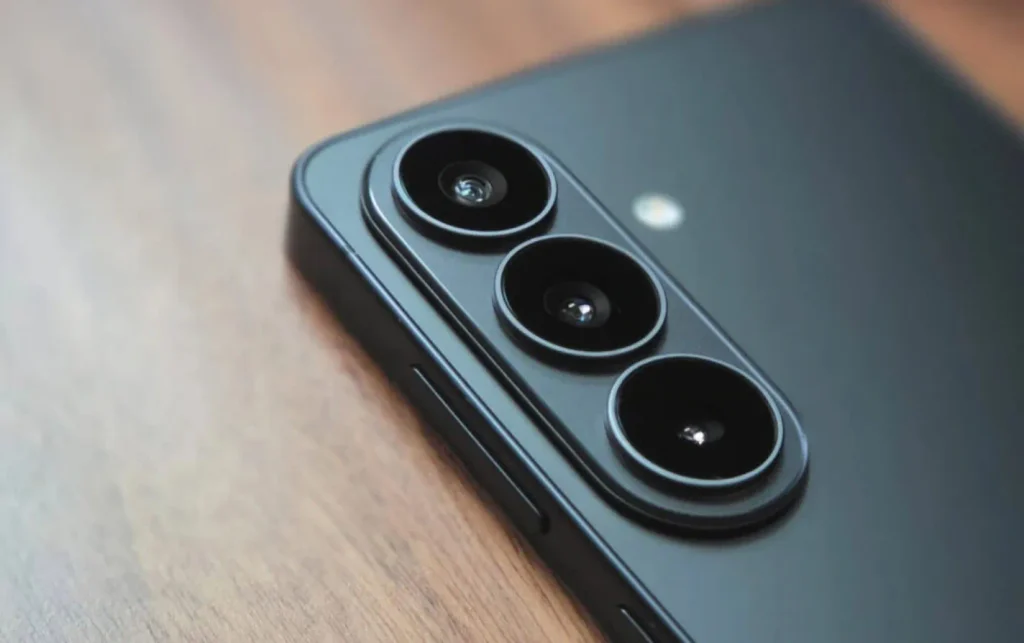
The October bulletin combines fixes from two sources. On the Android side, 45 vulnerabilities (CVEs) are addressed: 9 critical, 33 high-severity and 3 moderate. Samsung adds its own fixes, with 27 flaws tracked as SVEs, plus 4 high-risk corrections tied to semiconductor components.
Among the issues listed are memory-safety errors in audio extractors, text-to-speech tools and the HEIF image decoder, as well as a use-after-free flaw in the WSM service that could allow code execution at system level. A use-after-free happens when a program keeps using a block of memory that has already been released, which an attacker can exploit.
Which Galaxy devices are affected?
The patch covers Galaxy phones and tablets running Android 14, 15, 16 and 17, with flagships served first. It has already reached the Galaxy S26, S26+, S26 Ultra and S26 FE, as well as the Galaxy Z Fold 8, Z Fold 8 Ultra and Z Flip 8. Entry-level and mid-range models will follow.
In Europe and India, the rollout to the S26 series began on September 29 with build S948BXXS4BZIG and a download of about 550 MB. Samsung releases updates in stages, so the exact date depends on your country, model and carrier.
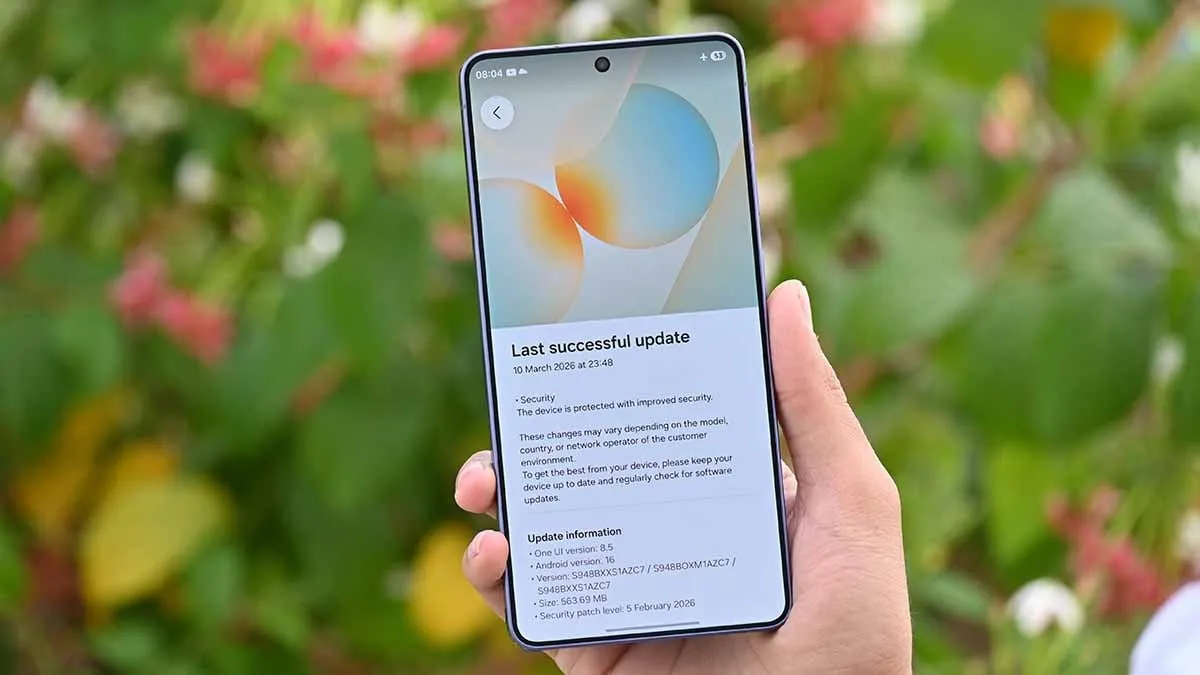
How to install it and check
Open Settings, then Software update, and tap Download and install. When it finishes, go to the software security information: you should see “SMR Oct-2026 Release 1”.
Why not to put it off
This batch brings no visible new features, and that is expected: its job is to close doors. With nine critical flaws and a defect capable of running code at system level, installing it promptly is the simplest precaution. Has your Galaxy not received the patch yet? Tell us in the comments, and find more Android news on Wanda-techs.
Share this content: