
This article contains affiliate links: if you buy through them, Wanda-techs earns a commission at no extra cost to you.
If GTA 6 won’t launch on your PS5, or the download is stuck, check the service status, your connection, your free space and the game’s licence first. The game came out at midnight local time on 19 November 2026 on PS5 and Xbox Series X|S.
On Xbox, this guide only covers the restart and the power cycle. For everything else, Xbox Support is the reference.
GTA 6 won’t launch on PS5: symptoms and causes
- The download won’t start, stays stuck or crawls: check the service status, your connection and your free space.
- The game shows a padlock on PS5: wrong account, expired PS Plus, console sharing turned off, or a licence that needs restoring.
- Free space is short: GTA 6 needs up to 212 GB depending on the device.
- On PS5, the game won’t start or freezes: PlayStation Support points to the Safe Mode option Clear Cache and Rebuild Database.
- On Xbox Series X|S, the game crashes: Xbox Support says a restart fixes most common game stability problems.
We found no error code specific to GTA 6 on the Rockstar, Sony and Microsoft pages we read on 19 November 2026. Be wary of codes sold as “the GTA 6 bug” with no official source.
Before you start
- A PS5 or an Xbox Series X|S: there is no PC version at launch. If you are still choosing a console, see which PS5 or Xbox to pick for GTA 6.
- The account that bought the game.
- Up to 212 GB of free space, depending on the device.
Warning: some steps erase data. On PS5, Cancel and Delete on a download wipes the part already downloaded, and you will have to fetch it again. On Xbox, before uninstalling a game, check that your saves are synced online.
Warning: on PS5, the PlayStation page we read does not say what a database rebuild keeps. Back up any console data you care about first. To free up space, check what you are deleting; each step that involves it is flagged just before.
Solution 1: check PlayStation Network status
On PS5:
- Open status.playstation.com on a phone or a computer.
- If an alert is active, wait until it is cleared, then restart the download or the game.
Expected result: no alert is shown. The download or the game can then start again.
If PlayStation or Xbox services are blocking your games, our guide to PSN or Xbox outages and licences that won’t validate walks you through what to do.
For Xbox and Rockstar, we have no verified status page. Go through Xbox Support, and for a problem with the game itself, the Rockstar help centre at support.rockstargames.com.
Solution 2: unstick a slow or stalled GTA 6 download
On PS5:
- Open Control Center > Downloads/Uploads.
- Select GTA 6, then choose Pause.
- Choose Resume.
- If the download still won’t restart, run Settings > Network > Connection Status > Test Internet Connection.
Expected result: the download progress can move again.
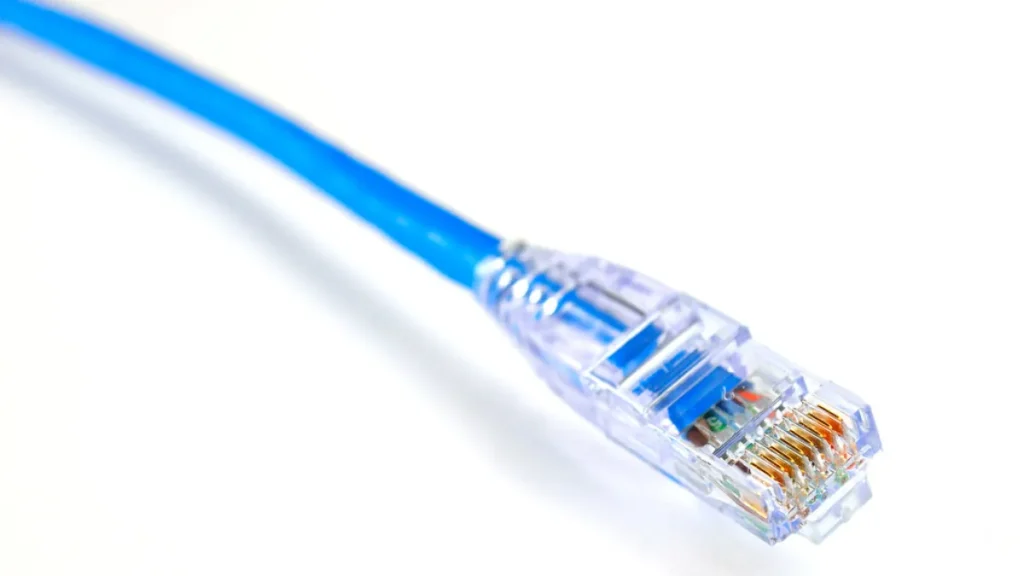
If Wi-Fi stays slow, a wired connection is often steadier. Here is a Cat 6 Ethernet cable to link the console to your router.
UGREEN Cat 6 Ethernet cable, 5 m
Connects a PC straight to the router for a stable wired connection. Handy for testing the network or working while Wi-Fi is down.
- AmazonSee at Amazon
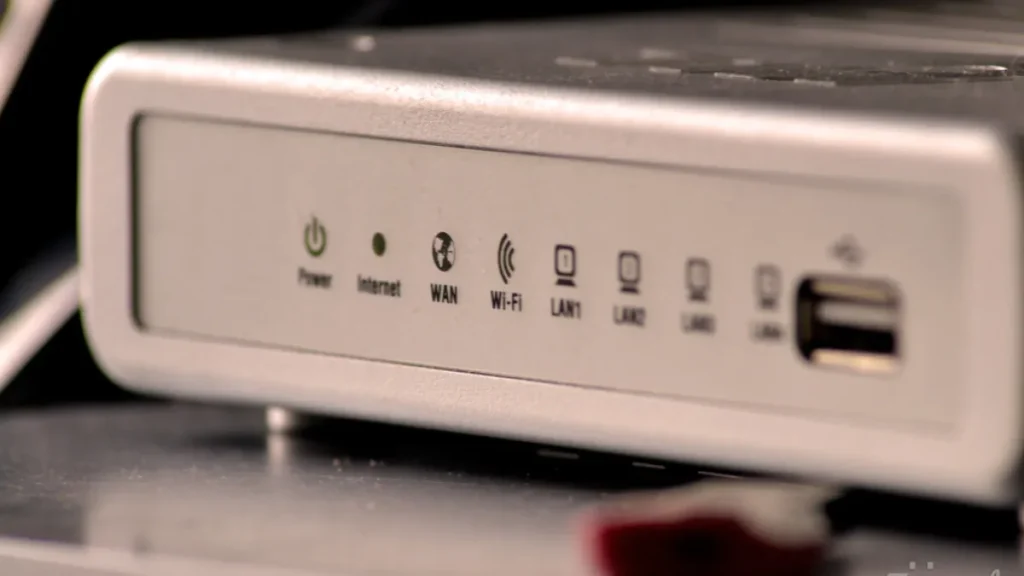
Changing DNS appears on none of the official PlayStation pages we read. The advice circulates on forums, where opinions are split.
On Xbox Series X|S, we could not read the Xbox Support page on slow or stalled downloads. Start with the restart in Solution 4, then follow the Xbox Support page.
Solution 3: free up space and update the PS5
Warning: freeing up space means deleting games or apps from the console. Before you delete anything, check what you are deleting.
On PS5:
- Open Settings > Storage and note the free space.
- In the Game Library, open the game’s page to read the minimum space it needs.
- If your free space is lower, make room before restarting the download: allow up to 212 GB depending on the device.
- Install the latest system software update from the console’s system settings, under Settings > System > System Software > System Software Update and Settings.
Expected result: free space is above what the game asks for, and the console shows the latest system software.
If internal storage is no longer enough, see how much space GTA 6 needs on PS5 and which SSD to add.
If space is still tight, here are two NVMe SSDs to compare for expanding the PS5’s storage.
- WD_BLACK SN850X 2 TB with heatsink (M.2 PCIe Gen4 NVMe SSD)M.2 NVMe PCIe Gen4 SSD supplied with its heatsink, in the 2280 format. It adds room for your games and fits the console expansion slot.AmazonSee at Amazon
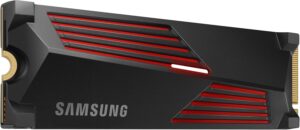 Samsung 990 PRO 2 To (avec dissipateur)SSD NVMe M.2 PCIe 4.0, jusqu’à 7 450 Mo/s en lecture, dissipateur adapté à la PS5.AmazonSee at Amazon
On Xbox, freeing up space, moving a game or updating the console is done by following the Xbox Support pages. We could not read them, so we give no menu path and no error code for these steps.
Solution 4: the game won’t start or freezes
On Xbox Series X|S: restart the console
According to Xbox Support, a restart or a power cycle fixes most common game performance and stability problems. It erases no games and no data.
- Hold the Xbox button on the controller to open the power menu.
- Choose the option to restart the console, then confirm.
If the console is frozen:
- Hold the Xbox button on the front of the console for about 10 seconds, until it shuts down.
- Press that button again, or the Xbox button on the controller, to turn it back on.
- If the green boot animation does not appear, repeat.
For a full power cycle:
- Shut the console down by holding the Xbox button on its front for about 10 seconds.
- Unplug the power cable.
- Wait at least 10 seconds.
- Plug the cable back in, then turn the console on.
Expected result: the green boot animation appears, and the game can then start.
If the game still won’t start after the power cycle, follow Xbox Support rather than a forum fix.
On PS5: the game shows a padlock
- Check in your transaction history that you are signed in with the account that bought the game.
- If the game depends on PS Plus, check that your subscription is active.
- Turn on Console Sharing and Offline Play.
- Run Restore Licenses from your account.
Expected result: the padlock can disappear from the game’s icon.
On PS5: rebuild the database
Warning: the PlayStation page we read does not say what this operation keeps. If you care about any console data, back it up first.
- Start the PS5 in Safe Mode, following the PlayStation Support procedure.
- Choose Safe Mode > Clear Cache and Rebuild Database.
When it finishes, launch GTA 6 again. Expected result: the game can then start.
Solution 5: delete the download and start it again
Warning: this solution wipes the part of GTA 6 already downloaded. You will have to download everything again, up to 212 GB depending on the device.
On PS5:
- Open Control Center > Downloads/Uploads.
- Select GTA 6, then Cancel and Delete: this erases the part already downloaded.
- Restart the download from the Game Library.
Expected result: a fresh download can start.
On Xbox, before uninstalling and reinstalling the game, check that your saves are synced online. Then follow the Xbox Support procedure.
If nothing works
Stop after these solutions and contact the right service:
- a purchase, licence or download problem on the PlayStation Store or the Microsoft Store is a matter for PlayStation Support or Xbox Support;
- a problem with the game itself is a matter for Rockstar Support, at support.rockstargames.com, which lists 24/7 help.
Have ready the exact error code or message, the steps that reproduce the problem, the date and time, and a screenshot or video.
Improve your console’s connection: our toolbox
A few pieces of equipment useful when Wi-Fi slows your downloads or storage runs short.
- TP-Link TL-PA4010 KIT, pack of 2 powerline adapters 500 Mbps with Ethernet portSends your network through the home power sockets and gives you an Ethernet port for the console. Useful when Wi-Fi is weak and no cable can run through the home.AmazonSee at Amazon
- TP-Link RE315 AC1200 dual-band Wi-Fi repeaterExtends the Wi-Fi signal into a room the router reaches poorly. Dual-band, it works on 2.4 GHz and 5 GHz.AmazonSee at Amazon
- WD_BLACK SN850X 2 TB with heatsink (M.2 PCIe Gen4 NVMe SSD)M.2 NVMe PCIe Gen4 SSD supplied with its heatsink, in the 2280 format. It adds room for your games and fits the console expansion slot.AmazonSee at Amazon
- Samsung 990 PRO 2 To (avec dissipateur)SSD NVMe M.2 PCIe 4.0, jusqu’à 7 450 Mo/s en lecture, dissipateur adapté à la PS5.AmazonSee at Amazon
Frequently asked questions
Why won’t GTA 6 launch on PS5?
Check four things first: PlayStation Network status, the game’s licence, free space and the console’s database. A padlock on the icon points to an account or licence problem, which Restore Licenses can fix. GTA 6 needs up to 212 GB depending on the device, and neither Sony nor Rockstar documents an error code specific to the game on the pages we read.
What should I do if the GTA 6 download is stuck?
On PS5, pause it and resume it from Control Center > Downloads/Uploads, and test the console’s Internet connection. If nothing moves, check your free space, then cancel and delete the download and restart it from the Game Library. That last step erases the part already downloaded.
How do I fix a game that crashes on Xbox Series X|S?
Restart the console, or do a full power cycle by leaving it unplugged for at least 10 seconds. According to Xbox Support, this fixes most common game stability problems without erasing games or data. If the problem continues, follow the Xbox Support pages.
Are Rockstar’s servers down?
We can’t tell from here: we have no verified Rockstar status page. On the PlayStation side, check status.playstation.com and wait for any alert to clear. For a problem with the game itself, go through Rockstar Support at support.rockstargames.com.
Photo credits: CreativeTools.se – PackshotCreator – Game controller by Creative Tools, licence CC BY 2.0; Wifi Router by s_pixels, licence CC BY 2.0; Blue Ethernet Cable by Open Grid Scheduler / Grid Engine, licence CC0 1.0
Share this content: