
This article contains affiliate links: if you buy through them, Wanda-techs earns a commission at no extra cost to you.
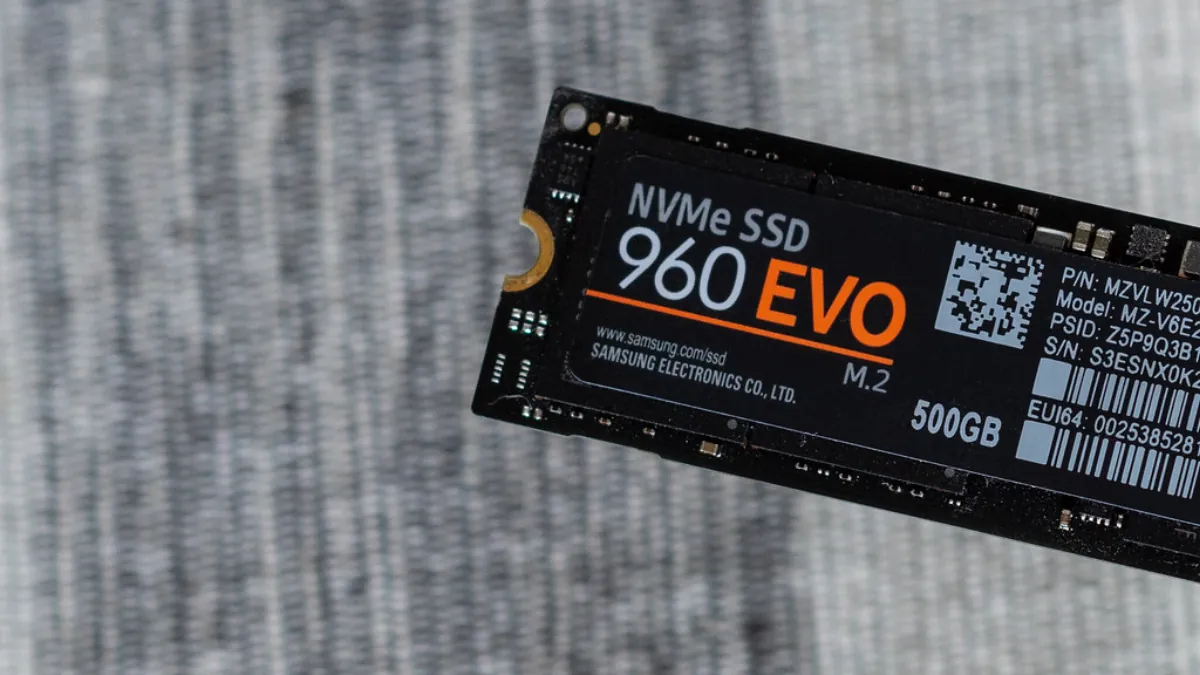
Rockstar’s announced GTA 6 PS5 storage size for preloading is up to 212 GB of free space, and the exact figure depends on the console (PS5, PS5 Pro, Xbox Series X|S). If your console is already full of games, you need to free up room or add an M.2 SSD, a small, fast storage drive that slides into a slot Sony built for it. The game launches on November 19, 2026.
Common symptoms and causes
- The download or preload won’t start: there isn’t enough free space, since GTA 6 asks for up to 212 GB on PS5.
- You read 150, 180, 200 or 210 GB elsewhere: those numbers were unofficial, and Rockstar’s figure replaces them.
- The M.2 slot cover won’t close after you add an SSD: the heatsink is too thick or too wide.
Before you start
- Update your PS5 to the latest system software before installing an SSD.
- Find your console’s model number: the procedure differs between the CFI-2000/CFI-7000 models and the CFI-1000. The PS5 Pro isn’t covered by the Sony pages we consulted, so we can’t confirm the procedure for that model.
- Have a size 1 Phillips screwdriver ready, plus an SSD fitted with a heatsink or a thermal transfer sheet.
Warning: opening the console may void your warranty, so check when it ends first. Sony itself describes how to open the M.2 slot cover on its support page. Never turn the console on while the covers are off, and touch a grounded metal object to discharge static electricity before handling the SSD.
Warning: formatting an M.2 SSD or USB storage erases everything on it, with no way back. Back up what is on the drive first: games, captures and files will be lost.
Step 1: compare your free space with the size of GTA 6 on PS5
- Open Settings > Storage.
- Look at the storage status shown.
- Compare it with the 212 GB announced by Rockstar.
If you have enough space, start the download. If not, go on to step 2.
Tip: Rockstar hasn’t said whether those 212 GB include a patch released at launch. Aim for free space above that figure, to be safe.
Step 2: free up space on your PS5
Warning: deleting a game removes it from the console. You can download it again later from your library, and you keep access to it.
- Open Settings > Storage > Console Storage > Games and Apps.
- Select a game you no longer play.
- Press Delete.
- For a game you want to keep in part, use Customize next to its name and delete only some of its content.
The free space shown in Settings > Storage should go up after each deletion.
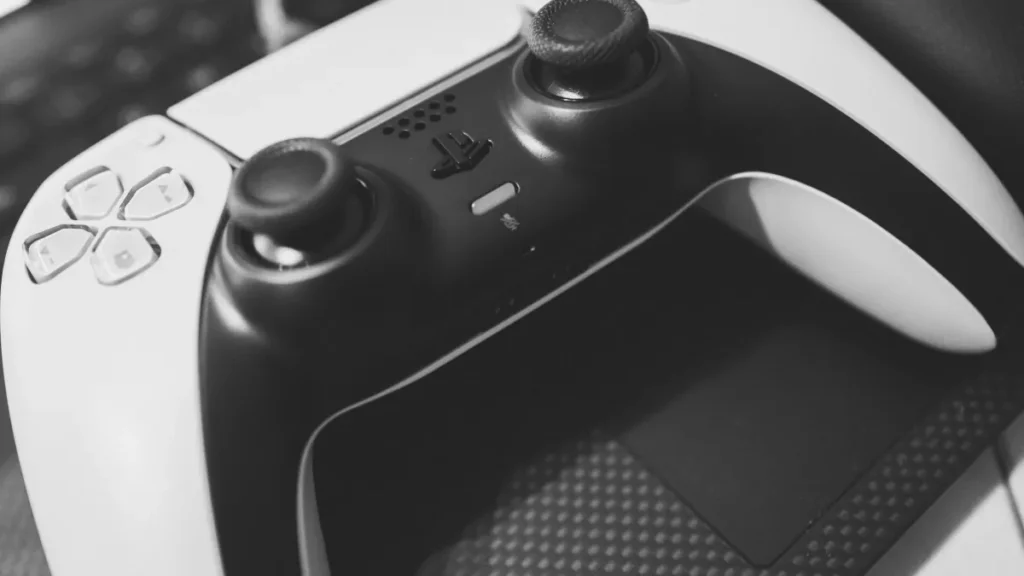
Good to know: an external USB drive can store your PS5 games, but you can’t play from it. Sony requires a SuperSpeed USB drive of 5 Gbps or faster, from 250 GB to 8 TB, plugged in without a hub, one at a time, and it doesn’t guarantee that every model works.
You move games from the game library, using the options button and Move Games and Apps. To play again, copy the game back to the console storage with Copy.
If you’re looking for a drive to store your PS5 games, here is a high-capacity external USB 3 hard drive.
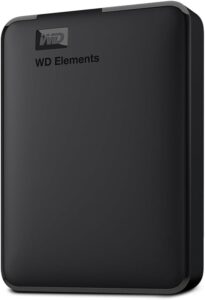
WD Elements 4 TB external hard drive
Stores a full copy of your files and settings before a risky operation such as a network reset or a system update. Connects by USB with no extra power supply.
- AmazonSee at Amazon
Step 3: choose a PS5 SSD for GTA 6
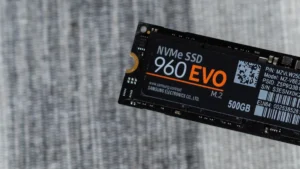
- Pick an M.2 NVMe PCIe Gen4 x4 SSD with an M key (socket 3). M.2 SATA SSDs don’t work.
- Choose a capacity between 250 GB and 8 TB.
- Check the form factor: 2230, 2242, 2260, 2280 or 22110.
- Aim for a sequential read speed of 5,500 MB/s or more, the value Sony recommends.
- Plan for cooling, which is mandatory: a heatsink or a thermal transfer sheet. An SSD that comes with a built-in heatsink doesn’t get a second one.
- Check the overall size with the cooling on: 25 mm wide at most and 11.25 mm thick at most, including 8 mm above the board and 2.45 mm below it.
The SSD you choose must tick all six boxes. For capacity, keep the 212 GB announced for GTA 6 in mind.
Here are two M.2 NVMe PCIe Gen4 SSDs that come with their heatsink, to compare before you buy.
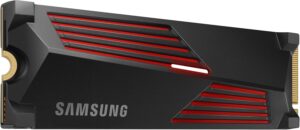 Samsung 990 PRO 2 To (avec dissipateur)SSD NVMe M.2 PCIe 4.0, jusqu’à 7 450 Mo/s en lecture, dissipateur adapté à la PS5.AmazonSee at Amazon
- WD_BLACK SN850X 2 TB with heatsink (M.2 PCIe Gen4 NVMe SSD)M.2 NVMe PCIe Gen4 SSD supplied with its heatsink, in the 2280 format. It adds room for your games and fits the console expansion slot.AmazonSee at Amazon
Step 4: install an M.2 SSD in your PS5
To unscrew the covers, a precision screwdriver kit with Phillips bits will do.
iFixit Mako precision screwdriver set, 64 bits
A precision driver with an aluminium handle and 64 bits, including the flat blade to open a key case. The magnetic case keeps the screws together so none gets lost.
- AmazonSee at Amazon
PS5 models CFI-2000 and CFI-7000
- Remove the triangular cover.
- Unscrew the M.2 slot cover screw, then remove that cover.
- Remove the screw and the spacer, then place the spacer at the mark that matches the length of your SSD.
- Insert the SSD at an angle into the notch, all the way in.
- Press the SSD down and tighten the screw.
- Put the slot cover back with its screw, then the triangular cover.
- Attach the stand, plug the cables back in and turn on the console.
PS5 model CFI-1000
- Turn the console off completely, unplug all the cables and let it cool down.
- Put the console on a flat, protected surface, then remove the stand.
- Turn the console over with the PS logo facing down.
- Lift the cover by its top left corner and slide it off.
- Unscrew the M.2 slot cover screw and remove that cover.
- Move the spacer to the groove that matches the length of your SSD.
- Insert the SSD at an angle.
- Secure the SSD to the spacer with the screw.
- Put the slot cover back.
- Set the cover back on, offset by about 2 cm (about 0.8 in), then slide it until it clicks.
- Plug the cables back in and turn on the console.
If the slot cover won’t close, the cooling is too big: remove the SSD and pick a thinner one. Otherwise, the formatting wizard should appear at the next startup.
Step 5: format the SSD and install GTA 6 on it
Warning: the next step erases all the data on the SSD, irreversibly. Back up what is on it first if you’ve used it elsewhere.
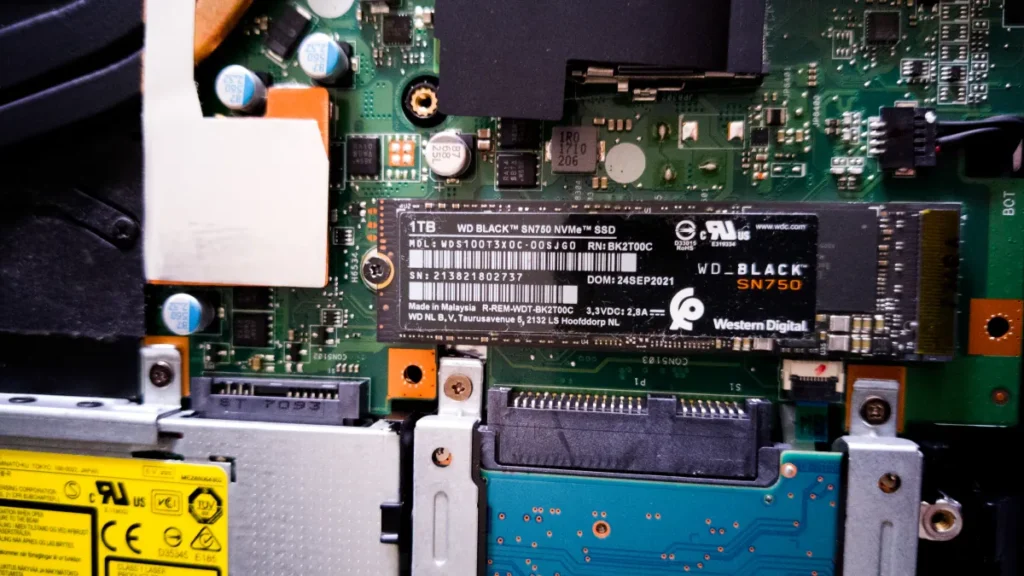
- Follow the formatting wizard that appears at first startup. The whole SSD is formatted, with no partitions possible, and the console must not be turned off during the process.
- Open Settings > Storage > Installation Location and choose the M.2 SSD for future downloads.
- To move a game that is already installed, open Game Hub > Game Library, highlight the game and press the options button.
- Choose Move Games and Apps, open the To M.2 SSD Storage tab if you also use a USB drive, select the games, then Move.
- Check what is on the SSD in Settings > Storage > M.2 SSD Storage.
Unlike USB storage, PS5 games launch straight from the M.2 SSD. GTA 6 should appear in Settings > Storage > M.2 SSD Storage and start normally.
Good to know: an SSD already formatted on another PS5 doesn’t need to be formatted again.
If nothing works
If a game installed on the M.2 SSD gives you trouble in use, pause downloads in the control center, then move the game to the internal storage. If the cover still won’t close, if the SSD isn’t recognized after formatting, or if your model isn’t covered by these steps, contact PlayStation Support. Keep at hand the console’s model number (CFI-…), the system software version, the purchase date and the exact SSD model.
Before sending the console in for repair, remove the M.2 SSD.
To compare consoles before a year-end purchase, read our PS5 vs Xbox Series X comparison for 2026. Everything else about the game is in our complete GTA 6 guide.
Take better care of your PS5: our toolbox
These products complete a M.2 SSD installation and the storage of your games.
- WD_BLACK SN850X 2 TB with heatsink (M.2 PCIe Gen4 NVMe SSD)M.2 NVMe PCIe Gen4 SSD supplied with its heatsink, in the 2280 format. It adds room for your games and fits the console expansion slot.AmazonSee at Amazon
- Samsung 990 PRO 2 To (avec dissipateur)SSD NVMe M.2 PCIe 4.0, jusqu’à 7 450 Mo/s en lecture, dissipateur adapté à la PS5.AmazonSee at Amazon
- iFixit Moray precision screwdriver set (32 bits)This case holds 32 precision bits, including Phillips and Torx, to open the battery cover and other small devices. The hardened steel helps avoid damaging the screws.AmazonSee at Amazon
- WD Elements 4 TB external hard driveStores a full copy of your files and settings before a risky operation such as a network reset or a system update. Connects by USB with no extra power supply.AmazonSee at Amazon
Frequently asked questions
How big is GTA 6 on PS5, in GB?
Rockstar announces up to 212 GB of free space for preloading, depending on the console. The 150 to 210 GB figures that circulated earlier were unofficial. Rockstar hasn’t said whether a launch patch comes on top of those 212 GB, so leave some margin.
Which SSD is compatible with the PS5?
An M.2 NVMe PCIe Gen4 x4 SSD with an M key, from 250 GB to 8 TB, in a 2230 to 22110 form factor. Sony recommends a sequential read speed of at least 5,500 MB/s and requires a heatsink or thermal sheet, within 25 mm wide and 11.25 mm thick. M.2 SATA SSDs are not supported.
Can you install GTA 6 on an external hard drive?
You can store the game on one, but you can’t play it from there: a PS5 game doesn’t launch from extended USB storage. You need to copy it back to the console storage or to an M.2 SSD to play.
How do I free up space on PS5?
Delete unused games in Settings > Storage > Console Storage > Games and Apps. A deleted game can be downloaded again from your library with no loss of access, and Customize lets you remove only part of a game. You can also move PS5 games to a USB drive to store them.
Photo credits: Samsung 960 EVO NVME M.2 SSD by originaldaniel, licence CC BY-SA 2.0; Playstation Dualsense controller by Sergey Galyonkin, licence CC BY-SA 2.0; WesterDigital-Black-NVMe-SSD by .mw-parser-output .template-designermadsen-source{border:1px solid #a2a9b1;background-color:#f8f9fa;display:grid;padding-left:4em;padding-right:4em;grid-template-columns:1fr 8fr;grid-template-rows:1fr;grid-column-gap:4em}.mw-parser-output .tdm-flex-container-center{width:100%;margin:0px;padding:0px;display:flex;justify-content:center;flex-direction:row}.mw-parser-output .template-designermadsen-source .tdm-avatar{display:flex;justify-content:center;flex-wrap:wrap;flex-direction:column;width:100%;margin-top:1em;margin-bottom:1em}.mw-parser-output .tdm-avatar img{border:1px solid #a2a9b1;padding:0.25em 0.25em}.mw-parser-output .template-designermadsen-source .tdm-attributes{width:100%;display:flex;flex-direction:column;justify-content:center;margin-top:1em;margin-bottom:1em}.mw-parser-output .template-designermadsen-source .tdm-attributes p{width:100%;margin-top:0.5em;margin-bottom:0.5em}@media only screen and (max-width:764px){.mw-parser-output .template-designermadsen-source{grid-template-columns:1fr;grid-template-rows:1fr 1fr;grid-column-gap:0px}.mw-parser-output .template-designermadsen-source .tdm-avatar{}.mw-parser-output .template-designermadsen-source .tdm-attributes{justify-content:center;text-align:center}} Author: Kent Madsen Designermadsen Flickr Deviantart, licence CC BY-SA 2.0
Share this content: