macOS 27: iPhone Mirroring gets three key upgrades
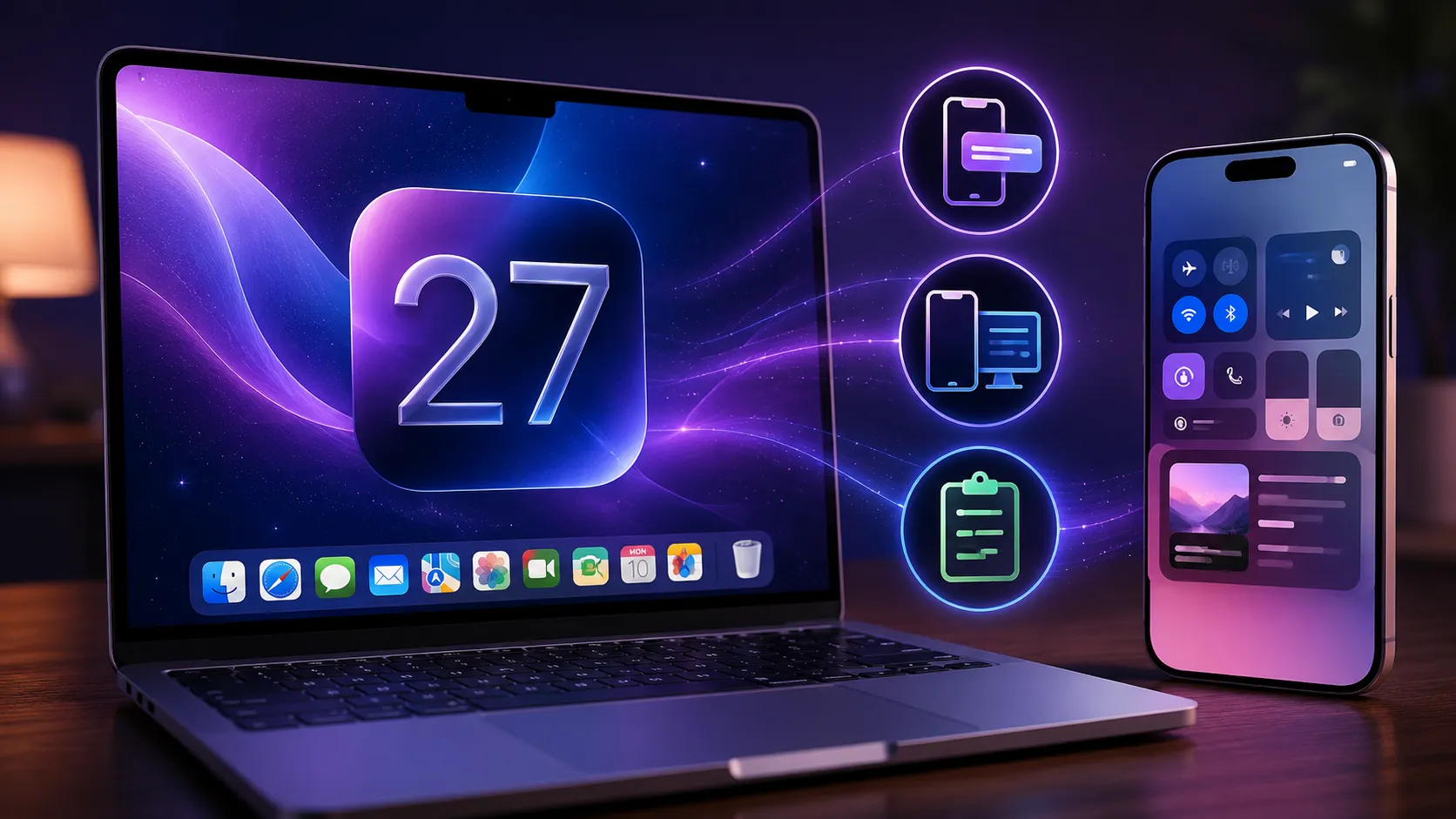
iPhone Mirroring, the feature that lets you drive your iPhone straight from your Mac’s screen, gets three long-awaited improvements with macOS 27 and iOS 27. The Golden Gate public betas, released in July 2026, bring a finally resizable window, Control Center access and support for DRM-protected video. Three fixes that answer well-known frustrations — and that, along the way, say a lot about what Apple is preparing for the autumn.
A window you can finally resize
This is the most visible change. Until now, iPhone Mirroring offered only three preset sizes: smaller, actual size, larger. There was no way to adjust the window freely like any other macOS app.
With macOS 27, you can resize the window as you please. One important caveat: it only works with iOS 27-compatible apps. For now, that means Apple’s own native apps. Support will expand as third-party developers ship their iOS 27 updates over the coming months.
In practice, you will be able to park iPhone Mirroring in a corner of your display at small size to keep an eye on notifications, or enlarge it to work comfortably in a mobile app that has no Mac equivalent.
Control Center accessible from the Mac
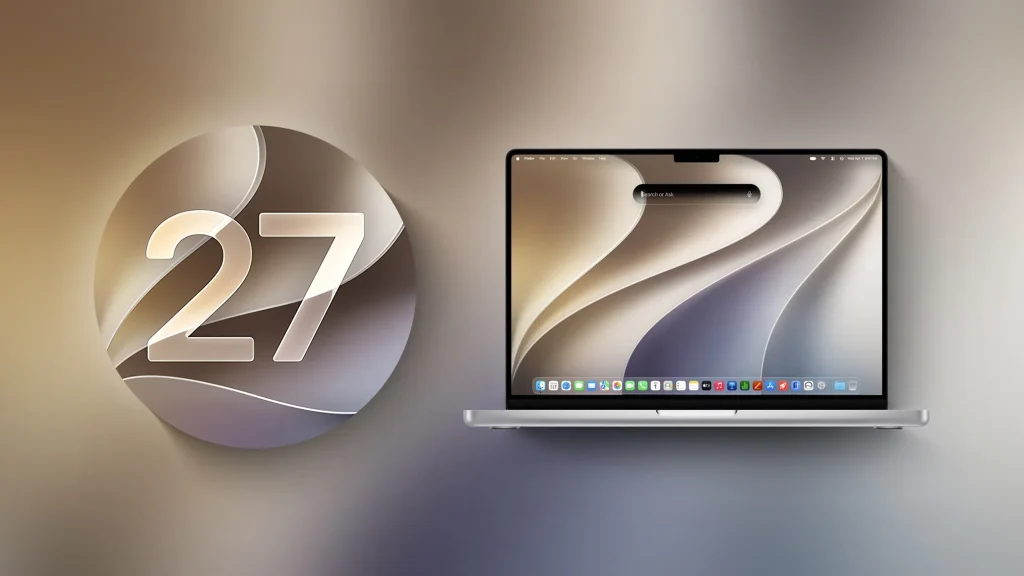
The second addition is access to the iPhone’s Control Center. Previously, iPhone Mirroring simply did not allow it. You had to pick up your phone to switch on airplane mode, adjust brightness or turn on the torch.
In macOS 27, two methods are available: the CMD+4 keyboard shortcut, or the “View” menu in the Mac’s menu bar. A small detail on paper, but it removes one of the last reasons to reach for your phone during a work session.
Protected videos no longer show a black screen
The third fix is the quietest but perhaps the most irritating in daily use: support for DRM-protected content. DRM refers to the digital locks streaming platforms apply to their video to prevent copying.
Until now, any protected video displayed a black screen as soon as iPhone Mirroring was active. Launch a stream from an app on your mirrored iPhone and you got nothing. macOS 27 lifts that limitation: DRM video now plays normally.
Apple is also giving iPhone Mirroring a new app icon, as it has for several other stock apps in this release.
Why now? The foldable iPhone
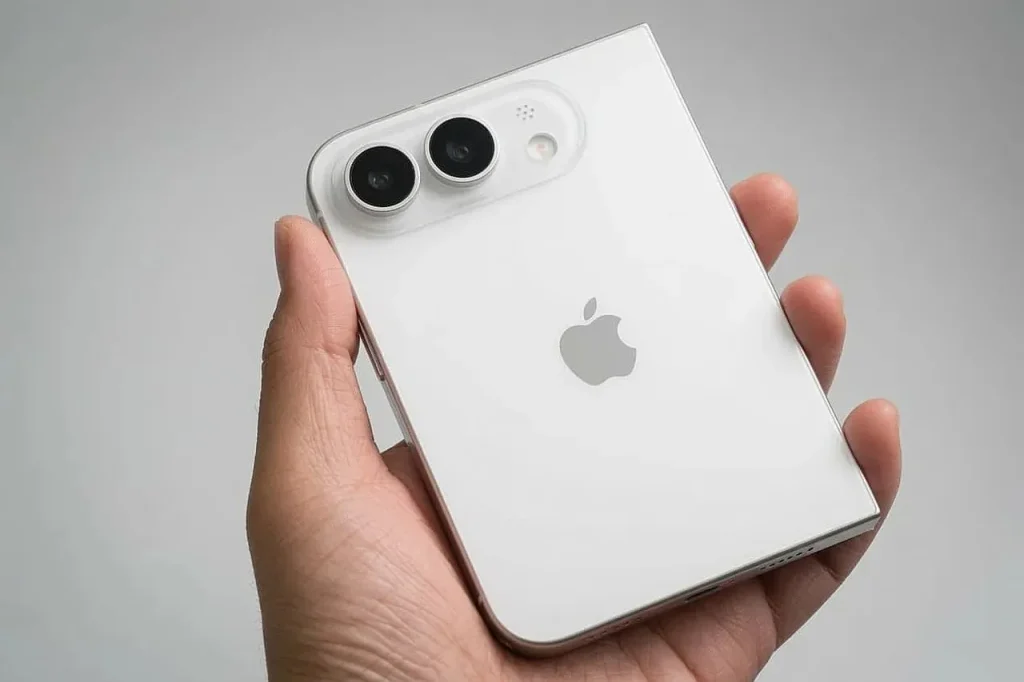
This is the most interesting read on the update. Free window resizing is not an ergonomics whim: it prepares the ground for a foldable iPhone, expected this autumn.
The logic is simple. A foldable phone changes format depending on whether it is open or closed. A mirroring system limited to three fixed sizes, calibrated on a screen of constant proportions, cannot handle that variability. By making the window dynamic, Apple gives itself the means to correctly display a device whose dimensions change mid-use.
The same reasoning applies to apps: it is because iOS 27 introduces app-side interface resizing that iPhone Mirroring can take advantage of it. Both systems are moving in step.
How to try it now
The iOS 27 and macOS 27 public betas have been available since July 2026. To get them, enrol your device in Apple’s public beta programme, then run the update from settings.
Warning: a beta remains software in development. Bugs, reduced battery life and app incompatibilities are to be expected. We advise against installing it on a device you depend on daily. If you do try it, back up first.
Good to know: iPhone Mirroring requires a Mac with Apple Silicon or a T2 security chip, an iPhone and Mac signed in to the same Apple Account, and both devices near each other.
What it means for you
If you already use iPhone Mirroring, these three additions remove the feature’s main irritants. The free window genuinely changes the experience: mirroring moves from stopgap gadget to a work tool you can slot into a multitasking flow.
If you do not use it yet, this may be the moment to look again. Replying to a message in a mobile app without leaving your keyboard, checking a banking app with no Mac version, dragging a file between the two devices: the feature covers real everyday uses.
Stable releases of macOS 27 and iOS 27 are expected in autumn 2026, in line with Apple’s usual schedule.
A quiet update that says a lot
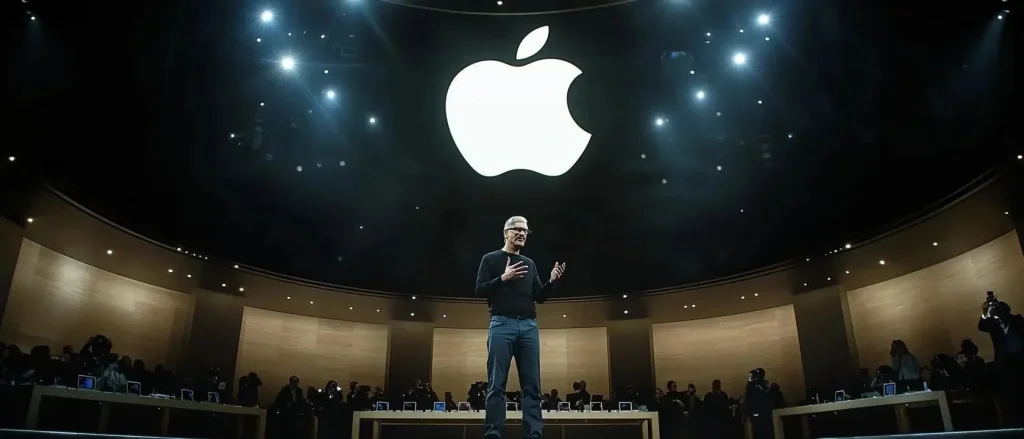
iPhone Mirroring on macOS 27 will not make the autumn headlines. It is instructive all the same: it shows Apple methodically adjusting its software ecosystem ahead of a major hardware launch. The three improvements are useful in themselves; their timing is just as telling.
Do you use iPhone Mirroring daily? Tell us what is still missing in the comments.
Read also:
- iPhone 18 Pro and foldable iPhone: details emerge on Apple’s September keynote
- iPhone 17 Pro Max vs. Samsung Galaxy S26 Ultra: which one to choose in 2026?
- iOS update and restore errors: decoding the codes and unblocking your iPhone
Share this content:





Post Comment